
X Ads MCP for full campaign management
Give Claude, ChatGPT, or any AI agent full read and write access to X Ads. Report on performance, build campaigns and promoted posts, manage targeting and audiences, and approve every change before it runs.


10,000+ marketers scaling with AI.

Trusted by marketing teams at












What X Ads MCP can do
Move from account-wide reporting to campaign creation, promoted posts, targeting, audiences, budgets, and delivery without switching out of your AI conversation.
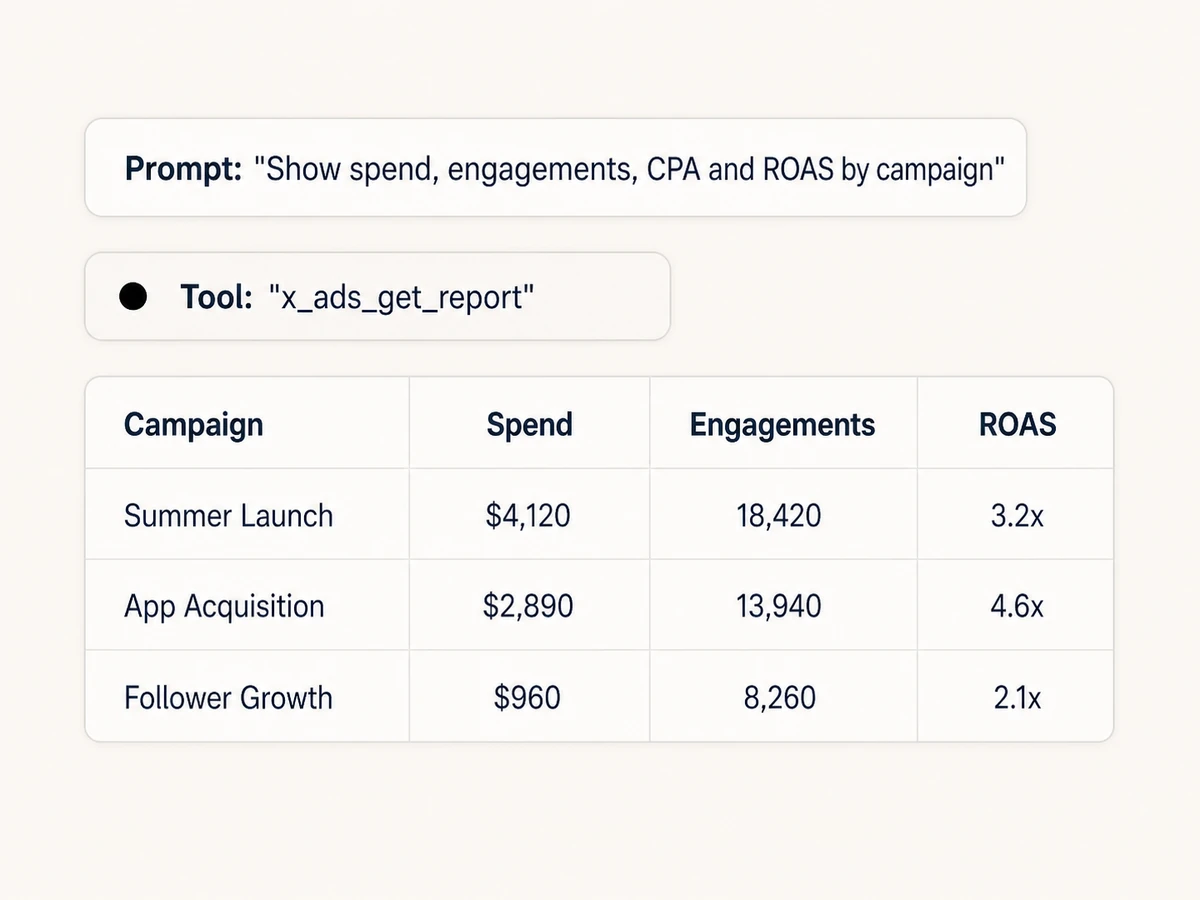
Build the X Ads report you need
Report at account, campaign, ad group, or ad level with custom metrics, dimensions, filters, date ranges, sorting, and clean columns instead of relying on one fixed dashboard.
Explain performance, not just totals
Analyze spend, impressions, clicks, engagements, follows, video completion, conversions, CPA, CTR, CPC, CPM, and ROAS, then ask your AI to identify winners and wasted budget.
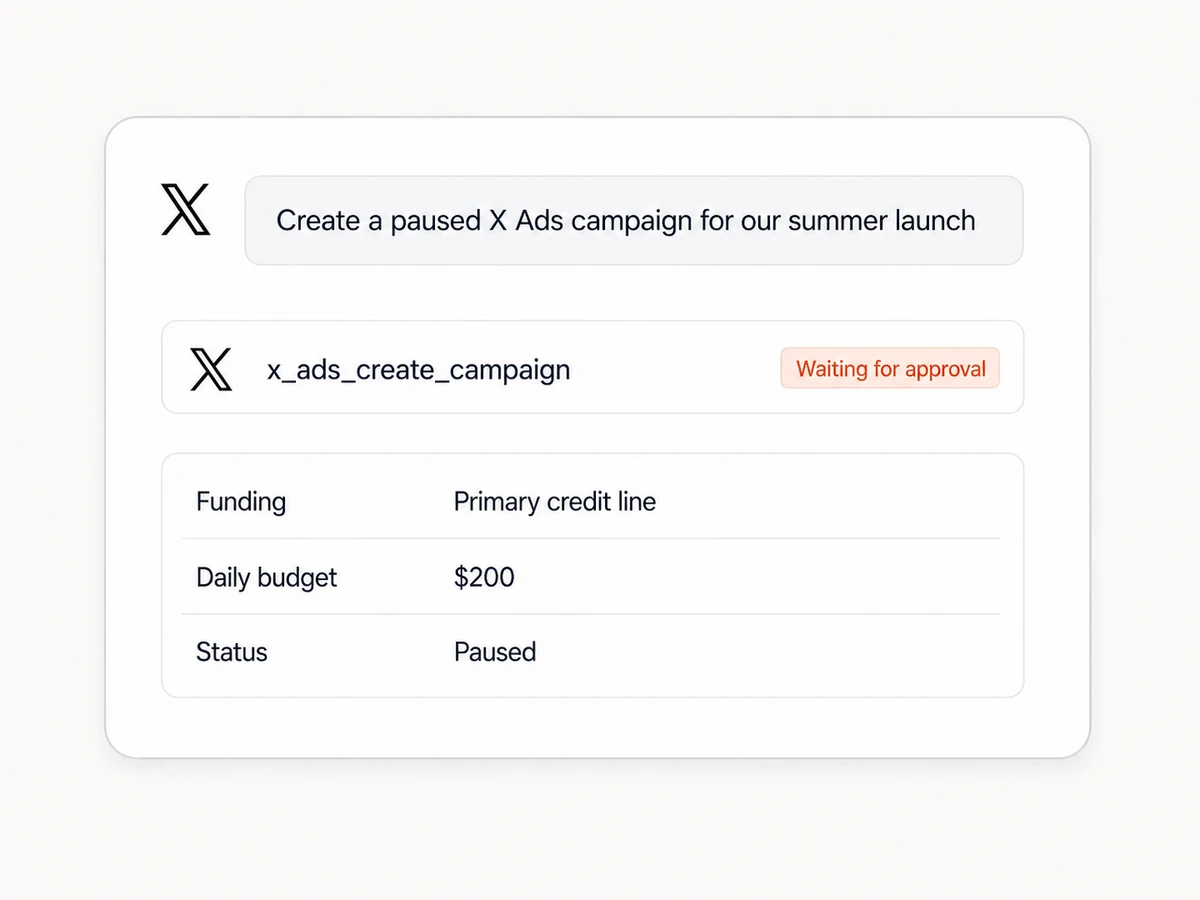
Create campaigns and ad groups
Build campaigns, then configure ad groups with objectives, placements, schedules, bids, goals, budgets, frequency caps, and audience expansion. Keep new delivery paused until it is reviewed.
Find and apply precise targeting
Search locations, interests, events, conversations, devices, platforms, languages, TV shows, and IAB categories, then add keywords, follower lookalikes, demographics, or custom audiences.
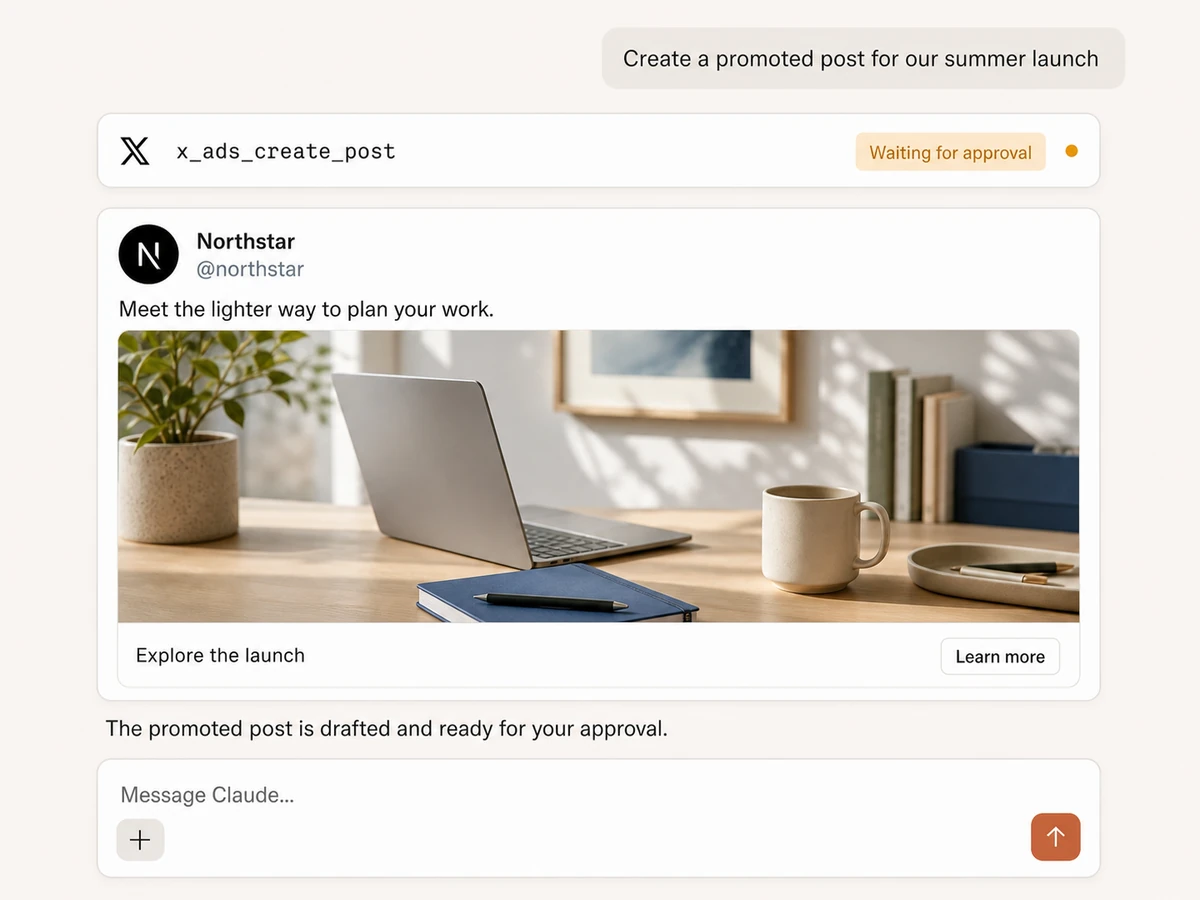
Build posts, cards, and promoted ads
Upload image or video media, draft organic or promoted-only posts, create website or app cards, and turn post IDs into ads. Create follower ads for account-growth campaigns too.
Manage audiences and delivery
Create, rename, update, or delete audiences; add or remove hashed users; and manage campaign, ad-group, and ad budgets, names, settings, and delivery status with approval-gated writes.
X Ads management,
connected to your whole stack
Report on paid performance, build campaigns, and carry the results into Sheets, BigQuery, Slack, analytics, and the rest of your marketing workflow.





























Start managing X Ads
Connect the ad account, add Markifact to your AI assistant, and start reporting or preparing approval-gated changes in three steps.
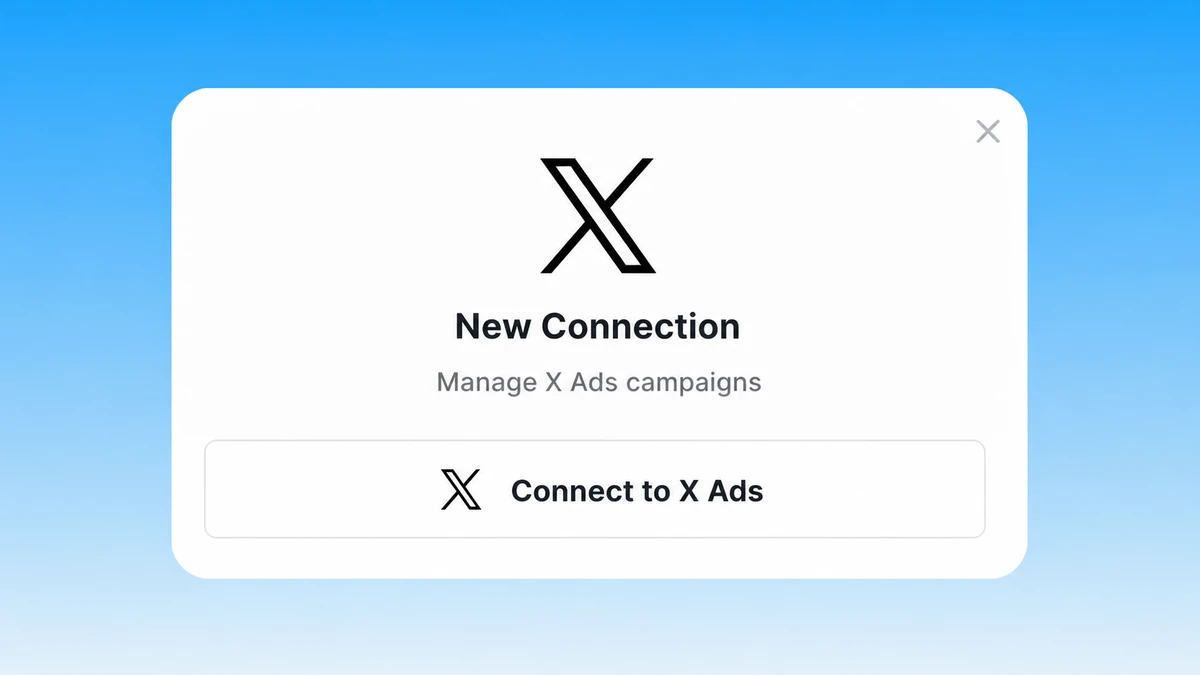
Connect X Ads
Sign up for Markifact and authorize X Ads. Select the advertiser accounts you want your AI assistant to report on and manage.
Markifact is available in the Claude connector directory:
Connect in Claude Open the listing and click Connect to add Markifact to Claude.
Connect your AI assistant
Pick Claude, ChatGPT, Cursor, or any MCP-compatible assistant and copy the setup. One URL or command connects it to Markifact.
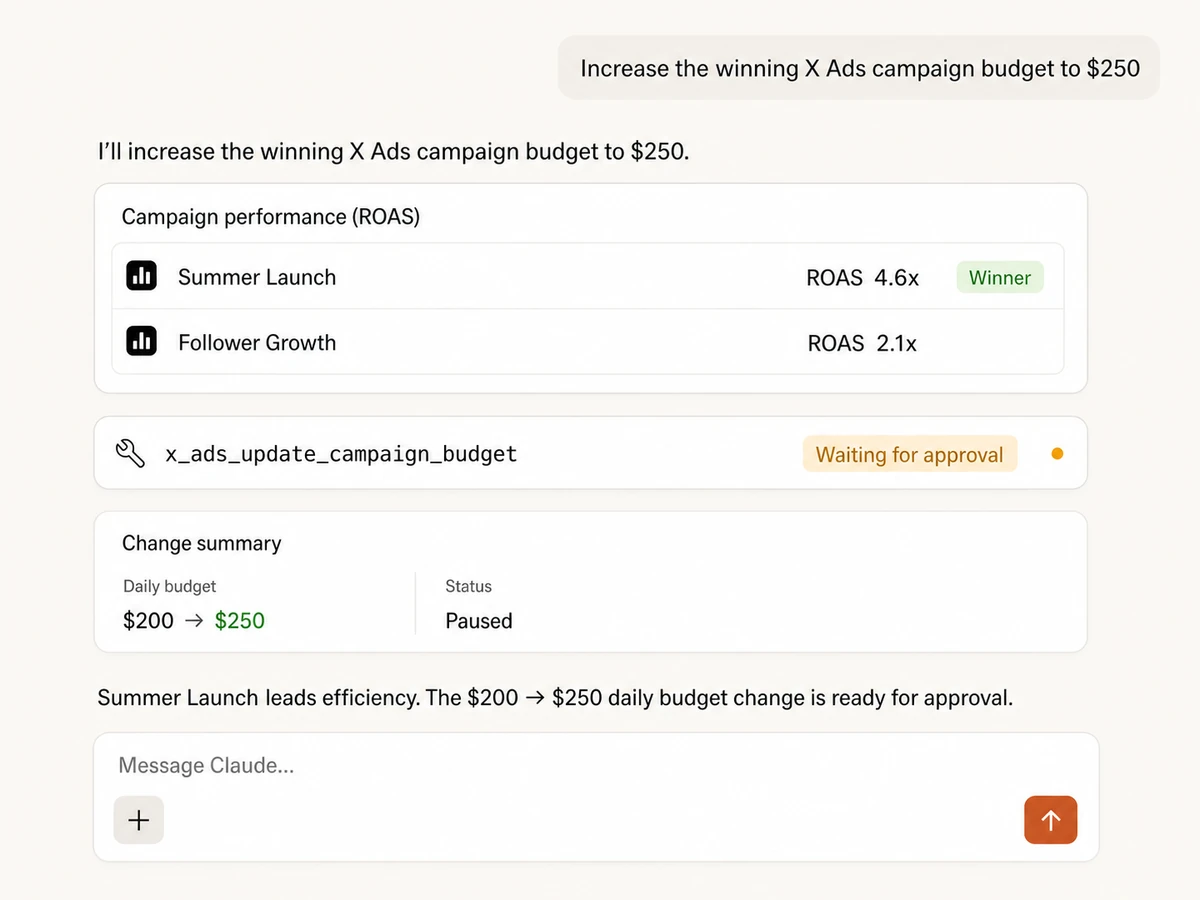
Start managing X Ads
Ask for reports, draft campaigns and promoted posts, or prepare optimizations in plain English. Review each write before Markifact applies it.
X Ads MCP prompt examples
Explore the account, analyze performance, build campaigns, and prepare controlled optimizations.
Map campaigns, targeting, and audiences
Inspect the current X Ads setup before changing it.
List my X Ads campaigns, ad groups, ads, cards, audiences, and funding instruments. Flag paused or underdelivering entities, summarize the targeting on each active ad group, and tell me which report fields we should use for a full performance audit.
Markifact, X Ads Manager, or the API?
Use Markifact for conversational work across your stack, Ads Manager for hands-on operation, or the API when you want to own the implementation.
| Capability | Markifact MCP | X Ads Manager | Direct API |
|---|---|---|---|
| Natural-language workflow | Ask for reports or campaign changes in Claude, ChatGPT, or another MCP client | Navigate and configure each view manually | Build your own interface and orchestration |
| Reporting | Custom account, campaign, ad-group, and ad reports with AI interpretation | Native dashboards and exports | Implement report queries and calculations |
| Campaign management | Create and update campaigns, ad groups, ads, budgets, and delivery | Full hands-on management | Full control after engineering work |
| Creative workflow | Upload media, create posts, cards, follower ads, and promoted ads | Build creatives in the ads interface | Implement media and creative endpoints |
| Targeting and audiences | Search targeting, apply criteria, and manage custom audiences conversationally | Search and configure targeting manually | Build targeting discovery and validation |
| Approval controls | Writes show the proposed change and wait for approval | Changes are applied by the signed-in operator | Your team must build governance |
| Cross-channel context | Analyze X Ads beside the rest of your marketing stack | X Ads only | Requires additional integrations |
Full management with approval controls
Reporting reads can run immediately. Campaigns, posts, ads, targeting, audiences, budgets, and status changes are shown for review and wait for your approval before Markifact writes to X Ads.
More MCP servers
All MCP serversTikTok Ads MCP
Use TikTok Ads inside MCP clients for reporting, Spark Ads from organic posts, Smart+ campaigns, and Ads Library research.

Reddit Ads MCP
Use Reddit Ads inside MCP clients to report on performance and create or manage campaigns, ad groups, posts, ads, audiences, budgets, targeting, and delivery with approvals.
Meta Ads MCP
Use Meta Ads and Facebook Ads workflows inside MCP clients for ad sets, creatives, reporting, and Advantage+ workflows.
LinkedIn Ads MCP
Use LinkedIn Ads inside MCP clients for B2B reporting, campaign creation, lead-focused creative, targeting, and approval-based optimization.
Frequently Asked Questions
Have a different question? Reach out to Markifact support team.
Manage X Ads from your AI client
Report, create campaigns and promoted posts, manage targeting and audiences, and approve changes without building against the X Ads API.