
LinkedIn Ads Library MCP for competitor research
Connect LinkedIn Ads Library to Claude, ChatGPT, Cursor, or any MCP-compatible AI assistant. Search public ads by keyword or advertiser, compare B2B messages and offers, and turn the findings into a creative brief.


10,000+ marketers scaling with AI.

Trusted by marketing teams at












What you can do with LinkedIn Ads Library MCP
Search public LinkedIn ads with useful filters, then let the AI compare the whole result set instead of opening ads one by one.
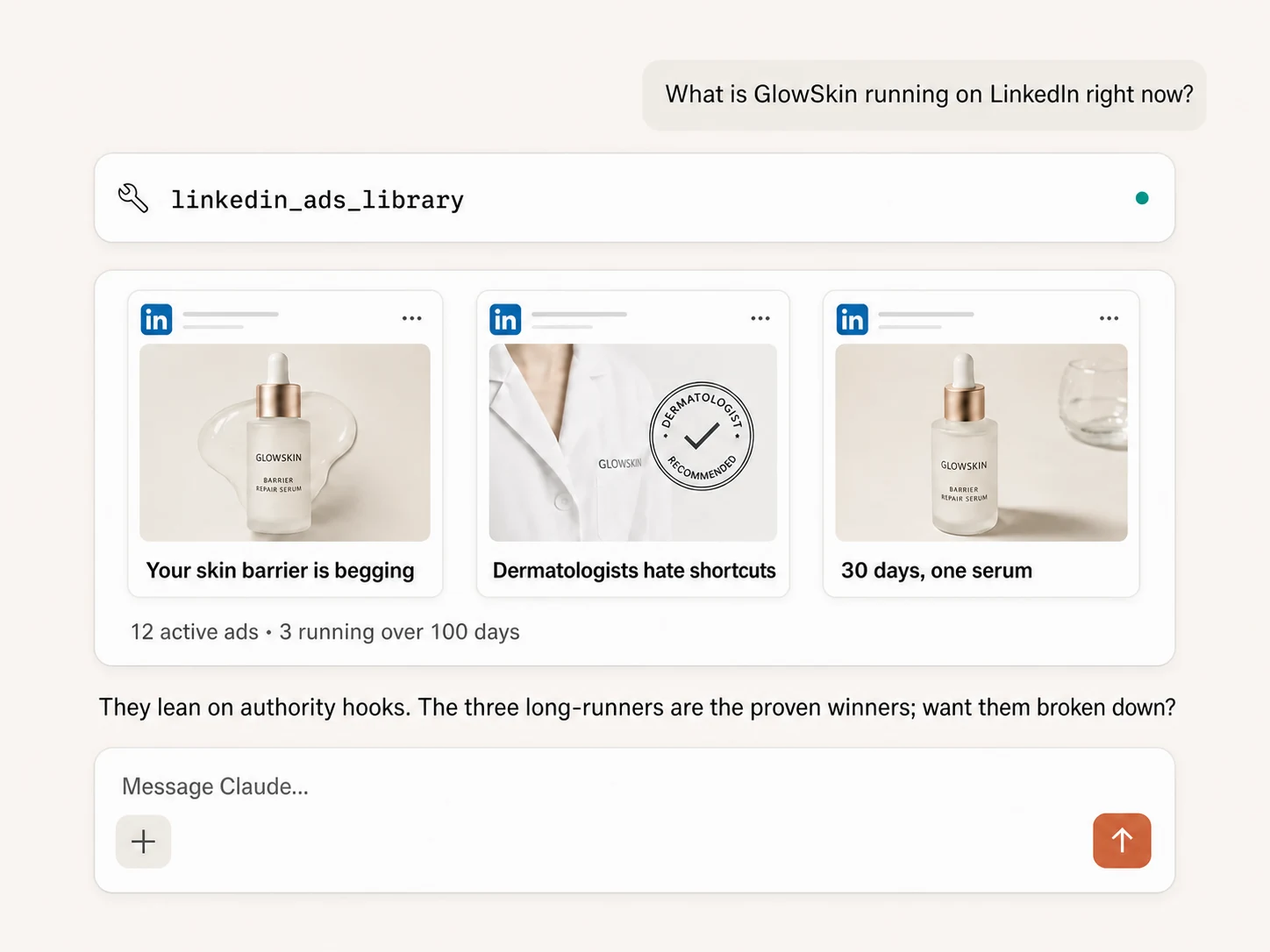
Search by keyword or advertiser
Find public LinkedIn ads with a keyword, phrase, or advertiser name, then retrieve up to 200 results without paging through the library by hand.
Review the full result set
Bring public advertiser and creative records into one conversation so the AI can summarize messages, offers, formats, and calls to action.
Focus by market and date
Choose a country and custom date range, or paste a LinkedIn Ads Library URL that already contains the countries and dates you want to research.
Reuse a filtered library URL
Copy a search URL from LinkedIn Ads Library and let Markifact parse its supported keyword, advertiser, country, and date filters.
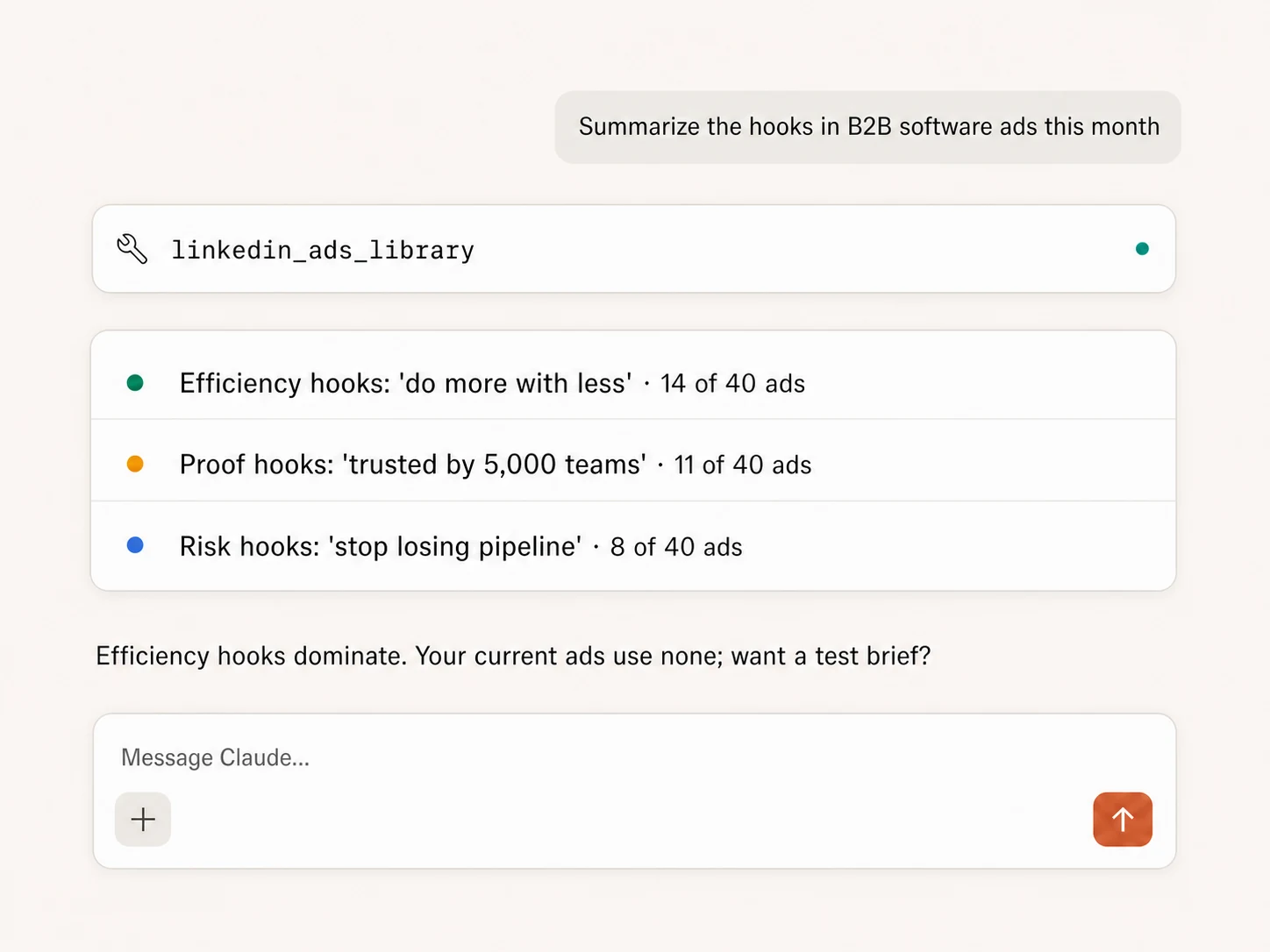
Analyze B2B messaging at scale
Group dozens of ads by pain point, proof, audience, funnel stage, offer, and CTA, with examples and counts instead of a loose swipe file.
Turn research into a brief
Compare LinkedIn findings with Meta or TikTok, then draft a Google Docs brief or Slack summary in the same MCP session.
Use LinkedIn Ads Library in your favorite AI.
Plus your whole marketing stack
One MCP server. Public competitor ads, your own accounts, and the AI assistant you already use.





























Set up in minutes
No Ads Library scraping scripts or server hosting. Connect LinkedIn once and research from your AI assistant.
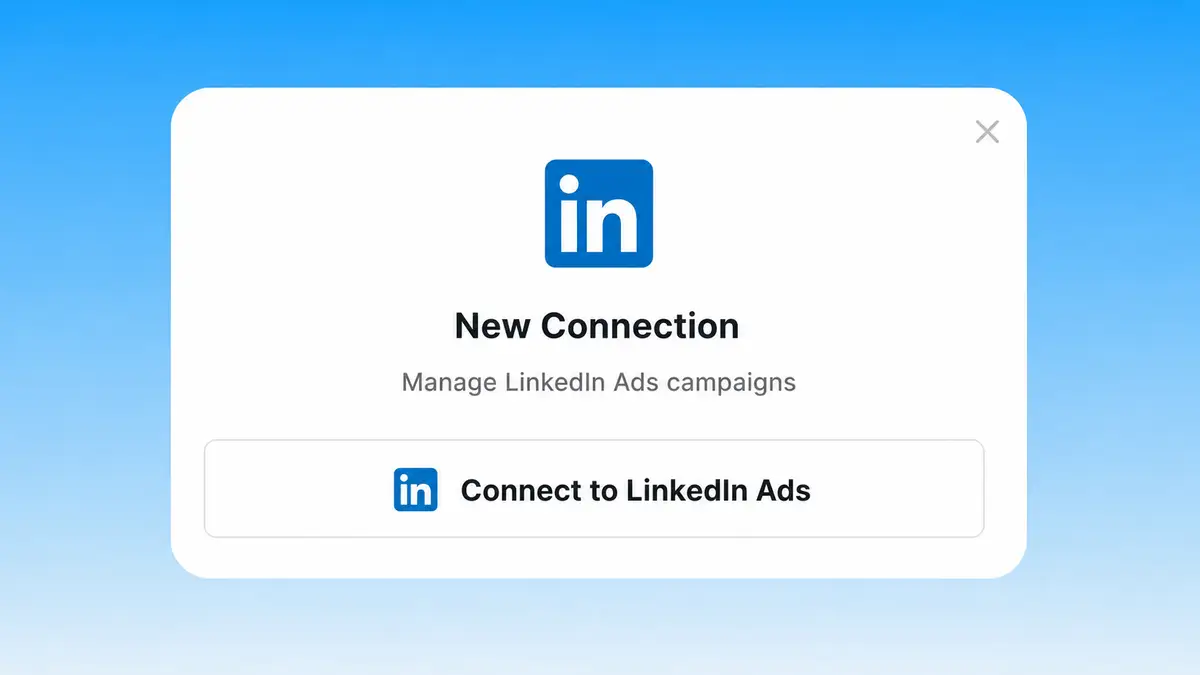
Connect LinkedIn Ads
Connect LinkedIn Ads in Markifact. The same connection makes the Ads Library operation available to your AI client.
Markifact is available in the Claude connector directory:
Connect in Claude Open the listing and click Connect to add Markifact to Claude.
Connect your AI assistant
Choose Claude, ChatGPT, Cursor, or another MCP client and add Markifact's hosted endpoint.
Start researching
Ask for a company, keyword, country, date range, or filtered library URL. The AI retrieves the ads and summarizes what matters.
LinkedIn Ads Library MCP prompt examples
Scan, compare, analyze, and act on LinkedIn competitor research from the MCP client you already use.
Find what a company or category is running now.
> Search LinkedIn Ads Library for Acme Cloud and return its 30 most recent public ads.
> Find LinkedIn ads matching the phrase "revenue intelligence" in the US during the last 90 days.
> Use this LinkedIn Ads Library URL and summarize the results using the filters already in it.
> Search this advertiser name and group the returned ads by product and audience.
What a session actually looks like
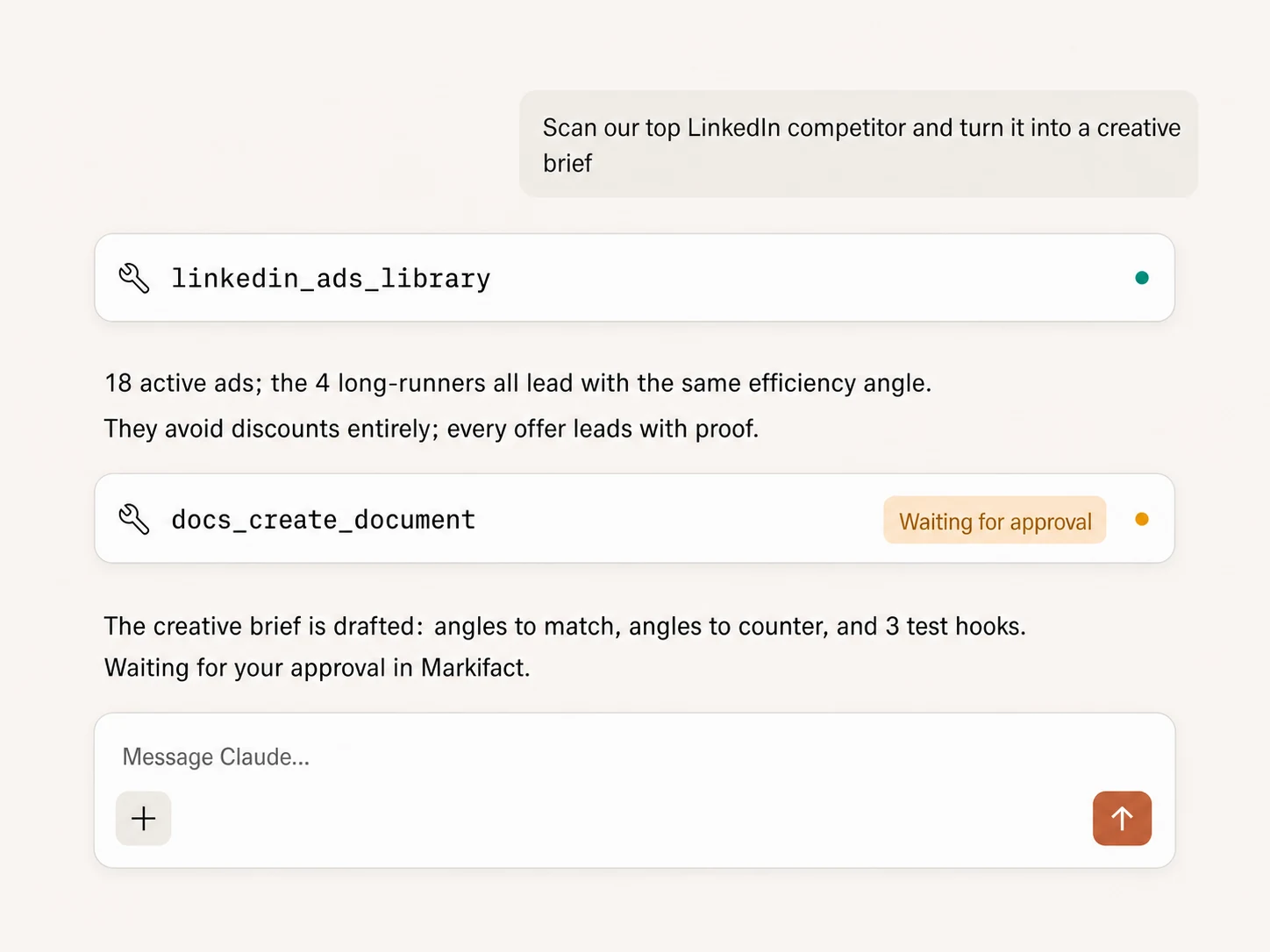
The library scan is read-only. If you turn the findings into a document or campaign action, that downstream write waits for approval.
Example using linkedin_ads_library followed by docs_create_document. Only the document write requires approval.
Which way to research LinkedIn ads is right for you?
LinkedIn Ads Library
First-party, manual research
Choose it if
- You need a quick one-off search
- You prefer reviewing public ads yourself
Ad spy tools
Dedicated research workflows
Choose it if
- Creative research is a full-time workflow
- You need saved boards, alerts, or specialist databases
Markifact
AI analysis in your marketing stack
Choose it if
- You want patterns summarized in Claude or ChatGPT
- You want cross-platform research in one conversation
- You want findings turned into approved briefs and actions
| Capability | Markifact MCP | LinkedIn website | Ad spy tools |
|---|---|---|---|
| Search setup | Keyword, advertiser, or pasted filtered URL | Configure filters manually | Varies by product |
| Country and date filters | Yes | Yes | Usually |
| Results per request | Up to 200 with pagination handled | Browse pages manually | Plan-dependent |
| Messaging analysis | Summarized in the MCP conversation | You analyze manually | Features vary |
| Cross-platform comparison | LinkedIn, Meta, TikTok, and Google | Requires separate libraries | Depends on coverage |
| Your own account context | Combine with LinkedIn Ads reporting | Not connected | Usually not connected |
| Briefs and downstream actions | Docs, Sheets, Slack, and approval-gated actions | Copy-paste | Exports and boards vary |
Frequently Asked Questions
Have a different question? Reach out to Markifact support team.
More MCP servers
All MCP serversLinkedIn Ads MCP
Use LinkedIn Ads inside MCP clients for B2B reporting, campaign creation, lead-focused creative, targeting, and approval-based optimization.
Meta Ads Library MCP
Research competitor ads from MCP clients: search the Ads Library by advertiser or keyword, analyze hooks, and draft creative briefs.
TikTok Ads Library MCP
Search public TikTok ads by keyword, advertiser, country, date, or filtered URL, then analyze hooks and draft creative briefs.
Google Docs MCP
Draft briefs and reports from MCP clients, written from live marketing data, with recurring docs that append instead of rewrite.
Research the LinkedIn ads your market is seeing
Search public ads, find recurring B2B messages and offers, and turn the result into your next approved creative brief.