
Slack MCP for reports and alerts
Give Claude, ChatGPT, Cursor, and other MCP clients a safe way to publish marketing summaries to Slack. Send formatted channel posts, thread replies, images, and report attachments, with approval before every message.


10,000+ marketers scaling with AI.

Trusted by marketing teams at












What you can do with Slack MCP
Use Slack as the final destination for research and reporting performed across the rest of your connected marketing stack.
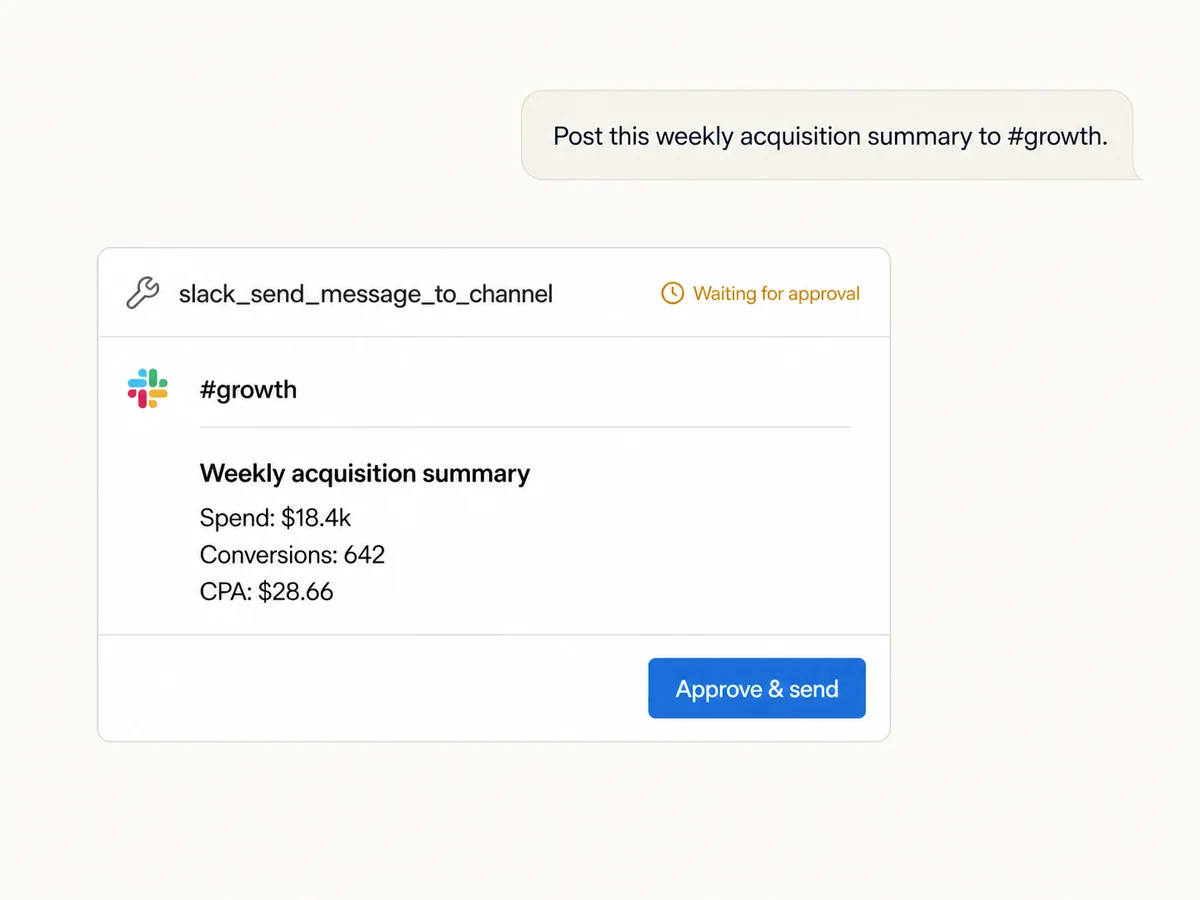
Send updates to the right channel
Choose any public channel where the Markifact bot is present or a private channel where it is a member, then prepare a clear update from the conversation.
Turn findings into useful alerts
Share pacing changes, performance anomalies, launch updates, and weekly summaries without copying numbers between your marketing tools and Slack.
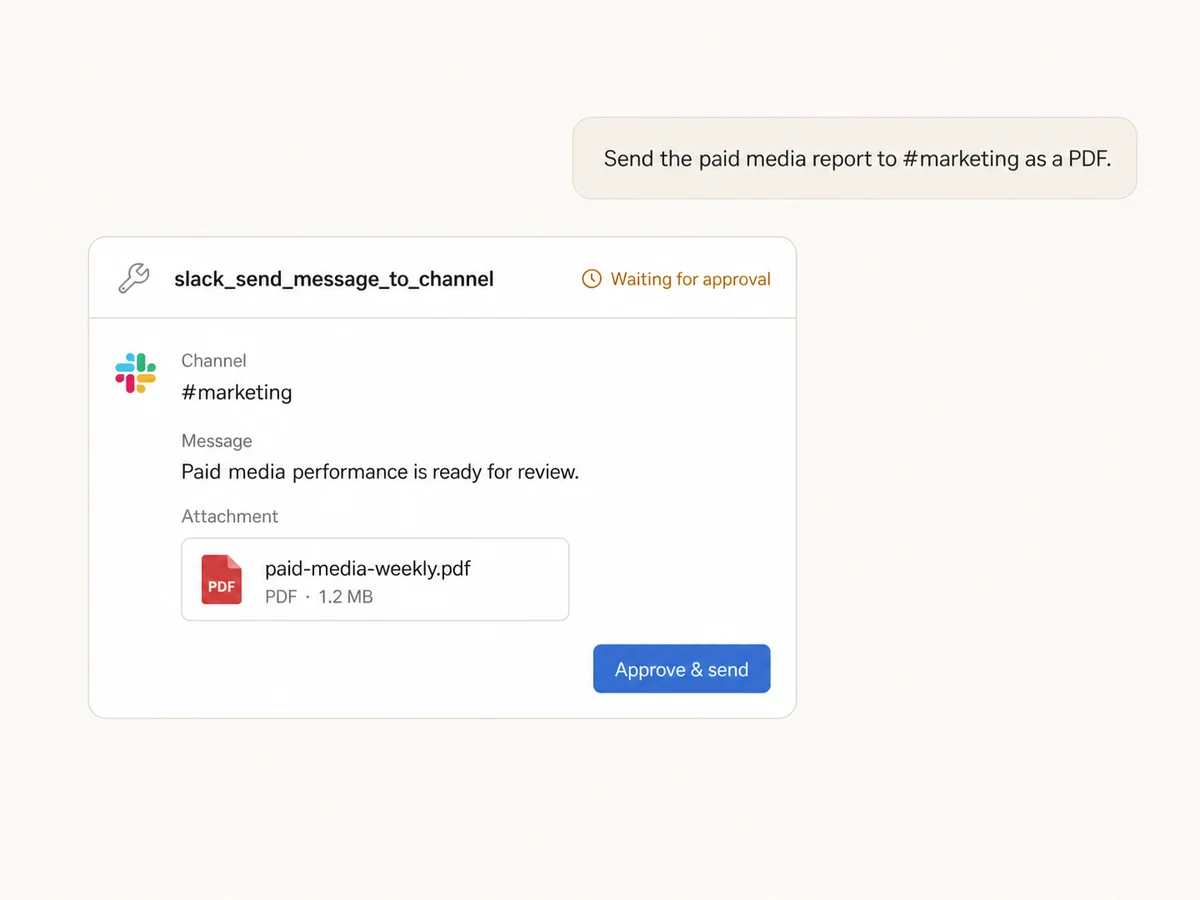
Attach the report, not just the headline
Include upstream workflow data as CSV, PDF, TXT, or JSON so the team gets the short summary and the supporting detail together.
Keep formatting and images readable
Write multi-line Markdown, include image links, and let Markifact convert the message into Slack-friendly text and blocks before it is posted.
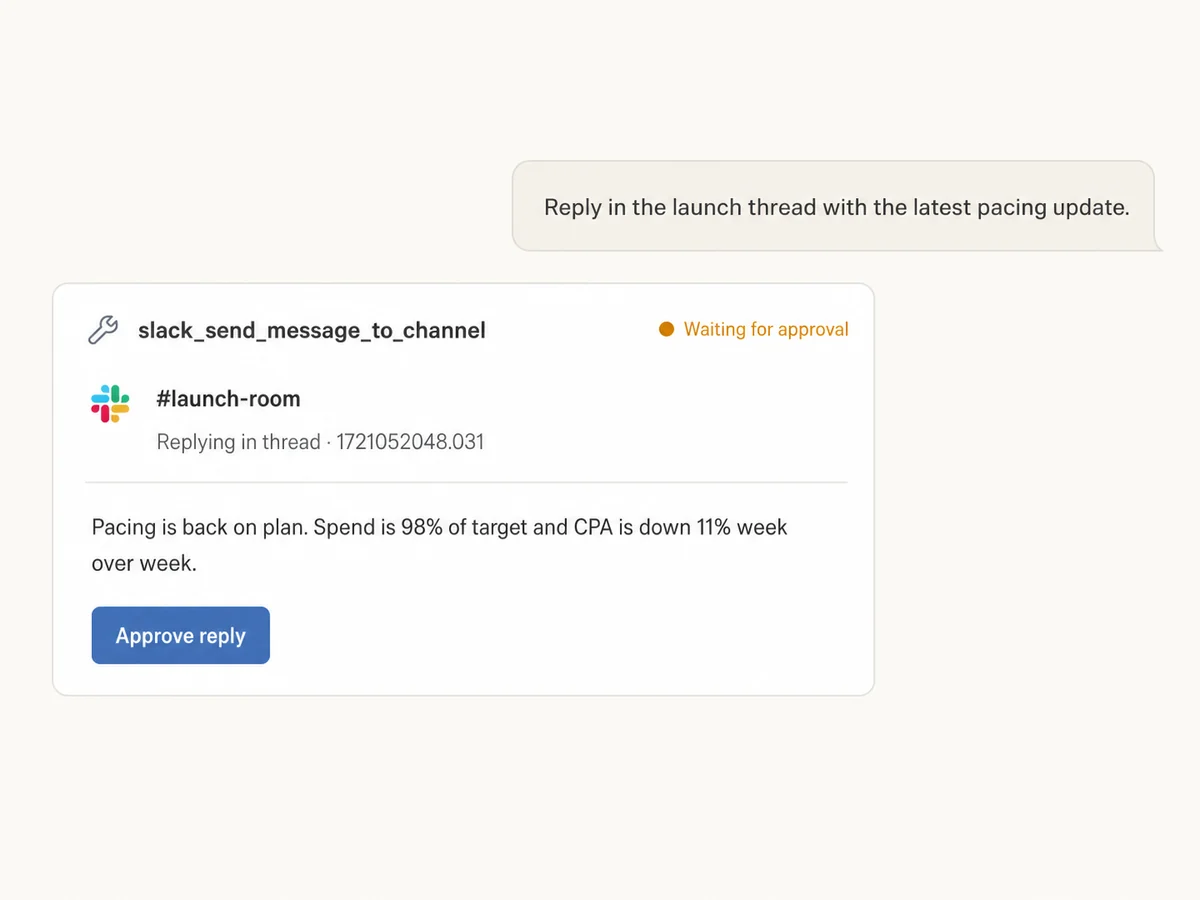
Reply inside the existing thread
Pass a thread ID to keep launch notes, investigation updates, and follow-ups beside the conversation they belong to instead of starting another channel post.
Approve every message before it posts
Slack is a write action in Markifact. The AI prepares the channel, message, thread, and attachment, then waits for your explicit approval before sending.
Marketing data in. Approved Slack update out.
Connects to every marketing platform
Analyze performance across ads, analytics, commerce, and reporting tools, then prepare the final team update without moving data by hand.





























Start using Slack MCP
Connect your workspace, add the bot to the channels you want to use, and add Markifact's hosted endpoint to your MCP client.
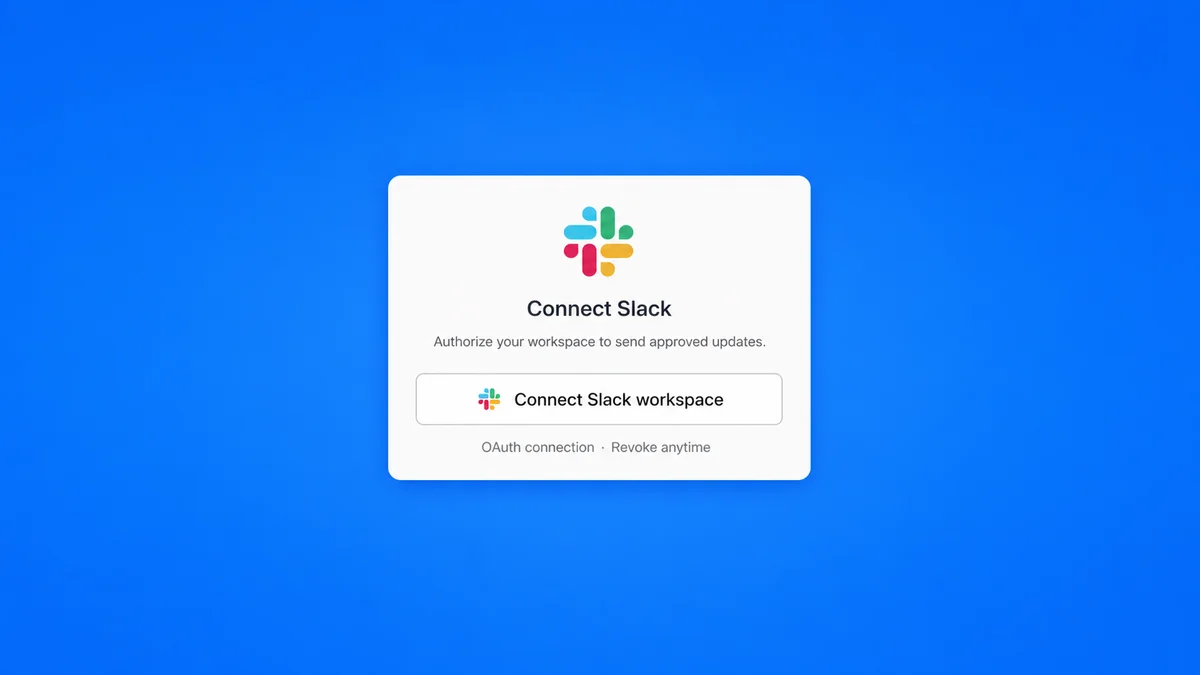
Connect your Slack workspace
Authorize with Slack OAuth, then add the Markifact bot to each public or private channel where it should post.
Add Markifact to your MCP client
Use the same hosted MCP connection for Slack and the marketing platforms that produce the report.
Connect your AI client in seconds
Pick your client and copy the setup. No SDKs, no servers to host.
Markifact is available in the Claude connector directory:
Connect in Claude Open the listing and click Connect to add Markifact to Claude.
Slack MCP prompt examples
Start with the outcome and destination. The AI can gather the evidence first and stop at the final Slack approval.
Turn a finding into a focused channel update
Ask the AI to analyze the source data first, then prepare only the decision-relevant numbers for Slack.
Check today's Google Ads performance against the previous seven-day average. If spend or CPA moved by more than 15%, prepare a concise alert for #paid-media with the affected campaigns, the size of the change, and one recommended next step. Show me the Slack message and wait for approval before sending.
What a session actually looks like
The AI can retrieve the marketing data first, prepare the Slack update, and pause before the only external write.
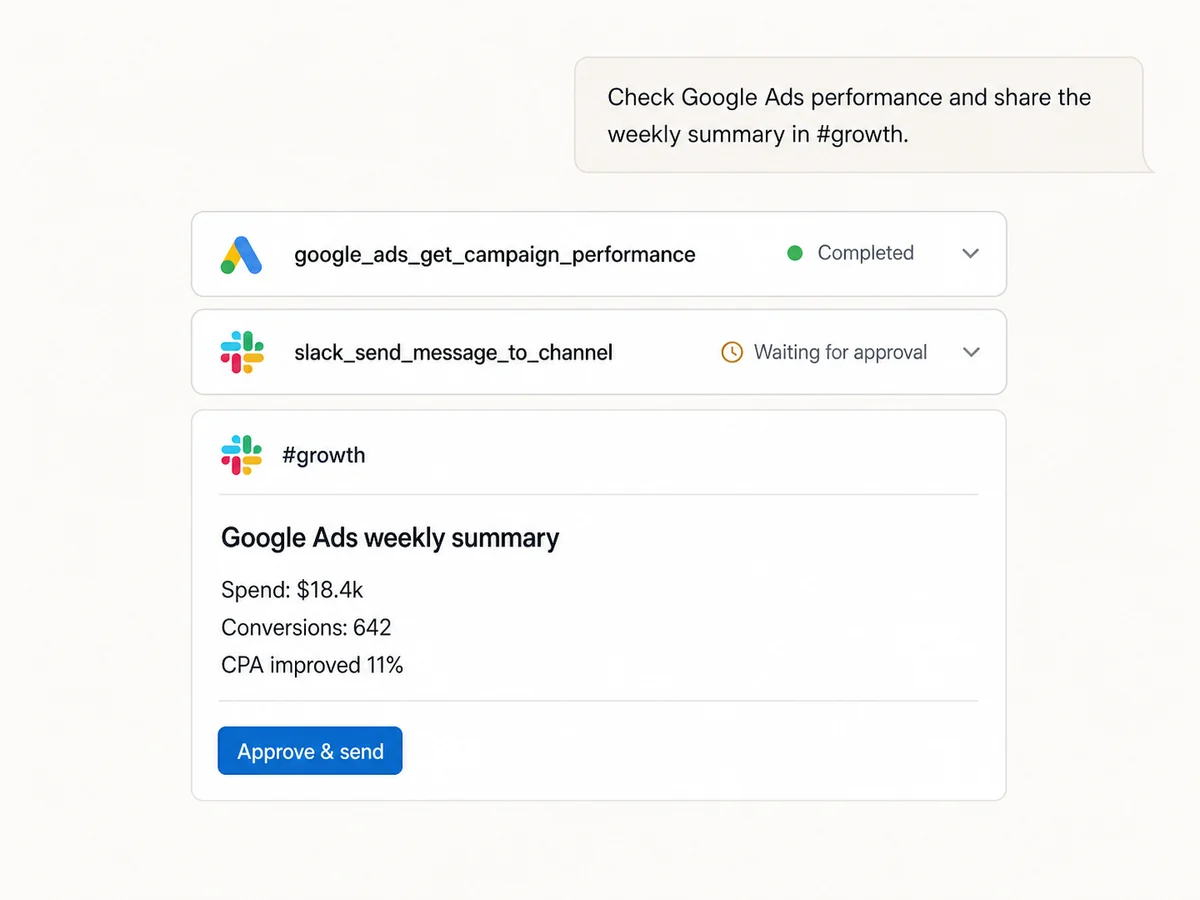
Example session using a Google Ads read followed by slack_send_message_to_channel. The Slack message does not post until it is approved.
Which Slack workflow is right for you?
Markifact is focused on approved marketing updates, Slack's official MCP offers broader workspace context, and webhooks remain useful for fixed notifications.
Markifact Slack MCP
Best for marketing data to Slack
Choose it if
- You want reports built from connected marketing platforms
- Every outgoing message must wait for approval
- You need attachments and thread replies from one hosted MCP
Slack's official MCP
Best for broad Slack context
Choose it if
- You need to search messages, files, users, or channels
- Slack itself is the primary system you want to explore
- Your Slack app and workspace policy support the official server
Webhooks or automation tools
Best for fixed notifications
Choose it if
- The destination and payload rarely change
- You do not need conversational planning or synthesis
- Your team already manages the integration code or automation
| Capability | Markifact | Official Slack MCP | Webhooks / automation |
|---|---|---|---|
| Send channel messages | Yes, from the same MCP connection as your marketing data | Yes | Yes, with a fixed destination or custom setup |
| Search and read Slack history | Not in the current Markifact Slack MCP tool | Yes, subject to scopes and workspace access | No |
| Thread replies | Yes, with a thread ID | Yes | Varies by implementation |
| Report attachments | CSV, PDF, TXT, and JSON from upstream data | Tool set and client support vary | Requires additional file-upload code |
| Human approval before posting | Required for every Slack write | Controlled by the MCP client and its policy | You must build the approval step |
| Cross-platform marketing context | Ads, analytics, commerce, Docs, Sheets, and Slack in one hosted server | Slack-focused | Every source is another integration |
More MCP servers
All MCP servers
WhatsApp MCP
Prepare customer replies, marketing summaries, and alerts in MCP clients, with approval before every WhatsApp message.
Facebook Pages MCP
Compare managed Facebook Pages, analyze follower, engagement, media, video, and post performance, and discover current reporting fields.
Google Ads MCP
Use Google Ads inside Claude, ChatGPT, and other MCP clients for audits, reporting, optimization, and campaign actions.
Google Analytics MCP
Query GA4 from MCP clients with custom reports, property audits, and traffic diagnosis, then configure the property and act on findings in your ad platforms with approval-gated writes.
Frequently Asked Questions
Have a different question? Reach out to Markifact support team.
Send the next marketing update to Slack
Bring live performance data into the conversation, prepare a clear channel message or report attachment, and approve it before it posts.