
WhatsApp MCP for approved customer messages
Give Claude, ChatGPT, Cursor, and other MCP clients a safe way to send WhatsApp messages. Turn live marketing and commerce data into customer replies, performance summaries, and alerts, with approval before every send.


10,000+ marketers scaling with AI.

Trusted by marketing teams at












What you can do with WhatsApp MCP
Bring the evidence together in your AI client, prepare the exact message, and keep a human in control of the final send.
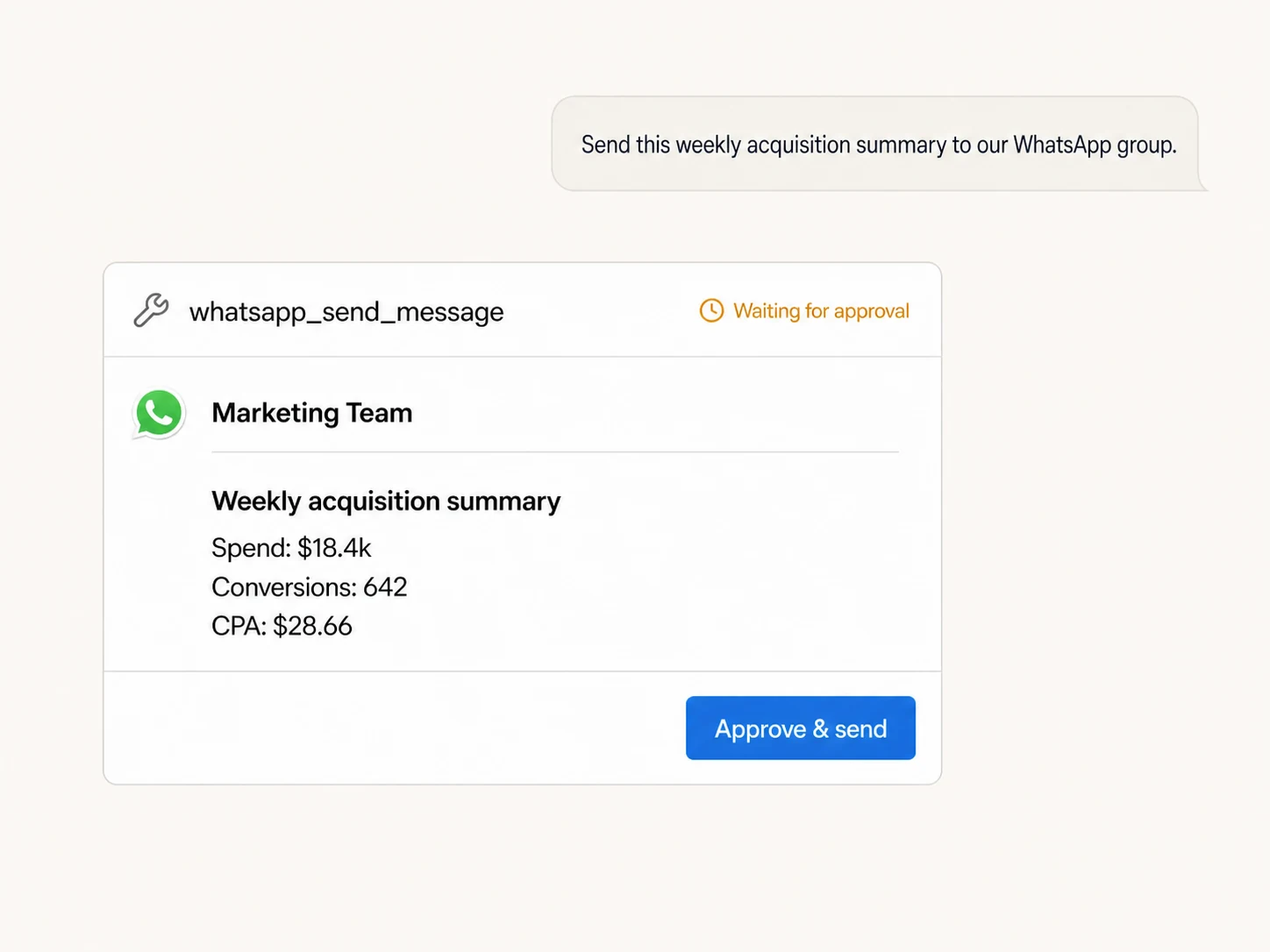
Send useful WhatsApp updates
Turn live data from Google Ads, Meta Ads, Shopify, GA4, and the rest of your stack into a clear WhatsApp message without copying results between tools.
Approve every message
The AI prepares the recipient and final text, then stops. Nothing is sent until you review and explicitly approve the write.
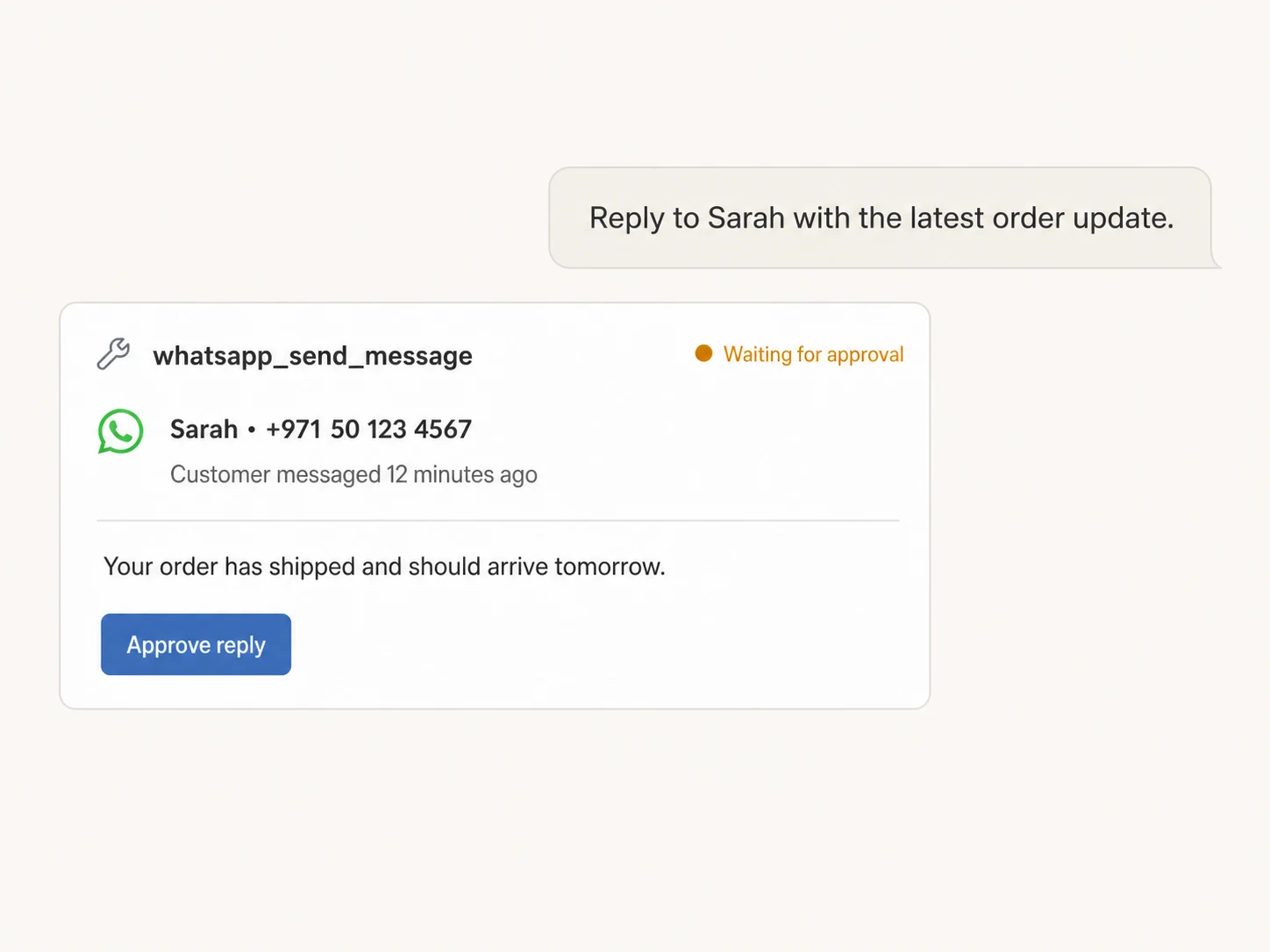
Reply inside the 24-hour window
Send a free-form reply after the registered number has messaged Markifact. The current tool follows WhatsApp's 24-hour user-initiated messaging rule.
Use the number you registered
Choose the WhatsApp connection tied to the recipient number and send the approved reply to the intended person.
Your marketing stack in. An approved WhatsApp message out.
Connects to every marketing platform
Retrieve the source data, let the AI write a concise update, and approve the exact recipient and text before it sends.





























Set up in minutes
Register your WhatsApp number, connect your AI client, and start preparing approval-gated messages.
Register your WhatsApp number
Generate a short link token in Markifact, then open WhatsApp and send the verification message from the number you want to register.
Markifact is available in the Claude connector directory:
Connect in Claude Open the listing and click Connect to add Markifact to Claude.
Connect your AI assistant
Pick Claude, ChatGPT, Cursor, or another MCP-compatible client and add Markifact's hosted endpoint.
Prepare, review, and send
Ask in plain English. Markifact shows the recipient and final text, then waits for approval before WhatsApp receives anything.
WhatsApp MCP prompt examples
Specify the source, recipient, and outcome. The AI gathers the data and stops at final approval.
Share a weekly marketing summary
Read the source data first, then prepare one concise WhatsApp update.
Compare Google Ads and Meta Ads performance for the last 7 days. Summarize spend, conversions, CPA, and the biggest change, then prepare the result as a WhatsApp message to my registered number. Wait for my approval before sending.
What a session actually looks like
The AI retrieves the source data, writes the WhatsApp update, and waits before the only external write.
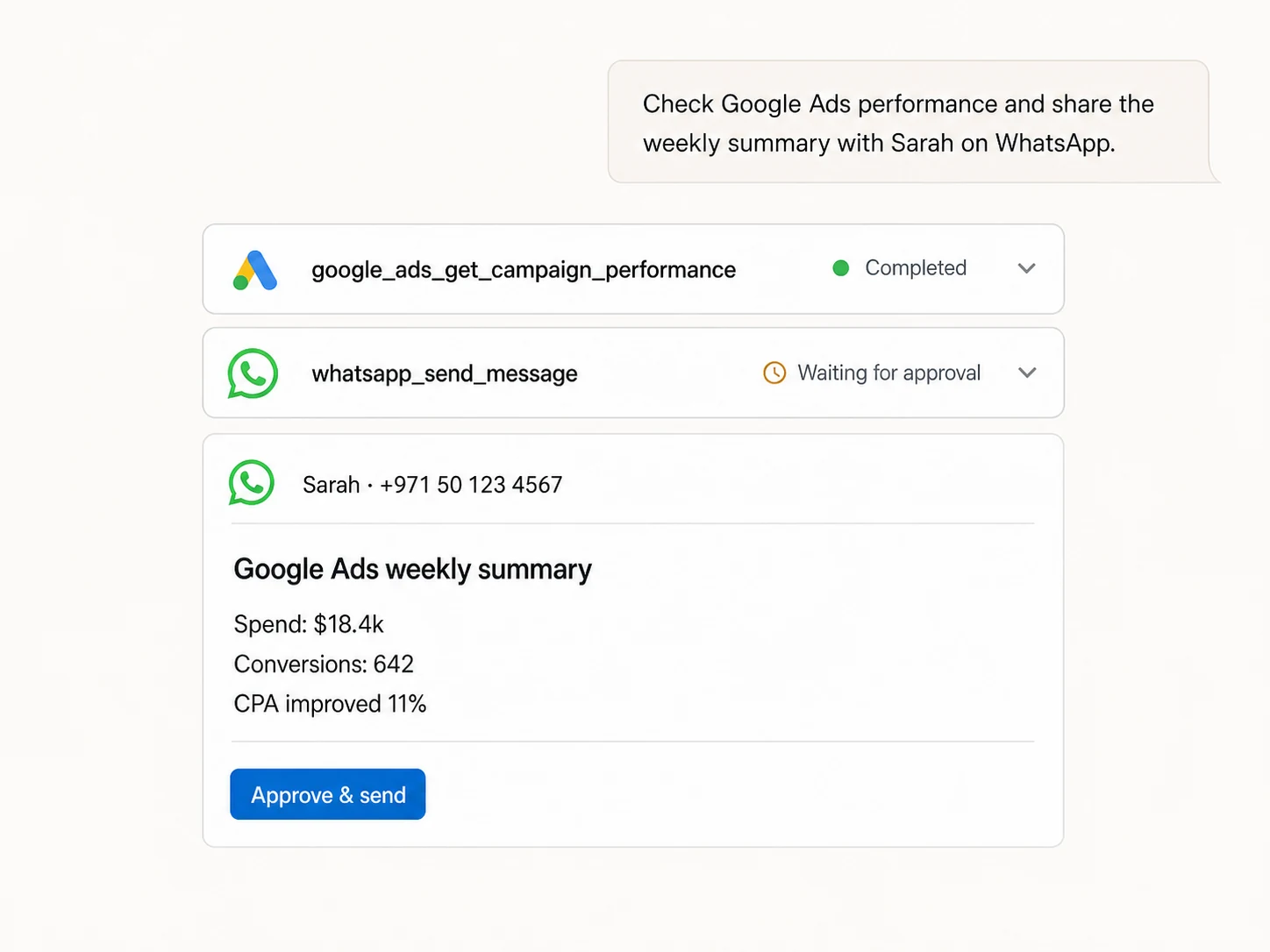
Example: a Google Ads read followed by whatsapp_send_message. Nothing sends until it is approved.
Markifact, WhatsApp, or the Cloud API?
Use Markifact for approved cross-platform messages, WhatsApp for manual conversations, or the Cloud API when you want to build the integration.
| Capability | Markifact MCP | WhatsApp app | Direct Cloud API |
|---|---|---|---|
| Natural-language preparation | Yes, inside your MCP client | Manual typing and copy-paste | Requires application logic |
| Cross-platform context | Ads, Analytics, Shopify, Sheets, and more | Not built in | Requires custom integrations |
| Approval before sending | Required for every MCP message | You press send manually | You build the control |
| Free-form messages | Within the active 24-hour window | Normal app behavior | Subject to platform rules |
| Incoming-message trigger | In workflows, not as an MCP read tool | Messages appear in the app | Available through webhooks |
| Hosting and maintenance | Managed by Markifact | Managed by WhatsApp | You host and maintain it |
More MCP servers
All MCP servers
Slack MCP
Send approval-gated channel updates, thread replies, images, and CSV, PDF, TXT, or JSON report attachments from MCP clients.
Shopify MCP
Use Shopify inside MCP clients for sales, order, product, customer, discount, refund, attribution, and fulfillment reporting.
Google Ads MCP
Use Google Ads inside Claude, ChatGPT, and other MCP clients for audits, reporting, optimization, and campaign actions.
Meta Ads MCP
Use Meta Ads and Facebook Ads workflows inside MCP clients for ad sets, creatives, reporting, and Advantage+ workflows.
Frequently Asked Questions
Have a different question? Reach out to Markifact support team.
Send the next update through WhatsApp
Bring live data into the conversation, prepare the exact message, and approve it before it reaches the recipient.