
Google Business Profile MCP that reads and writes
Give Claude, ChatGPT, or any AI agent read and write access to your managed locations. Analyze performance, publish updates, events and offers, and reply to reviews with approval controls.


10,000+ marketers scaling with AI.
Trusted by marketing teams at












What you can do with Google Business Profile MCP
Move from local insight to action in the same conversation. Markifact lets your AI analyze performance, inspect business details and reviews, publish posts across locations, and prepare public replies for approval.
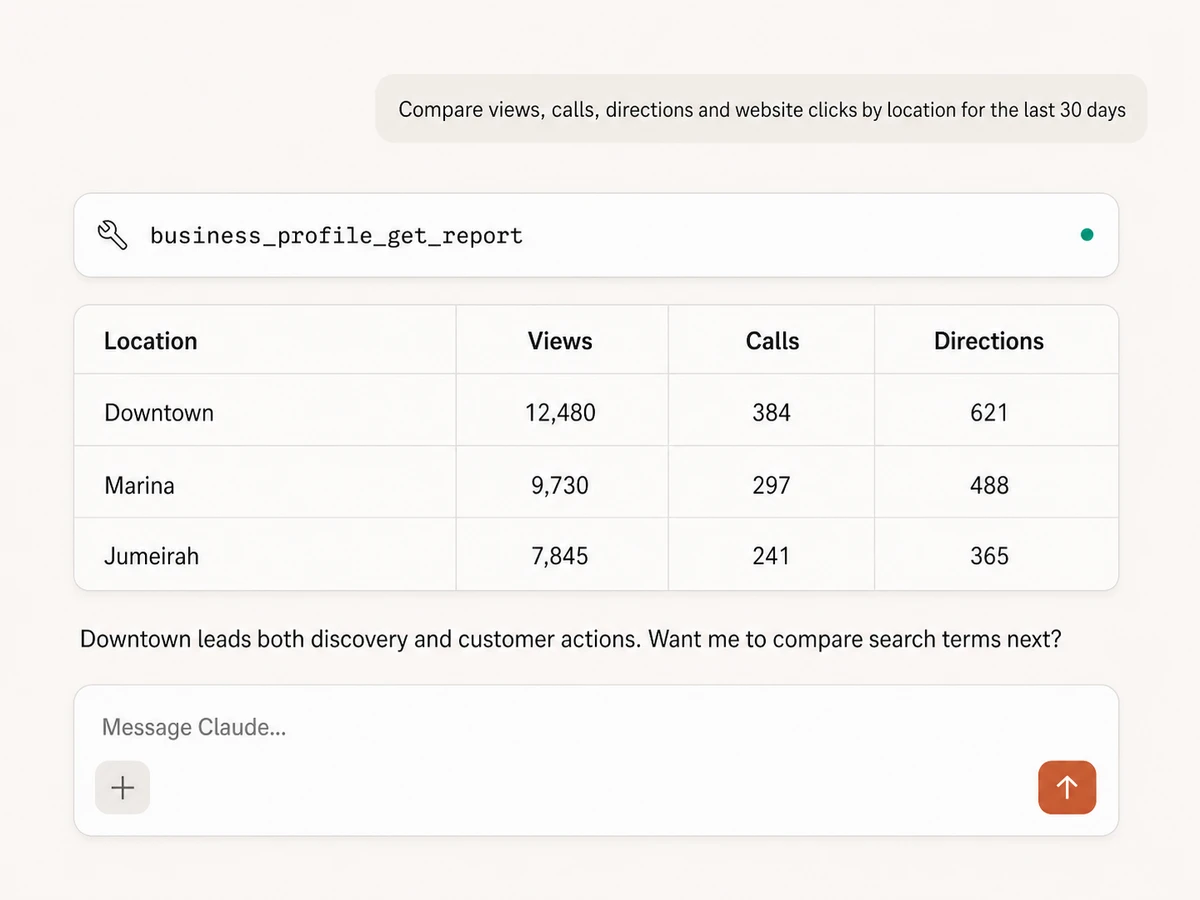
Compare performance across locations
Report on total views, Search and Maps visibility, calls, direction requests, website clicks, bookings, orders, messages, and other available customer actions.
Find the locations gaining or losing demand
Compare dates, weeks, months, and locations with filters and sorting, then have your AI explain the biggest changes instead of reading separate dashboards.
Publish updates, events, and offers
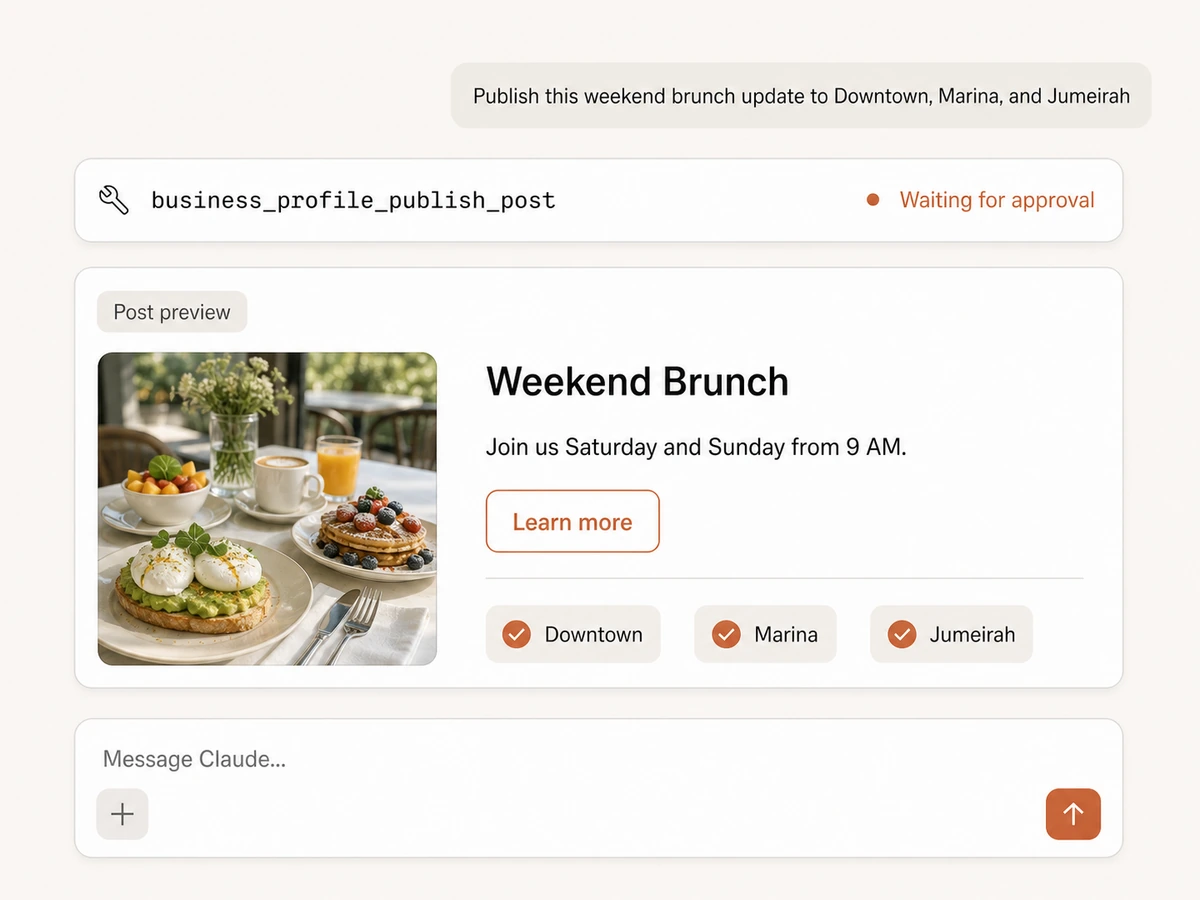
Create standard updates, events, or offers with photos and calls to action, preview the post, and publish it after approval.
Reach every location from one request
Send the same approved post to one or many selected locations, or use a scheduled Markifact workflow when it should publish later.
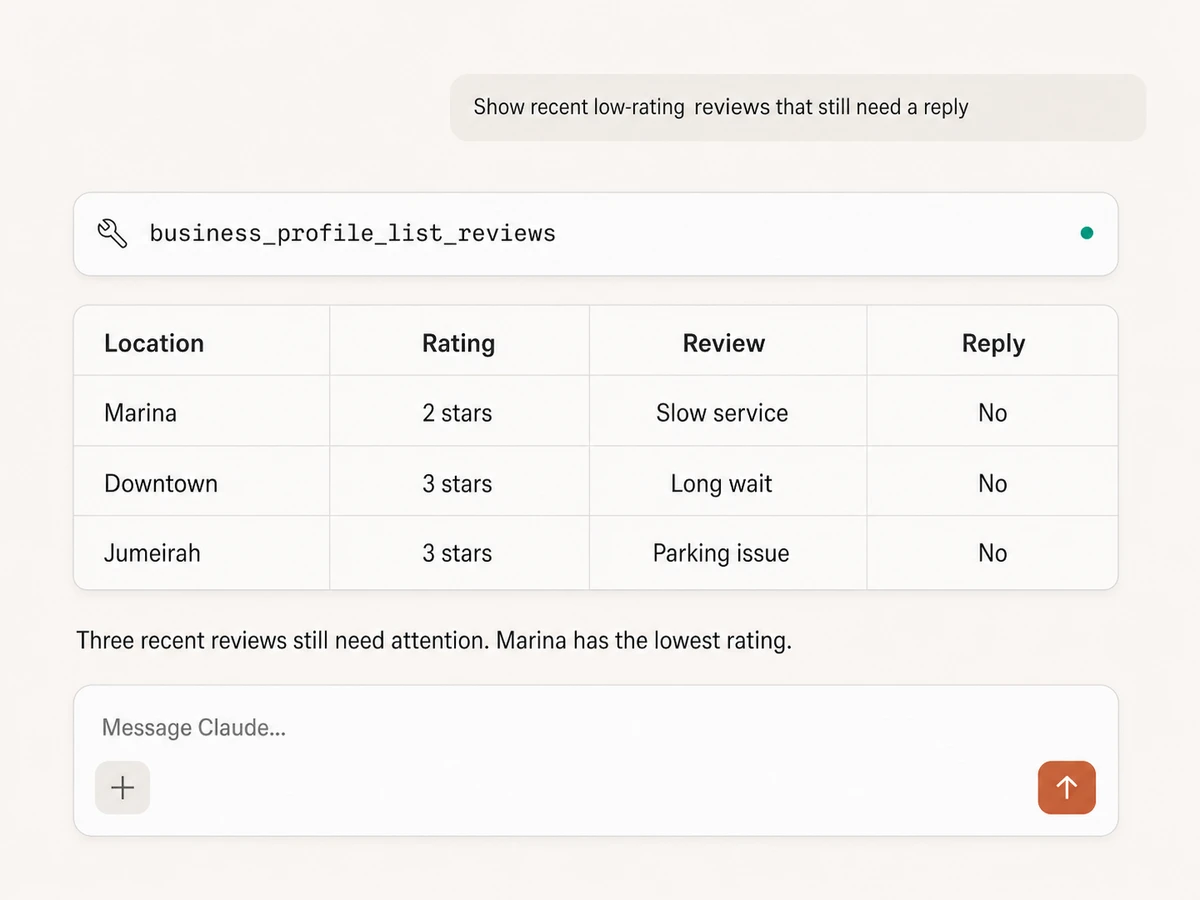
Find and reply to reviews
List reviews with reviewer, rating, comment, location, date, and reply status, draft a response in context, and publish it as the business after approval.
Keep every public response reviewed
Draft thoughtful responses in context and keep the final wording visible for human approval before anything appears publicly on Google.
Use Google Business Profile in your favorite AI.
Plus your whole marketing stack
One MCP server. Business Profile reporting, post publishing, review replies, your wider marketing data, and the AI assistant you already use.





























Set up in minutes
Skip the local server and credential plumbing. Three steps and your AI can analyze and manage Google Business Profile.
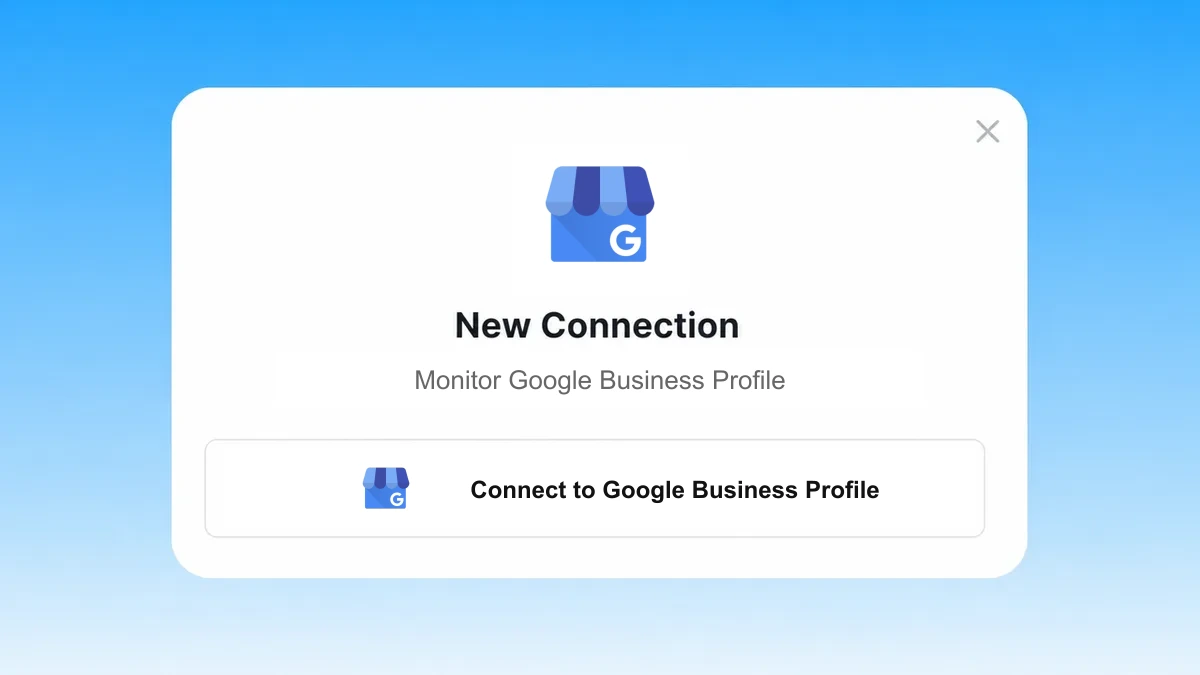
Connect Business Profile
Sign in to Markifact and authorize the Business Profile locations you want to analyze and manage. Markifact handles the hosted Google OAuth connection.
Markifact is available in the Claude connector directory:
Connect in Claude Open the listing and click Connect to add Markifact to Claude.
Connect your AI assistant
Pick Claude, ChatGPT, Cursor, or any MCP-compatible assistant and copy the setup. One URL or command and you're connected to Markifact.
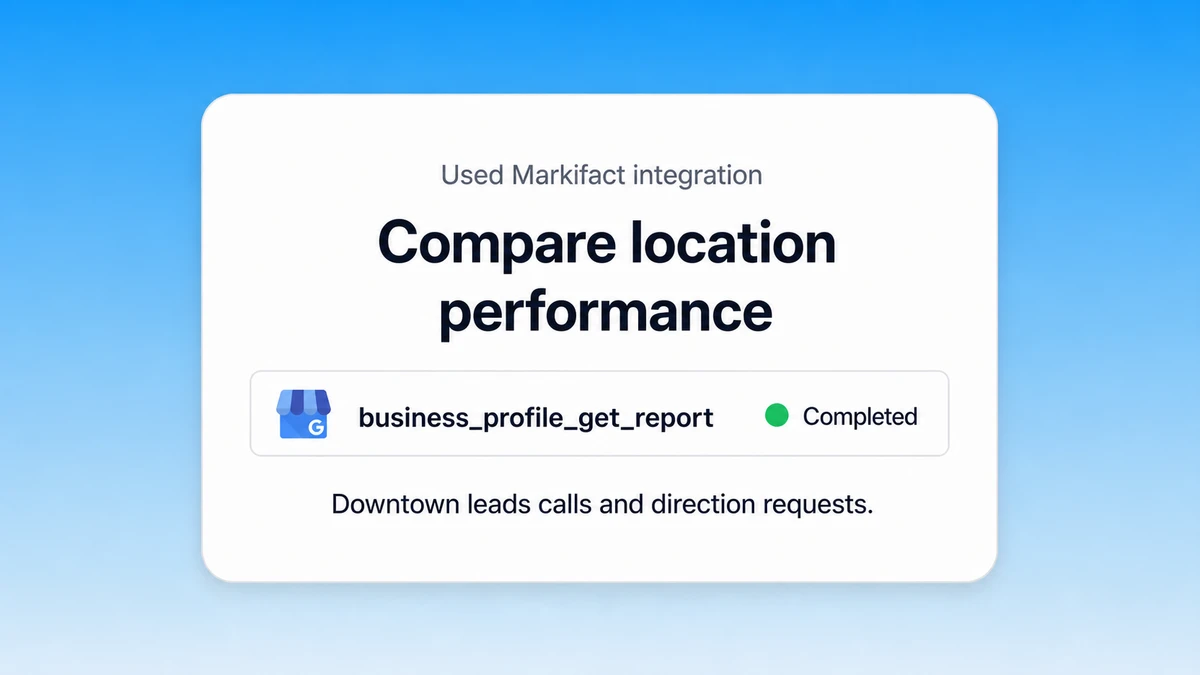
Analyze, publish, and reply
Ask for a report, a multi-location post, or a customer-review response in plain English. Markifact shows write actions for approval before publishing them.
Google Business Profile MCP prompt examples
Use Markifact MCP to discover locations, build reports, publish posts, and respond to customer reviews from any MCP-compatible client.
Compare visibility and customer actions at the right level.
Compare views, calls, directions, and website clicks by location for the last 30 days.
Break down Search and Maps views by device for each location this month.
Which locations had the largest month-over-month decline in calls or direction requests?
Show weekly customer actions for our top five locations and explain unusual changes.
What a session actually looks like
A single request can find an unanswered review, draft a thoughtful response, and prepare the public reply for your approval.
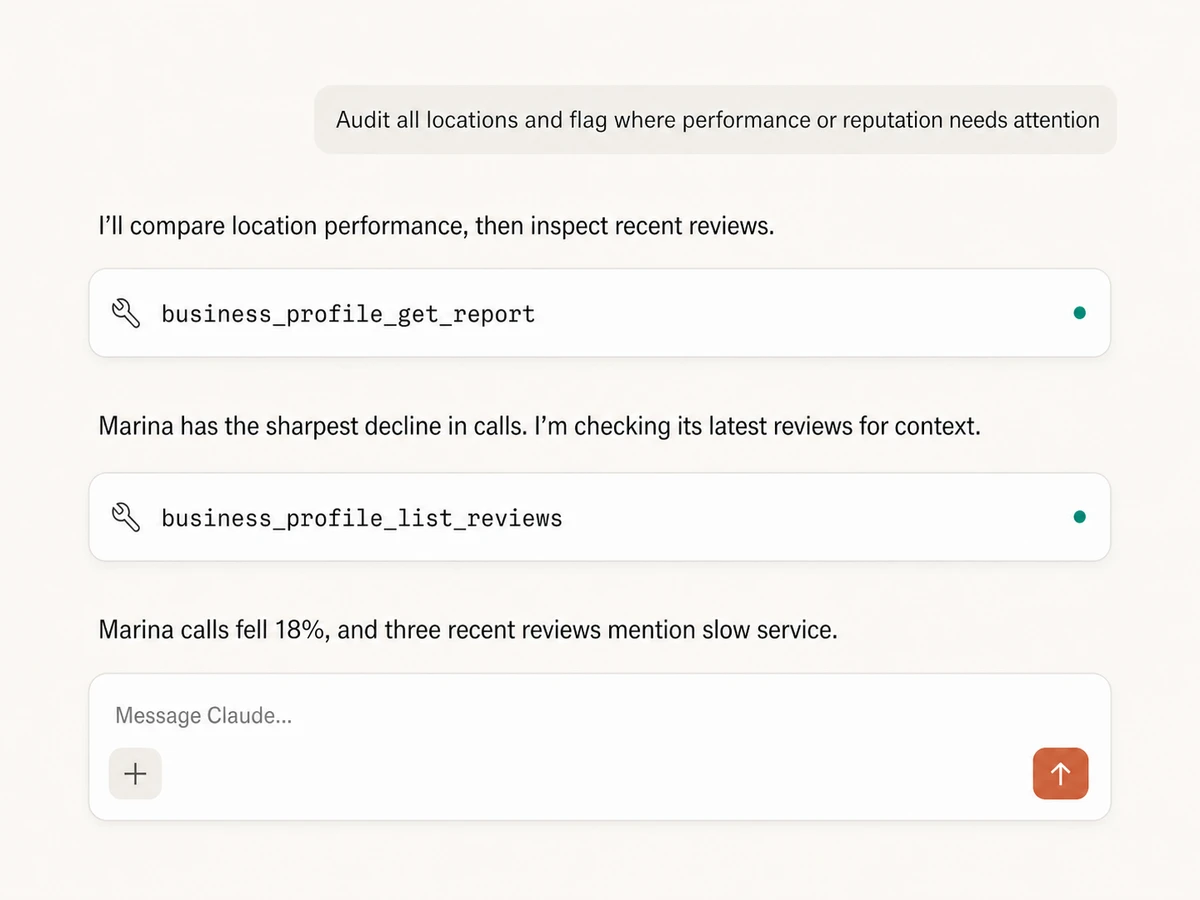
Example session using business_profile_list_reviews and business_profile_reply_to_review to move from review monitoring to an approval-gated public response.
Which Google Business Profile integration is right for you?
Google documents a suite of Business Profile APIs, but not an official Business Profile MCP server. Compare Markifact's hosted read-and-write layer with direct API development and self-hosted projects.
Direct Business Profile APIs
Maximum control for a custom product
Choose it if
- You need a custom API implementation beyond Markifact's managed tools
- Your engineering team can own API access, OAuth, pagination, and maintenance
Self-hosted MCPs
Community tools you operate
Choose it if
- You are comfortable auditing and extending a community server
- You can secure Google credentials and maintain several Business Profile APIs
Markifact
Managed read and write access with approvals
Choose it if
- You want reports, post publishing, and review replies without infrastructure
- You need safe multi-location workflows with approval controls
- You want Business Profile data beside the rest of your marketing stack
| Capability | Markifact | Direct Business Profile APIs | Self-hosted MCPs |
|---|---|---|---|
| Setup | Hosted Google OAuth connection and MCP endpoint | Configure Google Cloud, API access, OAuth, and your own client | Install a server and provide Google credentials |
| Availability | Managed through Markifact | Google documents Business Profile APIs, not an official Business Profile MCP | Community coverage varies by project |
| Best fit | Marketing teams and agencies that want managed read and write access without infrastructure | Engineering teams building a custom location-management product | Technical users comfortable self-hosting |
| Performance reporting | Views, Search, Maps, calls, directions, clicks, bookings, orders, and more | Business Profile Performance API metrics and time series | Depends on implemented tools |
| Search terms | Monthly local search terms across selected locations | Search keyword impression data | Coverage varies |
| Location details | Address, phones, categories, hours, links, ratings, and review counts | Full Business Information API resource | Usually partial |
| Reviews | List feedback and publish or replace a public business reply with approval | List, get, reply, and delete reply methods | Depends on the project |
| Posts | Publish updates, events, and offers with photos and calls to action across locations | Local post creation and management endpoints | Coverage varies |
| Multiple locations | Select once and reuse across reports and audits | Build account and location aggregation yourself | Often one account or location at a time |
| Write actions | Approval-gated post publishing and public review replies | Locations, posts, media, and review replies are supported | Coverage and approval controls vary |
| Cross-channel context | Business Profile beside GA4, Google Ads, Search Console, CRM, and commerce data | Business Profile only unless you build integrations | Usually Business Profile only |
| Maintenance | Hosting, OAuth, pagination, schemas, and API changes handled | Your team owns the integration lifecycle | Your team owns credentials, runtime, updates, and security |
Frequently Asked Questions
Have a different question? Reach out to Markifact support team.
More MCP servers
All MCP servers
Google Maps MCP
Find places, retrieve business details, pull up to 500 reviews, and analyze local-market patterns from any MCP client.
Google Analytics MCP
Query GA4 from MCP clients with custom reports, property audits, and traffic diagnosis, then configure the property and act on findings in your ad platforms with approval-gated writes.
Google Search Console MCP
Use Search Console inside MCP clients for performance reporting, URL inspection, sitemap status, and approval-gated sitemap submission, reprocessing, or removal.
Google Ads MCP
Use Google Ads inside Claude, ChatGPT, and other MCP clients for audits, reporting, optimization, and campaign actions.
Manage every location from one conversation
Connect your locations, analyze visibility and customer actions, publish posts, and reply to reviews from any MCP-compatible client with approval controls.