
The Google Tag Manager MCP that builds and publishes
Audit live containers, build complete tagging stacks, preview workspaces, and publish approved versions from Claude, ChatGPT, or any MCP-compatible AI.


10,000+ marketers scaling with AI.

See Google Tag Manager MCP in action
Trusted by marketing teams at












Full GTM management from one MCP
97 operations cover the entire lifecycle: 37 reads for inspection and 60 approval-gated writes for creation, organization, versioning, publishing, and recovery.
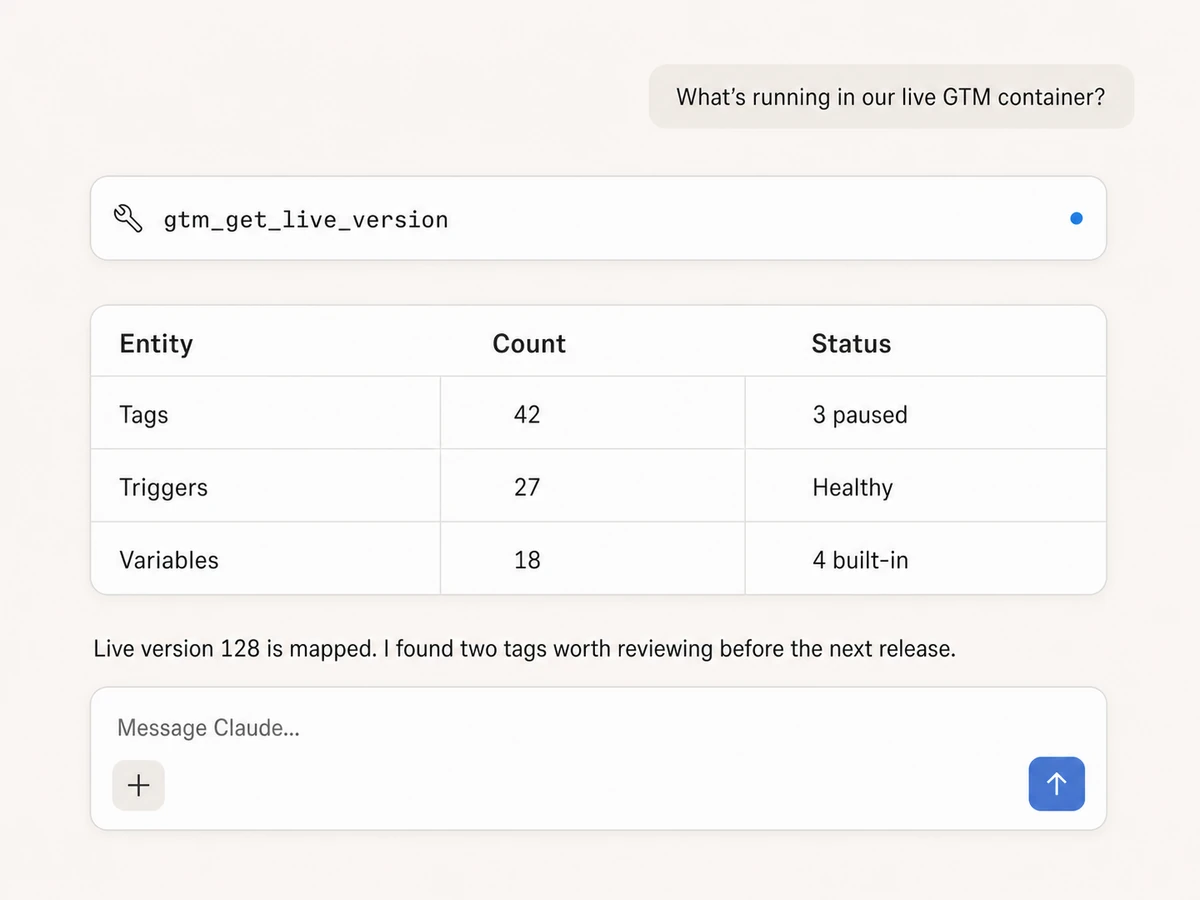
Audit what is live
Inspect accounts, containers, workspaces, the live version, version history, tags, triggers, variables, clients, templates, zones, and destinations without clicking through GTM.
Map every pending change
Check workspace status, compiler errors, merge conflicts, paused tags, enabled built-ins, folder contents, install snippets, and the exact configuration behind each entity.
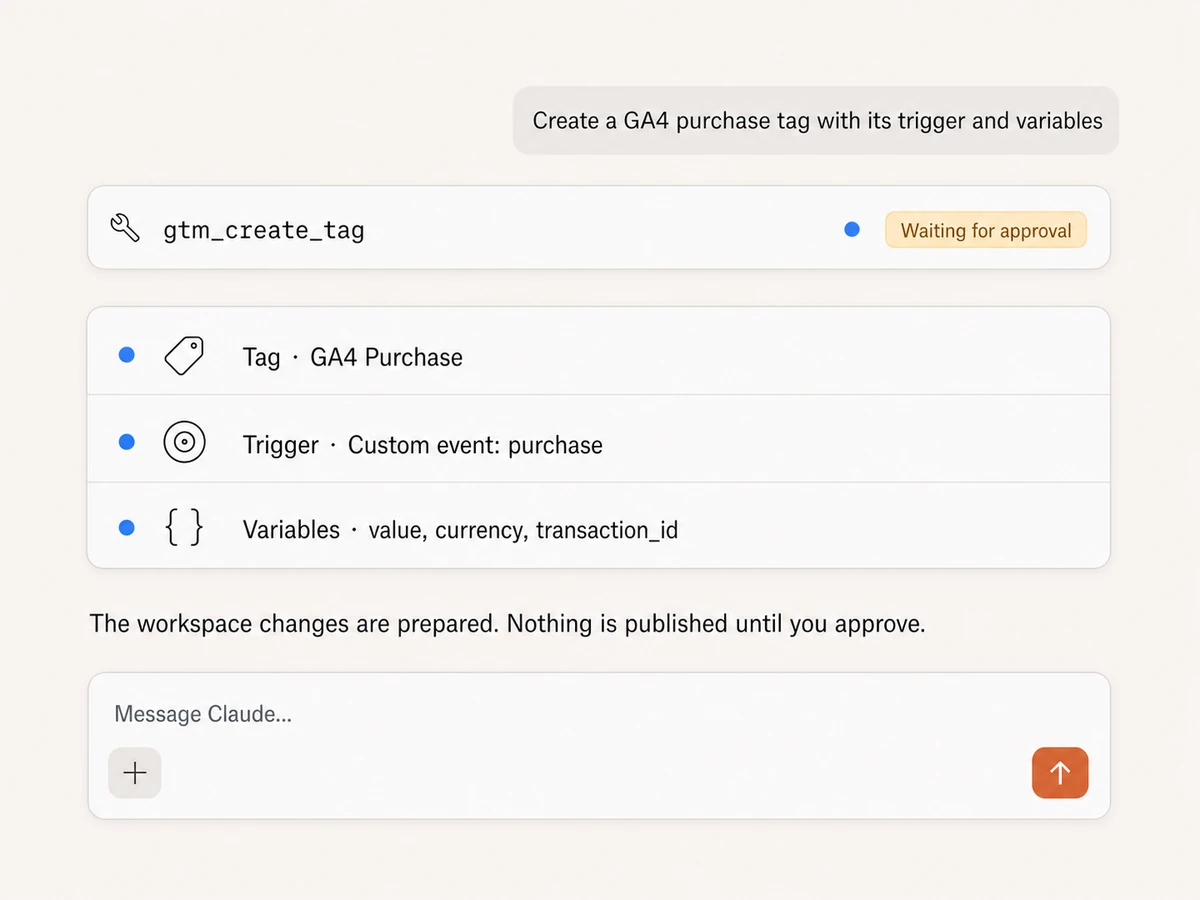
Build complete tagging stacks
Create and update tags, triggers, user-defined variables, built-in variables, Google tag configs, folders, workspaces, and containers for web, server, AMP, or mobile.
Manage advanced GTM entities
Operate server-side clients and transformations, custom templates, gallery imports, GTM 360 zones, environments, linked destinations, folders, and container structure.
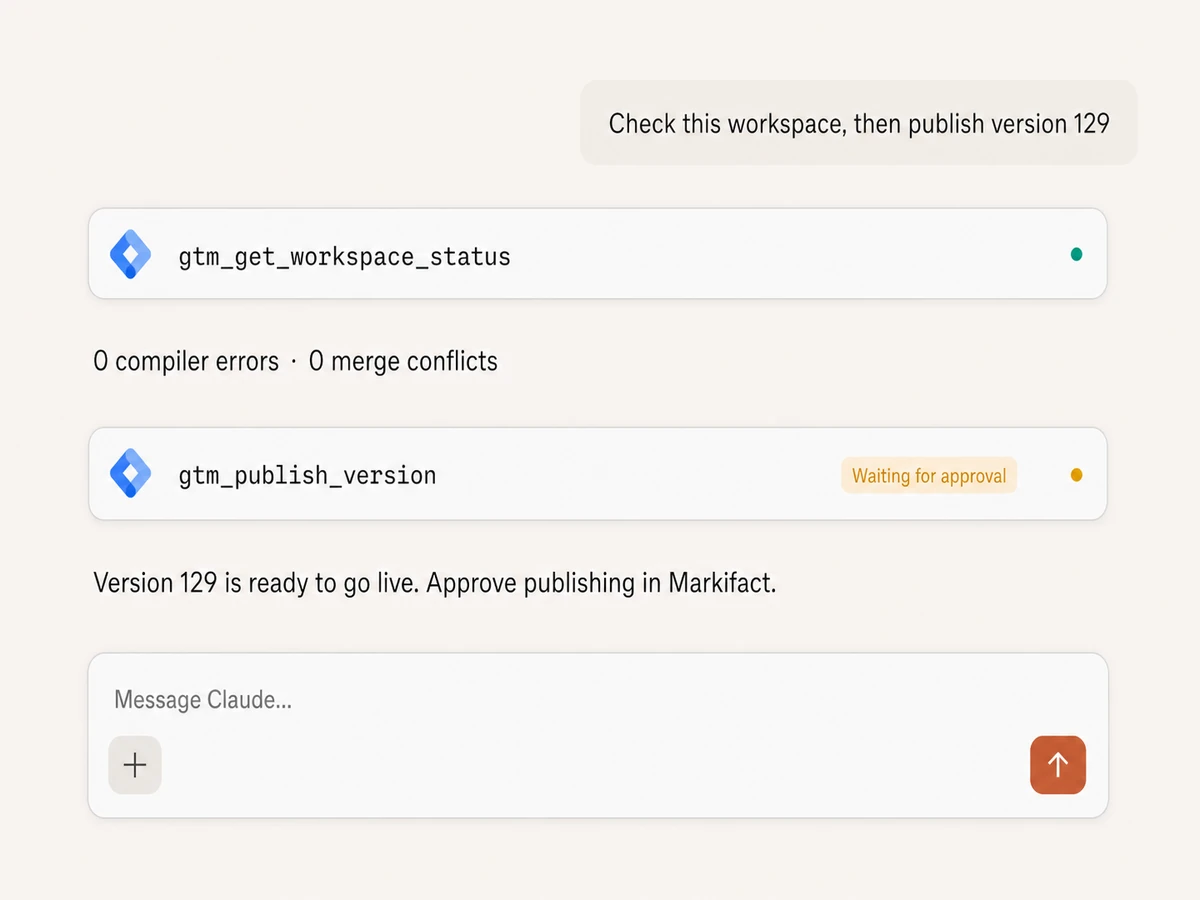
Preview, version, and publish
Run a quick preview, sync the workspace, resolve conflicts, create a named version, and publish it only after the workspace is clean and you approve the release.
Recover safely
Revert workspace entities, restore deleted versions, change the latest version, manage environments, and review high-impact container merges or tag-ID moves before execution.
Manage Google Tag Manager in your favorite AI.
Plus your whole marketing stack
One MCP server for GTM, analytics, advertising, data, and the AI assistant you already use.





























Set up in minutes
No local server or custom OAuth app. Connect GTM, add Markifact to your AI client, and start managing containers with approval controls.
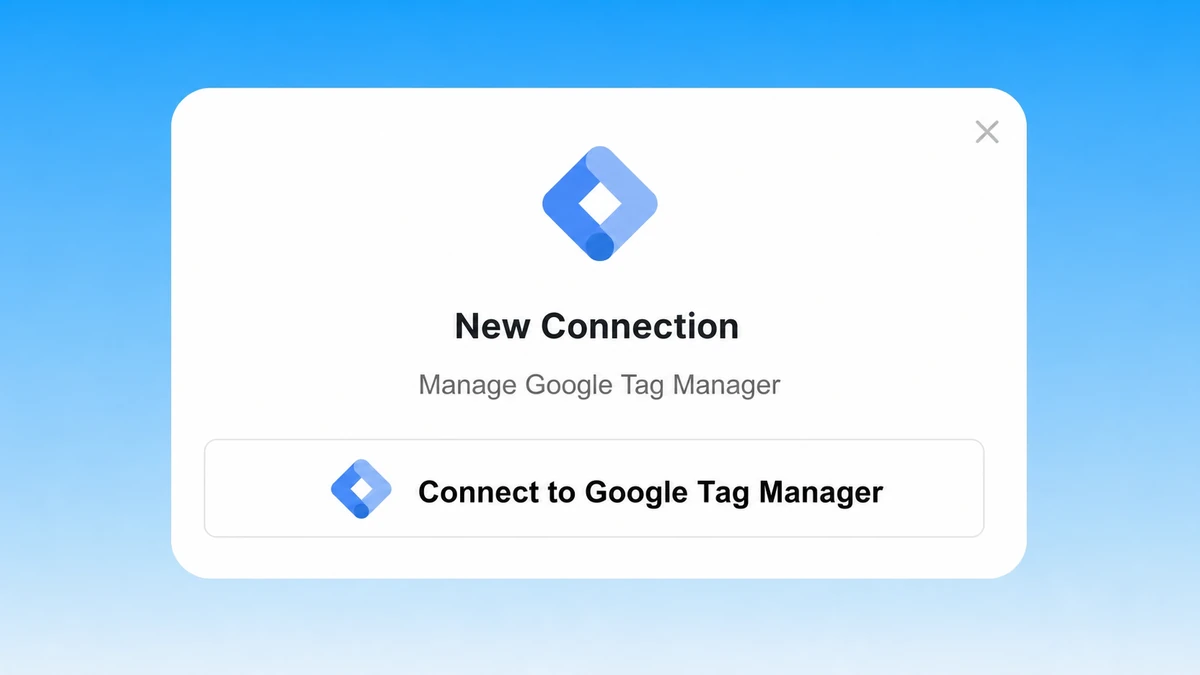
Connect Google Tag Manager
Sign in with Google and authorize the GTM accounts you already manage. Markifact handles the hosted connection and API access.
Markifact is available in the Claude connector directory:
Connect in Claude Open the listing and click Connect to add Markifact to Claude.
Connect your AI assistant
Pick Claude, ChatGPT, Cursor, or another MCP client and copy the setup. One Markifact connection exposes GTM and the rest of your stack.
Build, check, and approve
Audit what is live, prepare workspace changes, preview the result, and approve only the version you want to publish.
Google Tag Manager MCP prompts
Audit, build, organize, and release GTM changes from any MCP-compatible AI client.
Create complete measurement stacks inside a workspace.
Create a GA4 purchase tag with a custom-event trigger and value, currency, and transaction ID variables.
Build a Google Ads conversion tag that fires only after a successful lead form submission.
Create a server-side client and transformation for our checkout events.
Enable the click variables needed for outbound-link tracking, then create the trigger and tag.
What a safe GTM release looks like
The AI checks the workspace first, then the live publish remains pending until you approve it.
Example session using gtm_get_workspace_status and gtm_publish_version. The publish does not run until you approve it.
Frequently Asked Questions
Have a different question? Reach out to Markifact support team.
More MCP servers
All MCP serversGoogle Analytics MCP
Query GA4 from MCP clients with custom reports, property audits, and traffic diagnosis, then configure the property and act on findings in your ad platforms with approval-gated writes.
Google Ads MCP
Use Google Ads inside Claude, ChatGPT, and other MCP clients for audits, reporting, optimization, and campaign actions.
BigQuery MCP
Use BigQuery inside MCP clients to explore schemas, run SQL, create datasets and tables, insert rows, and approve every write.
Google Sheets MCP
Use Google Sheets inside MCP clients to read ranges, append or overwrite rows, create spreadsheets and tabs, build charts, and approve writes.
Manage Google Tag Manager from your AI
Connect GTM for full container audits, workspace management, tagging, preview, versioning, and approval-gated publishing.