
SharePoint & OneDrive MCP that reads and writes
Search and fetch files across SharePoint and OneDrive, then upload, create folders, move, copy, rename, or delete, with approval before every write.


10,000+ marketers scaling with AI.

Trusted by marketing teams at












What you can do with SharePoint & OneDrive MCP
Use one Microsoft connection to discover work, retrieve the right files, and organize approved output without hiding the destination or the write decision.
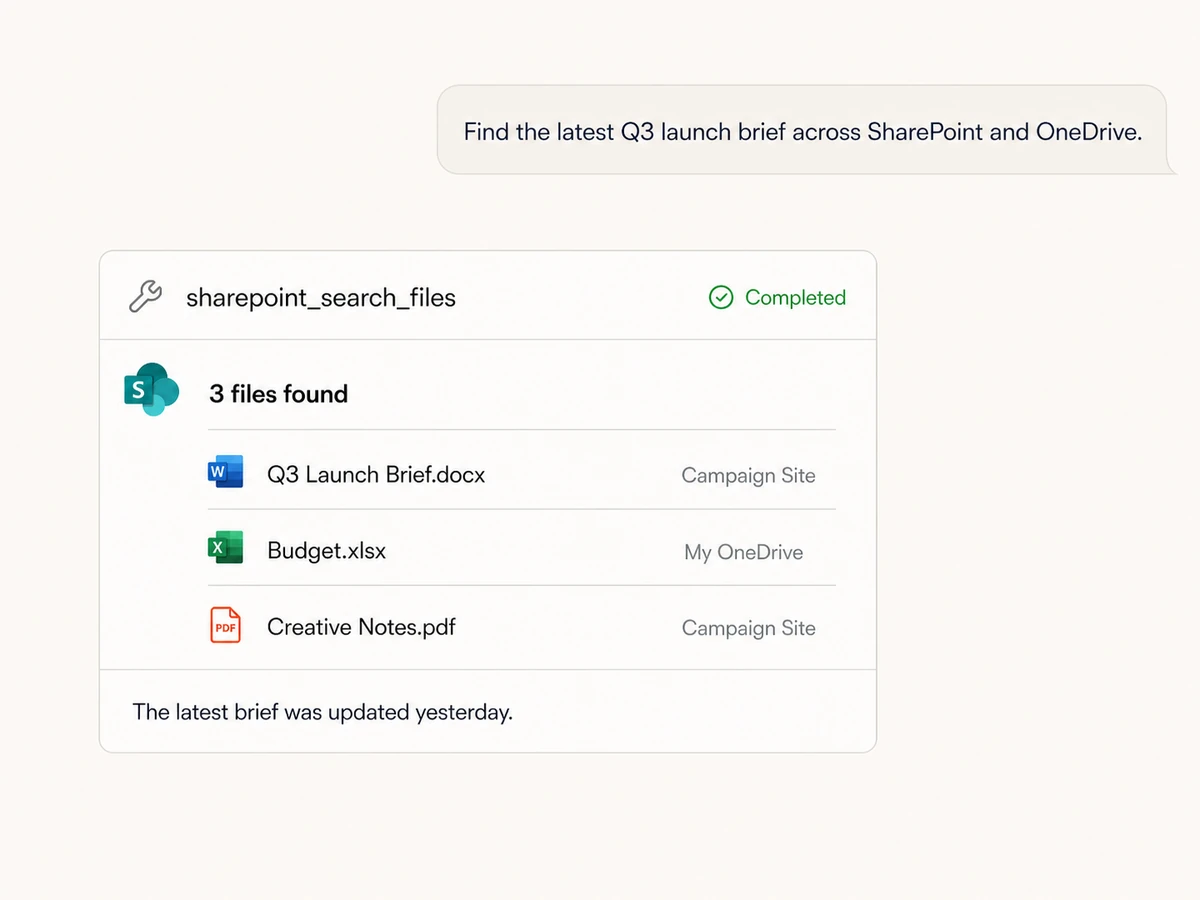
Search across sites and OneDrive
Find files and folders by name or content inside a document library, a selected folder, or My OneDrive, then return the matching paths and metadata.
Fetch the files you need
List sites, document libraries, folders, and files, or fetch a specific item by path, pasted SharePoint link, or file ID with a fresh download URL.
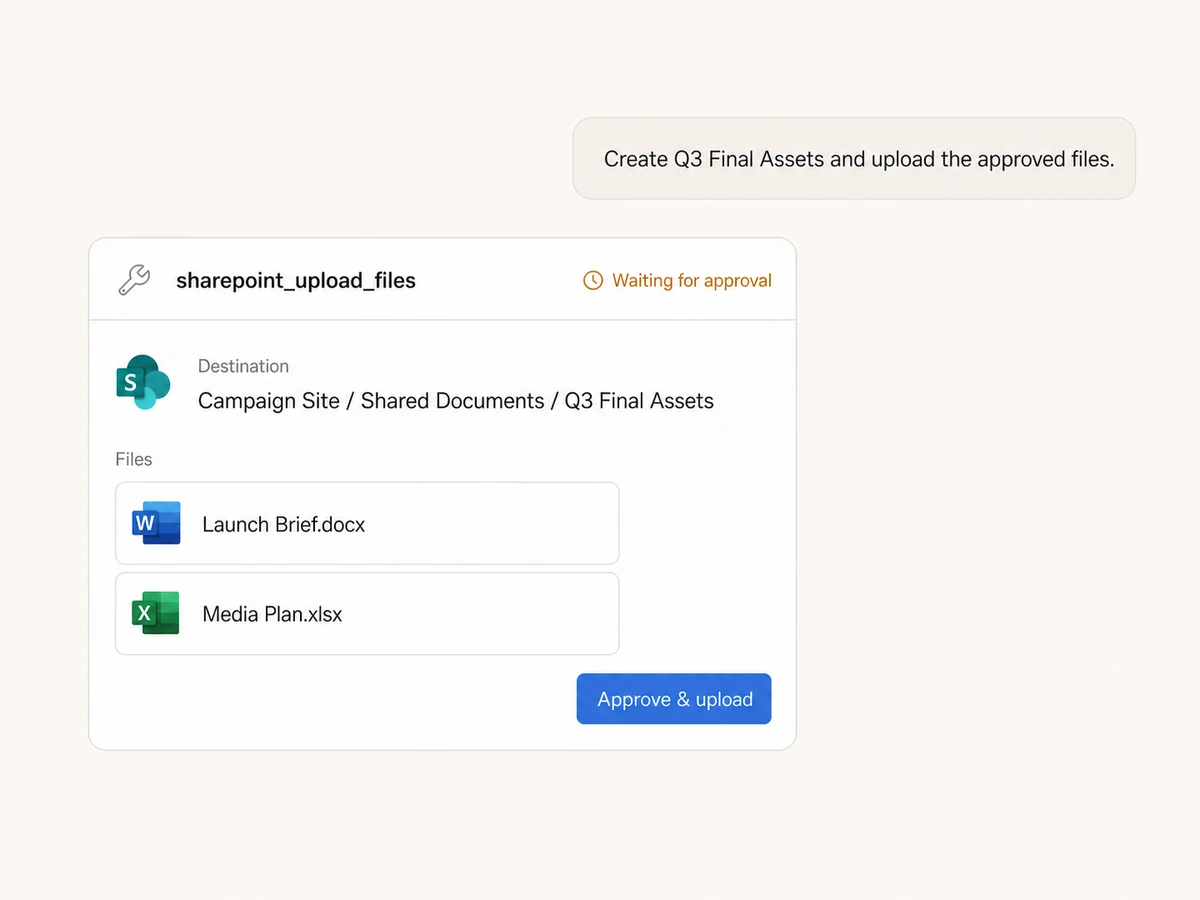
Create folders where work belongs
Create a new folder in a SharePoint document library or OneDrive destination, including nested paths, without switching to the Microsoft interface.
Upload files into the right library
Bring files from URLs into SharePoint or OneDrive, choose the site, library, and folder, and review the destination and file list before the upload runs.
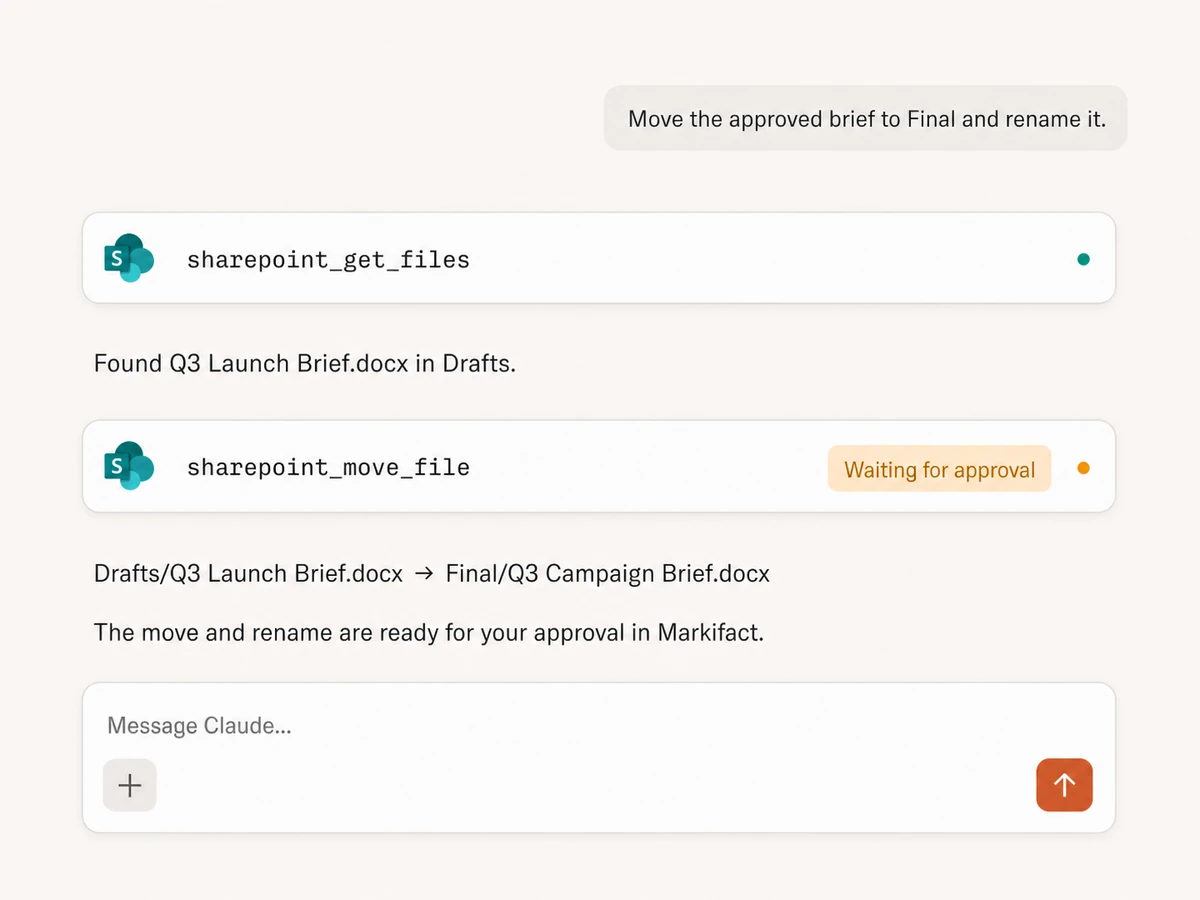
Move and copy files
Move an item within its document library or copy it into another folder, library, or SharePoint site, with an optional new name for the destination copy.
Rename or delete with approval
Prepare a precise rename or send a file to the SharePoint recycle bin. Every write shows the affected item and waits for your explicit approval.
Find the file. Use it. Put the result back.
Connects to every marketing platform
Bring SharePoint and OneDrive into the same MCP connection as your reporting, documents, messaging, and marketing platforms.





























Start using SharePoint & OneDrive MCP
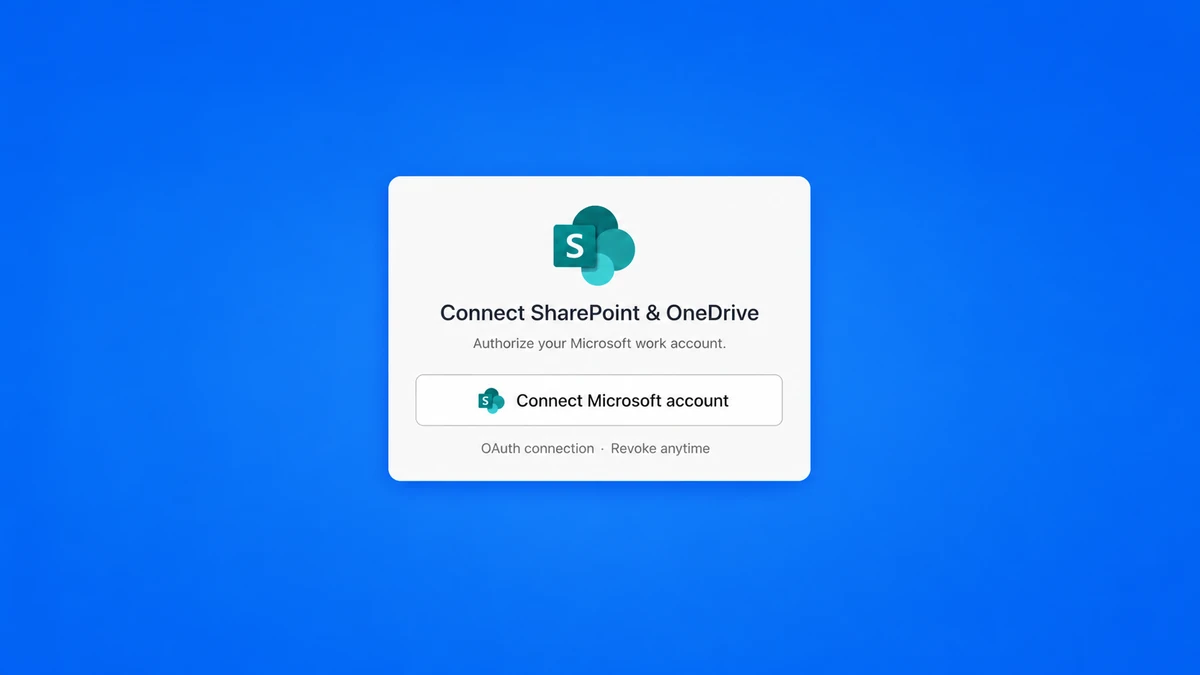
Authorize your Microsoft work account, then add Markifact's hosted endpoint to your preferred MCP client.
Connect your Microsoft account
Sign in with a work or school account to expose the SharePoint sites and OneDrive for Business content you can access.
Add Markifact to your MCP client
Use the same hosted MCP connection for Microsoft files and every other platform in your Markifact stack.
Connect your AI client in seconds
Pick your client and copy the setup. No SDKs, no servers to host.
Markifact is available in the Claude connector directory:
Connect in Claude Open the listing and click Connect to add Markifact to Claude.
What a session actually looks like
The AI can find a file in OneDrive, prepare a copy into a SharePoint site, and pause before the file-changing operation.
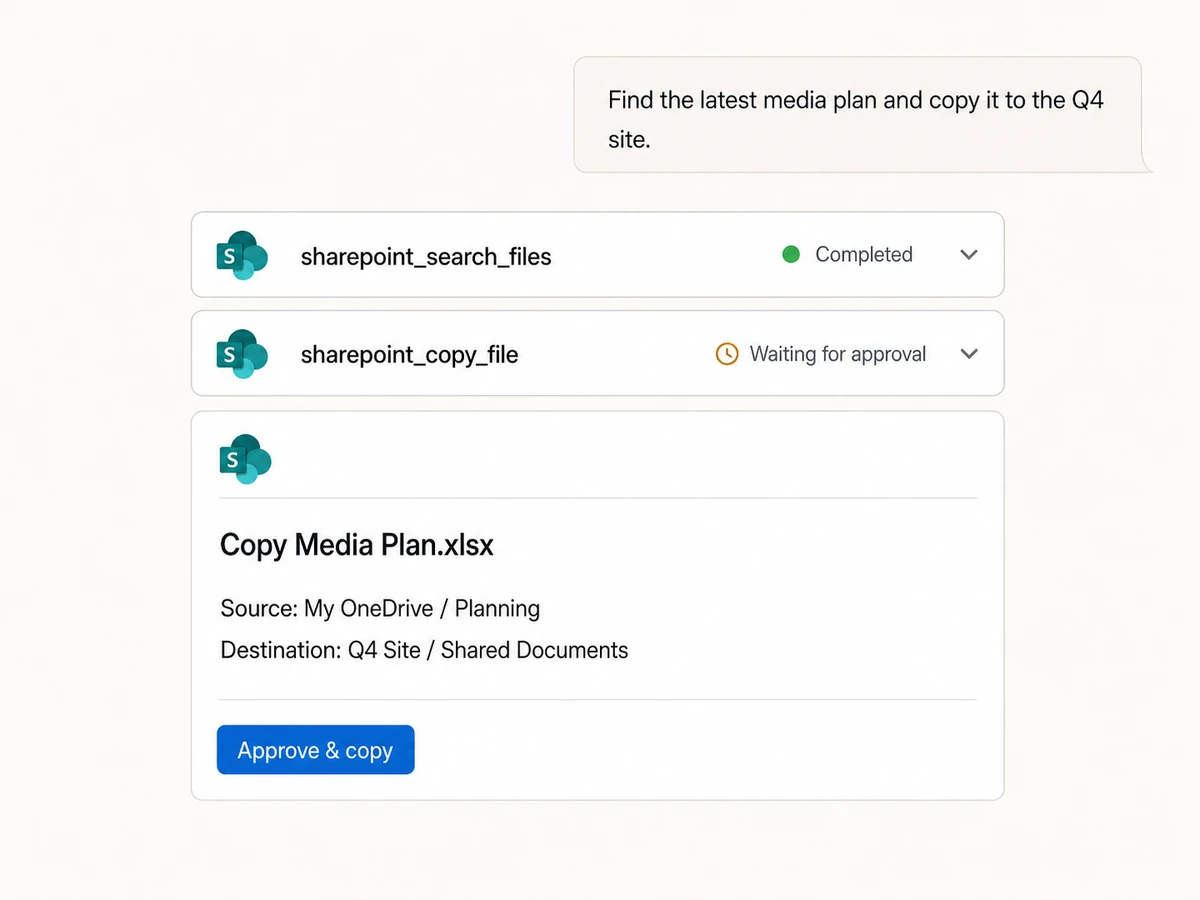
Example session using sharepoint_search_files followed by sharepoint_copy_file. The copy does not run until it is approved.
Writes stay behind an approval boundary
Search, browse, and fetch without interruption. When a request would upload, create, move, copy, rename, or delete, Markifact shows the operation and waits for your approval.
More MCP servers
All MCP serversGoogle Docs MCP
Draft briefs and reports from MCP clients, written from live marketing data, with recurring docs that append instead of rewrite.
Google Sheets MCP
Use Google Sheets inside MCP clients to read ranges, append or overwrite rows, create spreadsheets and tabs, build charts, and approve writes.

Dropbox MCP
Browse, search, and fetch Dropbox files, then upload, create folders, move, copy, rename, or delete files and folders with approval-gated writes.

Slack MCP
Send approval-gated channel updates, thread replies, images, and CSV, PDF, TXT, or JSON report attachments from MCP clients.
Frequently Asked Questions
Have a different question? Reach out to Markifact support team.
Bring SharePoint and OneDrive into your AI workflow
Search and retrieve files, prepare uploads and folder changes, and approve every write from one hosted MCP connection.