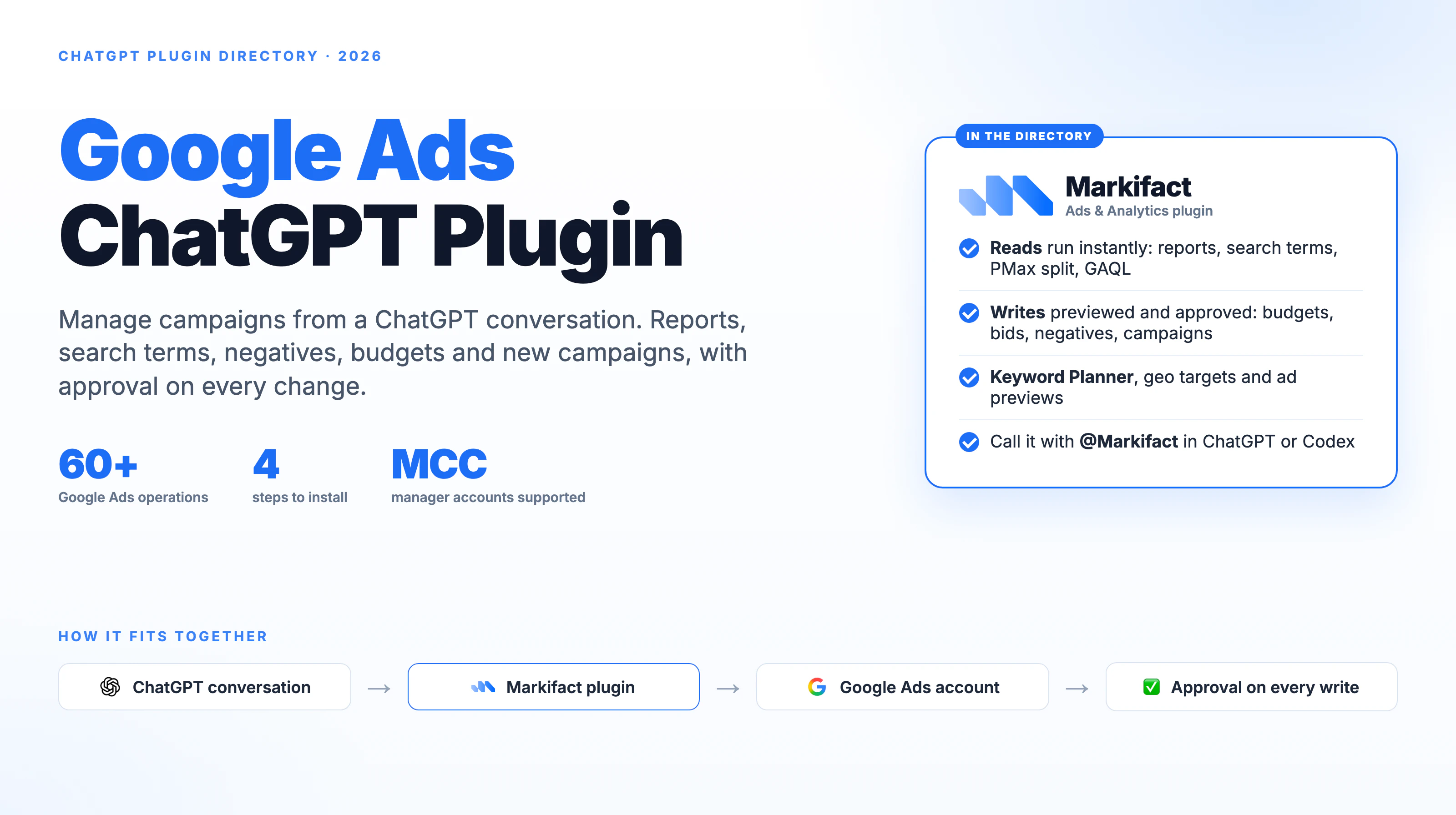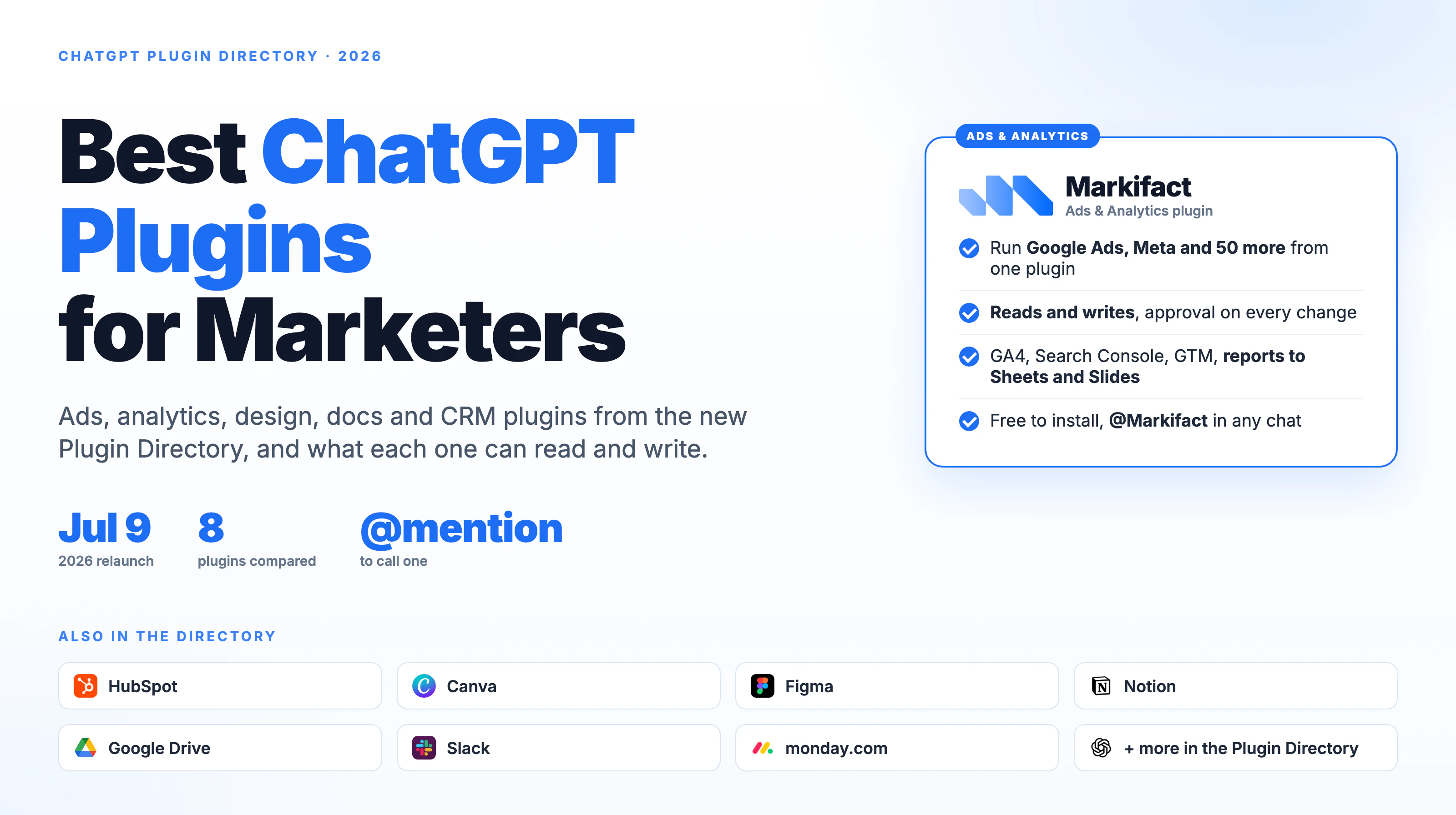
Yes, ChatGPT and Codex can post to Instagram through the Markifact app and an authorized professional Instagram account. ChatGPT can draft the caption, prepare an image, carousel, Reel, or Story, and show the exact publishing request before it runs; Codex can use the same managed Instagram operations from a task with the Markifact plugin enabled. This guide shows both client flows, the approval boundary, honest scheduling limits, and how to measure the post afterward.
The quick version
- Connect the Instagram professional account in Markifact.
- Open the Markifact app listing in ChatGPT and select Connect.
- Authorize the Markifact workspace containing the Instagram connection.
- Attach Markifact to a new ChatGPT conversation.
- Select the exact Instagram account and prepare the content.
- Review the account, media, post type, and caption before approving
instagram_publish_post. - In Codex desktop, open Plugins, confirm Markifact is installed and connected, then invoke it in the task.
- Use the read-only
instagram_get_posts_performanceoperation after publishing.
The Instagram authorization lives in Markifact. ChatGPT and Codex are clients that request narrowly defined operations through that managed connection.
What ChatGPT and Codex can publish
The current Instagram publishing surface supports four post types:
| Post type | Media input | Caption | Important limit |
|---|---|---|---|
| Image | Exactly one image URL | Up to 2,200 characters | Use a publicly reachable image |
| Carousel | 2 to 10 images and/or videos | Up to 2,200 characters | Review the item order before approval |
| Reel | One video URL, optional cover, optional feed sharing | Up to 2,200 characters | Feed videos publish as Reels |
| Story | Exactly one image or video | Not supported by this operation | API Story publishing requires a Business account |
These are examples from the current Instagram operation surface, not an exhaustive list of every marketing workflow available through Markifact.
Publishing is a write action. Markifact requires approval for the external post, while performance reporting remains read-only.
What you need before connecting
You need:
- An Instagram Business or Creator account
- A Facebook Page linked to that professional account for the current connection path
- A Markifact workspace with permission to connect Instagram
- Access to the Markifact app in ChatGPT and the Markifact plugin in Codex
- Publicly reachable media files or supported share links
Meta's professional-account guide describes Business and Creator accounts. Meta's Instagram API documentation confirms that personal accounts are not available through this API path and that Stories publishing is limited to Business accounts.
1. Connect Instagram in Markifact
Open Connections in Markifact, choose Instagram, and complete Meta's authorization flow. Sign in with the identity that manages the intended Facebook Page and linked Instagram account.
If your workspace contains several brands, give the saved connection a clear name:
Instagram - Northstar Studio - Main
After authorization, ask the client to list accessible Instagram accounts before attempting to publish:
Use Markifact to list the Instagram professional accounts available to this connection.
Return the account name and account ID only. Do not publish anything.
Select by both name and ID. The Instagram MCP page is the central reference for the managed connection.
2. Connect the Markifact app in ChatGPT
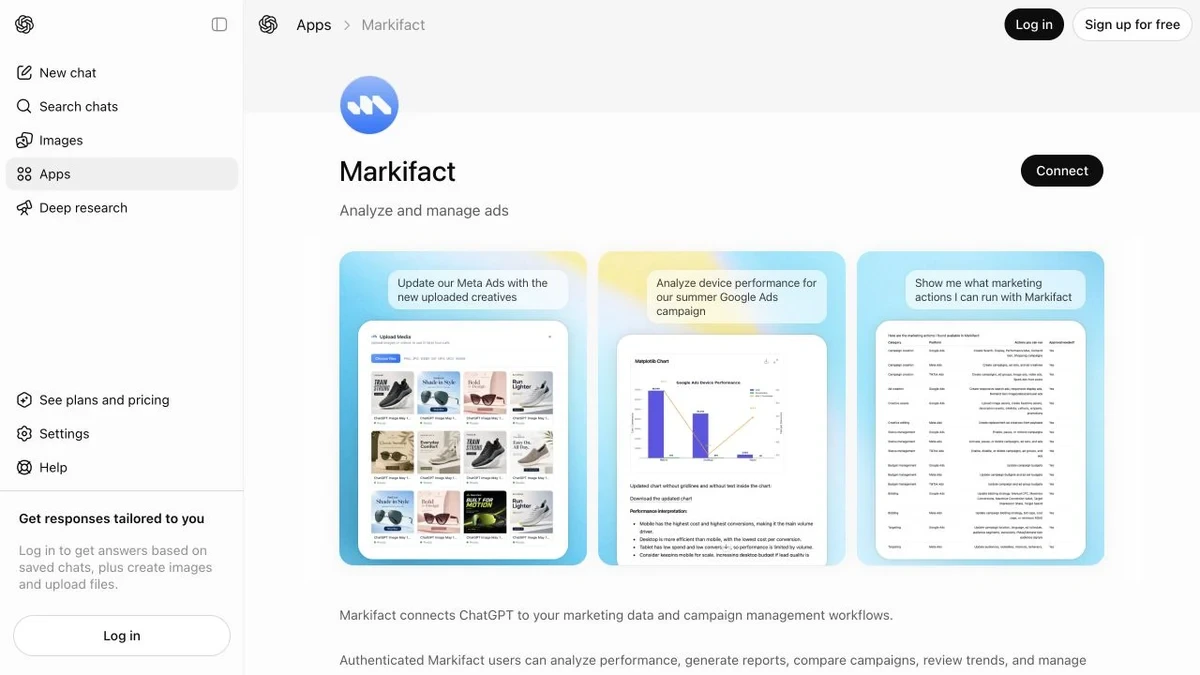
Open the Markifact app listing, or open Apps in ChatGPT and search for Markifact. Select Connect and authorize the Markifact workspace where Instagram is connected.
The two authorization layers are separate:
- Meta authorizes Markifact to access the linked Instagram professional account.
- You authorize ChatGPT to use the selected Markifact workspace.
Installing the app does not grant ChatGPT access to an unrelated Instagram account. The available accounts still depend on the Meta identity, linked Page, and Markifact workspace you authorized.
App visibility can depend on your ChatGPT account and workspace controls. If Markifact does not appear, open its direct listing while signed in and ask the workspace administrator whether third-party apps or plugins are restricted.
3. Draft and publish the first post in ChatGPT
Attach Markifact to a fresh ChatGPT conversation. Start with one approved image and ask ChatGPT to draft before it prepares the write.
Use Markifact and Instagram account Northstar Studio
(account ID 17841490765432109).

Prepare a single-image Instagram post using this approved media URL:
[PUBLIC IMAGE URL]

Draft three concise caption options for a coral studio cup launch.
Use a calm founder voice, one clear action, and up to five relevant hashtags.
Do not prepare the publishing action until I choose a caption.
After choosing the caption, make the write request separate and explicit:
Use caption option 2 exactly as approved.
Prepare instagram_publish_post for account 17841490765432109.
Post type: image.
Show the account, media, post type, and full caption.
Wait for approval before publishing.
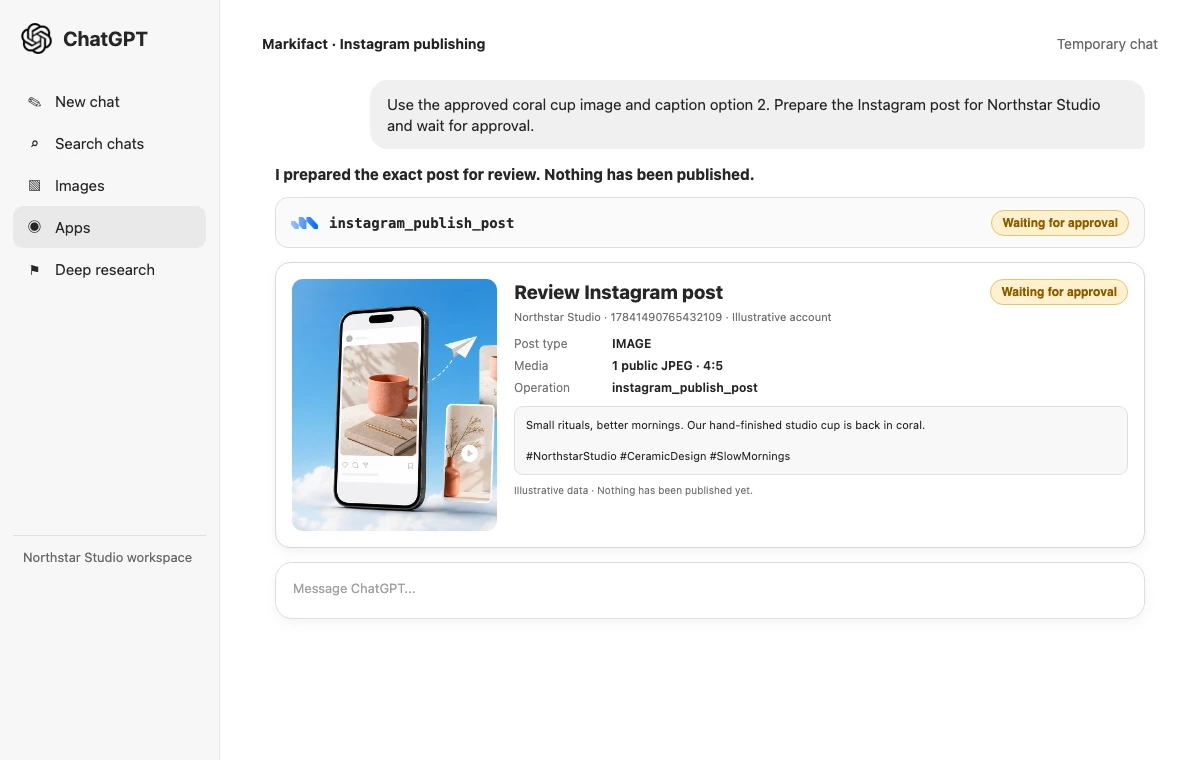
Before approving, verify:
- The Instagram account name and ID.
- The post type.
- The media preview and URL.
- The full caption and hashtags.
- Reel cover and
share_to_feedsettings when relevant.
Nothing should post silently. Reject the request if the wrong brand, media order, caption, or account appears.
Use Markifact in Codex desktop
Codex has a different interface and working style from ChatGPT. In the current Codex desktop app, open Plugins in the sidebar, find Markifact, and confirm that it is installed and connected for the task.
Plugin enablement can be separate even when ChatGPT and Codex use the same OpenAI account. Confirm the plugin inside Codex instead of assuming the ChatGPT conversation setup carried over.
Start with a scoped task:
Use @Markifact to list the Instagram accounts available to this connection.
Select Northstar Studio by account ID.
Do not publish or change anything.
Then prepare one controlled write:
Use @Markifact to prepare the approved Northstar Studio image post.
Use the exact media URL and caption in content/instagram-launch.md.
Show the final account, post type, media, and caption.
Wait for approval before calling instagram_publish_post.
Codex is useful when the content brief, caption variants, campaign notes, and approval record live in local project files. Creating or editing those local files is different from publishing to Instagram. The external post remains a Markifact write and still waits for approval.
Copy-paste prompts for every supported Instagram format
Single image
Use the selected Instagram account.
Prepare one image post using [PUBLIC IMAGE URL].
Keep the approved caption exactly as written below.
Show the final payload and wait for approval.

[APPROVED CAPTION]
For the safest feed result, use a JPEG under 8 MB with an aspect ratio between 4:5 and 1.91:1.
Carousel
Prepare an Instagram carousel with these media URLs in this exact order:
1. [URL]
2. [URL]
3. [URL]
4. [URL]

Use the approved caption below.
Confirm there are between 2 and 10 items, show the ordered list,
and wait for approval before publishing.

[APPROVED CAPTION]
Carousels can mix images and videos. The order is part of the publish request, so inspect it before approval.
Reel
Prepare an Instagram Reel using [PUBLIC VIDEO URL].
Use [COVER IMAGE URL] as the cover and share it to the main feed.
Use the approved caption below.
Show the video, cover, feed-sharing setting, and full caption.
Wait for approval.

[APPROVED CAPTION]
Vertical 9:16 video is the practical default. Feed videos use the Reel post type rather than a separate generic video type.
Story
Prepare one Instagram Story for business account [ACCOUNT ID].
Use [PUBLIC IMAGE OR VIDEO URL].
Confirm the account and media type, then wait for approval.
Do not invent a caption or text overlay.
Stories accept one image or video, have no caption field in the current operation, and remain subject to Instagram's normal 24-hour Story behavior. Story publishing through this API path requires a Business account.
Draft captions, hashtags, and a manual first comment
ChatGPT and Codex can draft the creative before they request a publishing operation. That keeps ideation reversible.
Draft four Instagram captions for this approved asset and offer.

Audience: [AUDIENCE]
Asset: [WHAT IT SHOWS]
Message: [MESSAGE]
Voice: [VOICE RULES]
Avoid: [WORDS OR CLAIMS TO AVOID]

Create concise, story-led, educational, and community-led options.
Each should contain one action and up to five relevant hashtags.
Do not publish anything.
Hashtags are included in the caption. There is no separate hashtag field.
The current operation also has no first-comment input. ChatGPT or Codex can draft a first comment, but someone must copy it into Instagram manually after the post is live.
How scheduled Instagram posting works
instagram_publish_post has no native scheduling field. Scheduling an Instagram post through Markifact means building a workflow that runs the Instagram Publish Post node at the selected time and timezone.
A responsible workflow is:
- Store the approved account, media URL, post type, and caption.
- Add the Instagram Publish Post node.
- Set the workflow schedule and timezone.
- Test it with a controlled asset.
- Review the external-write approval when the workflow runs.
Because publishing is approval-gated, do not describe the workflow as unattended posting. A dedicated scheduler can be a better choice when you need drag-and-drop calendars, evergreen queues, automatic first comments, creator tagging, and hands-off publishing.
Markifact is a better fit when the post starts from an AI-assisted brief, needs an explicit approval checkpoint, and should feed into conversational performance analysis later.
Measure the post after publishing
Once Instagram returns the permalink, keep it with the content record. Then ask ChatGPT or Codex for a read-only post report:
Use instagram_get_posts_performance for account 17841490765432109.
Find the post with permalink [POST URL].
Report its first seven complete days with views, reach, likes,
comments, shares, and reposts where available.
Show the raw values first, then give three evidence-based observations.
Do not publish or change anything.
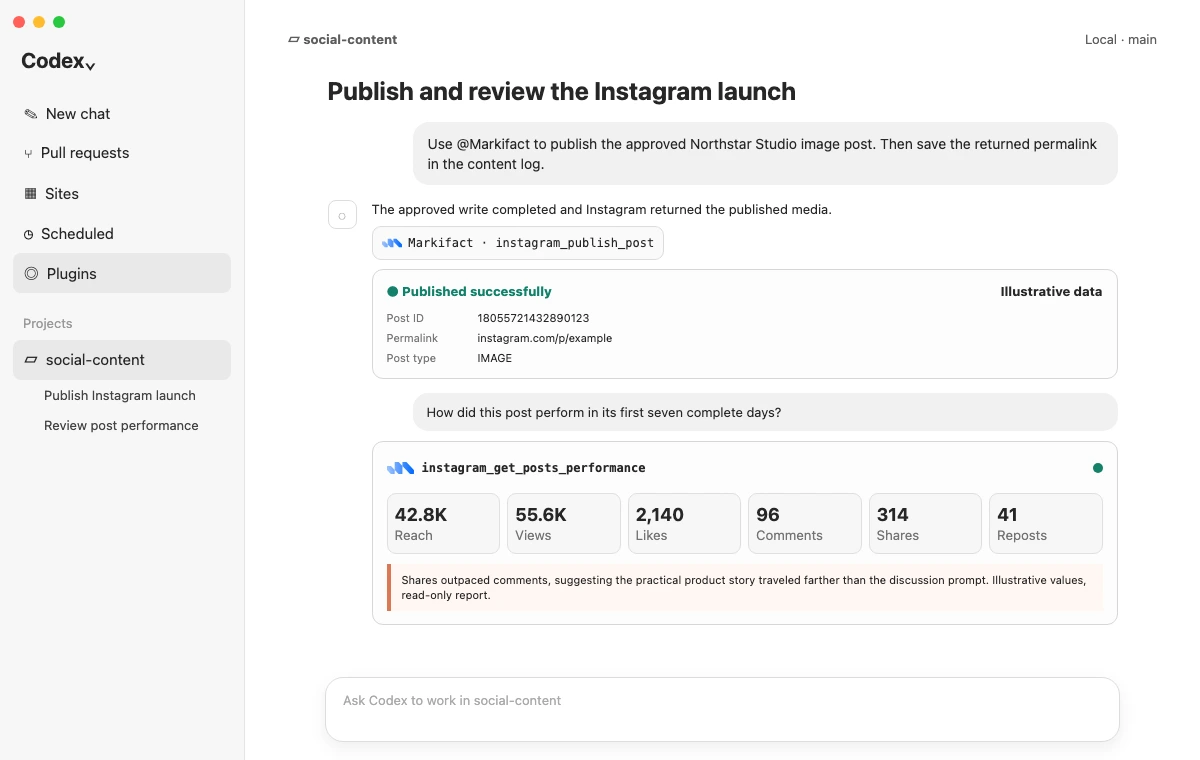
instagram_get_account_performance can provide broader account context. Compare the post with the account baseline instead of declaring a winner from one absolute number.
If the post is later promoted, use the separate Meta Ads MCP for paid campaign data. Organic post insights and paid ad performance are related, but they are not interchangeable.
The Claude Instagram publishing guide covers the same Instagram operation through Claude's connector directory.
Permission and approval boundaries
Four layers matter:
- Meta authorization: the connected identity determines which linked professional accounts are available.
- Markifact workspace: the selected workspace and saved connection determine which brand the app can reach.
- ChatGPT or Codex plugin access: each client can require its own enablement or workspace approval.
- Publishing approval:
instagram_publish_postwaits for explicit approval with its exact payload.
Name the account and ID in every write prompt. Separate caption drafting from publishing. Treat the approval card as the last chance to catch a cross-client or cross-brand mistake.
Current limitations
- Personal Instagram accounts are not supported.
- A linked Facebook Page is required for the current connection path.
- Story publishing requires an Instagram Business account.
- Supported post types are image, carousel, Reel, and Story.
- There is no native Instagram scheduling input.
- Publishing remains approval-gated, including inside a scheduled workflow.
- First-comment publishing is not supported.
- Location, people, collaborator, product, and alt-text fields are not exposed.
- Instagram edit and delete operations are not currently available.
- Media must be publicly reachable by Instagram.
- Captions are capped at 2,200 characters for images, carousels, and Reels.
- Carousels support 2 to 10 items.
- The current operation reports a limit of 50 API-published posts per account in a rolling 24-hour window.
These limits are the deciding factor when comparing this workflow with a dedicated social scheduler. Use the managed AI workflow when its approval, reasoning, and measurement loop fit the job.
Frequently asked questions
Can ChatGPT post to Instagram?
Yes. Connect a professional Instagram account in Markifact, connect the Markifact app in ChatGPT, and ChatGPT can prepare an image, carousel, Reel, or Story for approval through instagram_publish_post.
Can ChatGPT schedule Instagram posts?
ChatGPT can prepare content for a scheduled Markifact workflow, but the publishing operation has no native schedule field. The external write remains approval-gated when the workflow runs.
Can Codex post to Instagram?
Yes. Enable the Markifact plugin in Codex, select the intended Instagram account, and request the approved publish operation. Codex can work with local briefs and content files, but the external Instagram write still waits for approval.
Can ChatGPT post Instagram Reels and Stories?
Yes. Reels use one video URL with optional cover and feed-sharing settings. Stories use one image or video, require a Business account for API publishing, and do not accept captions through the current operation.
Do I need an Instagram business account?
You need an Instagram professional account, which can be Business or Creator, linked to a Facebook Page for the current connection. A Business account is required for Story publishing.
Can ChatGPT edit or delete an Instagram post?
Not through the current Markifact Instagram catalog. It can publish new content and retrieve performance, but edit and delete operations are not currently exposed.
Is there an Instagram MCP for ChatGPT and Codex?
Yes. Markifact provides a managed Instagram MCP connection that its ChatGPT app and Codex plugin can use. You do not need to build or host your own Instagram MCP server.