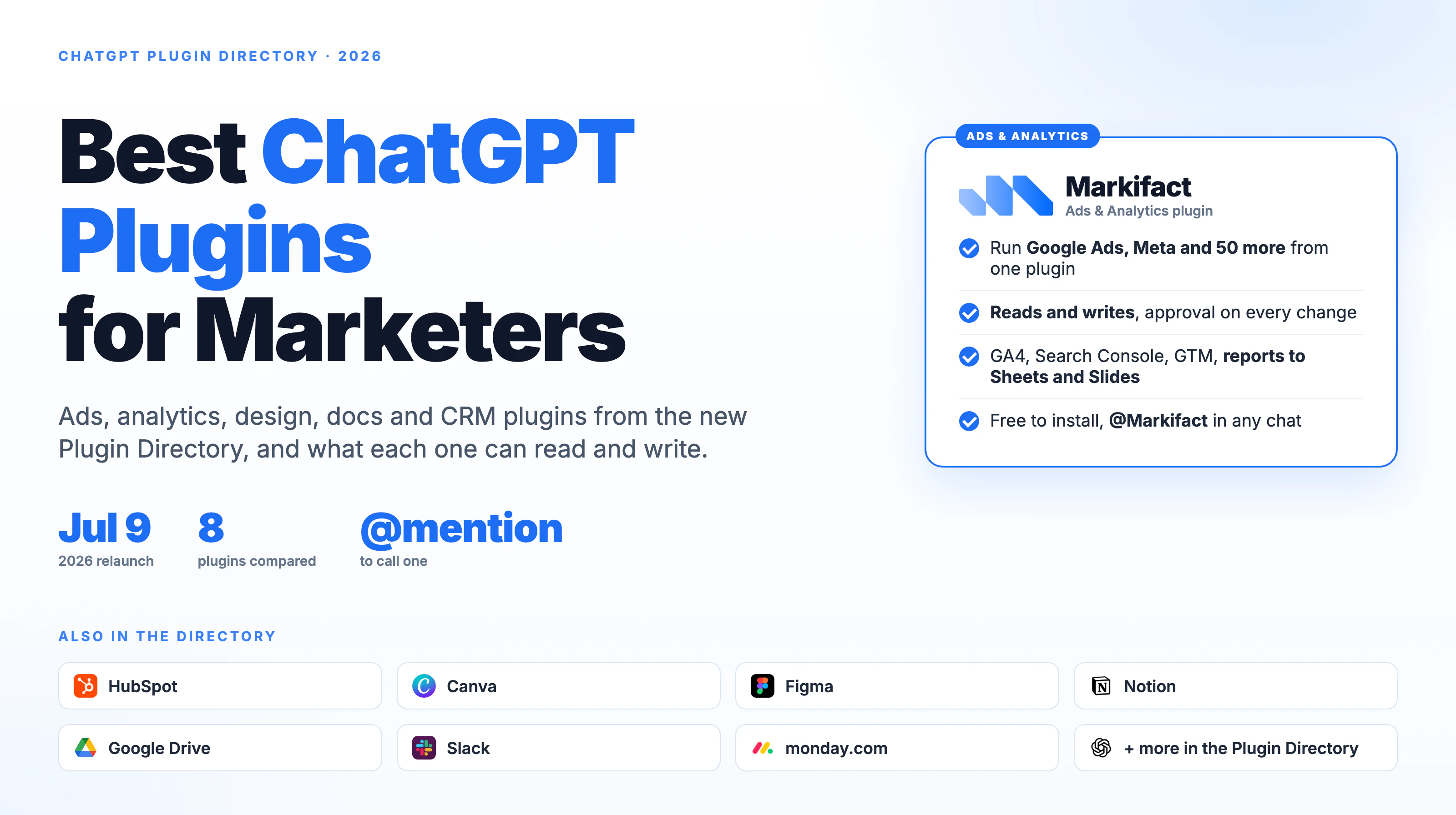
A Google Ads ChatGPT plugin lets you read and change a Google Ads account from a ChatGPT conversation. Since OpenAI relaunched plugins on July 9, 2026, that has meant installing a plugin from the ChatGPT Plugin Directory, connecting the account it asks for, and calling it with an @ mention. This guide covers the one we build, Markifact - Ads & Analytics, what it can and cannot do in Google Ads, the prompts that work, and where it fits next to Google's own developer tooling.
Disclosure first: Markifact publishes this blog and builds the plugin. Everything below describes the plugin as it works in September 2026, and the limits are stated as plainly as the features.
What the Google Ads ChatGPT plugin does
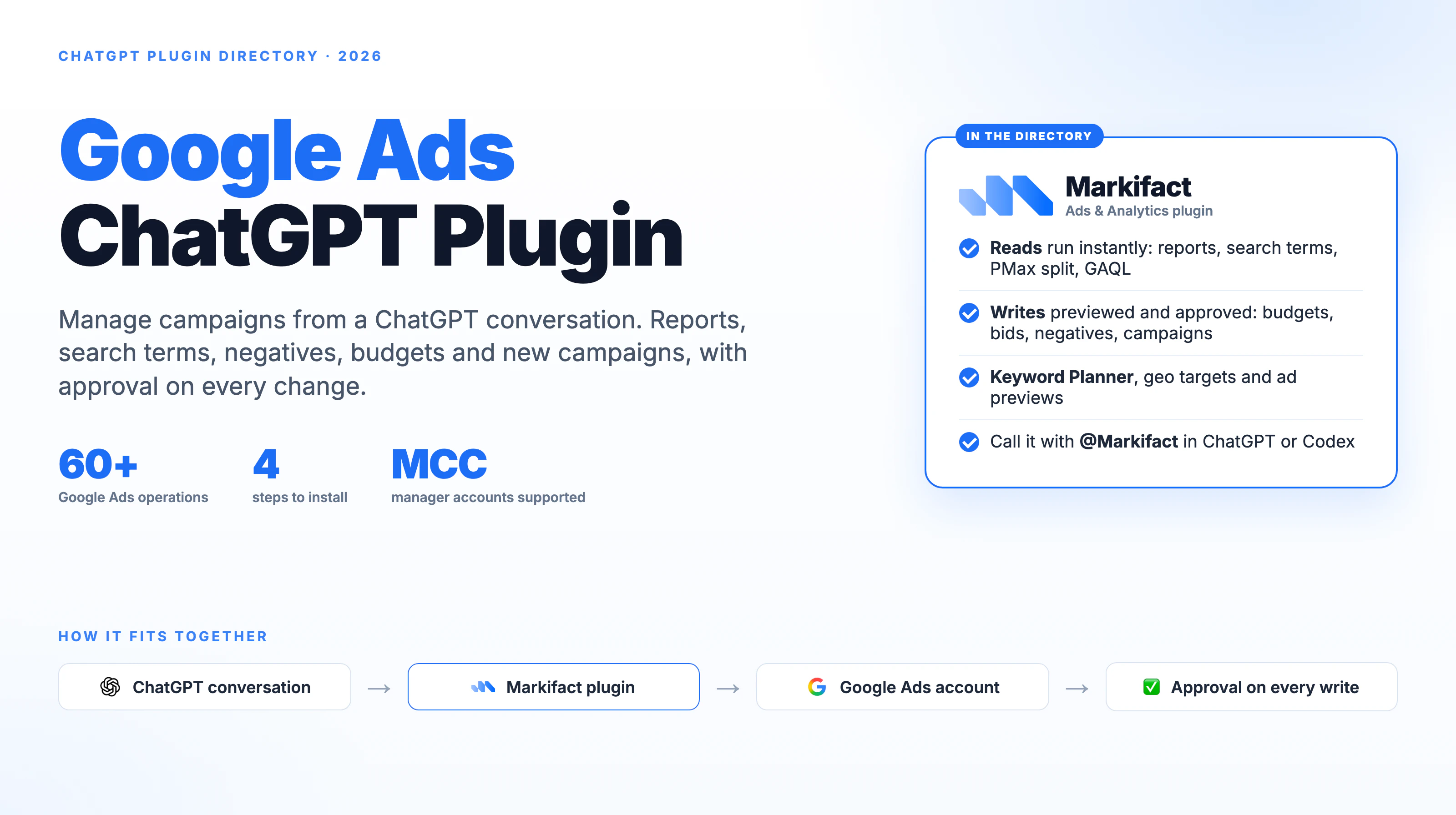
The plugin connects ChatGPT to Google Ads through your Markifact account, using the same Google Ads MCP connector that serves Claude and Codex. You authorize Google Ads inside Markifact once, install the plugin in ChatGPT, and from then on ChatGPT can run more than 60 dedicated Google Ads operations on your behalf. Reads run immediately. Writes are previewed and wait for your approval.
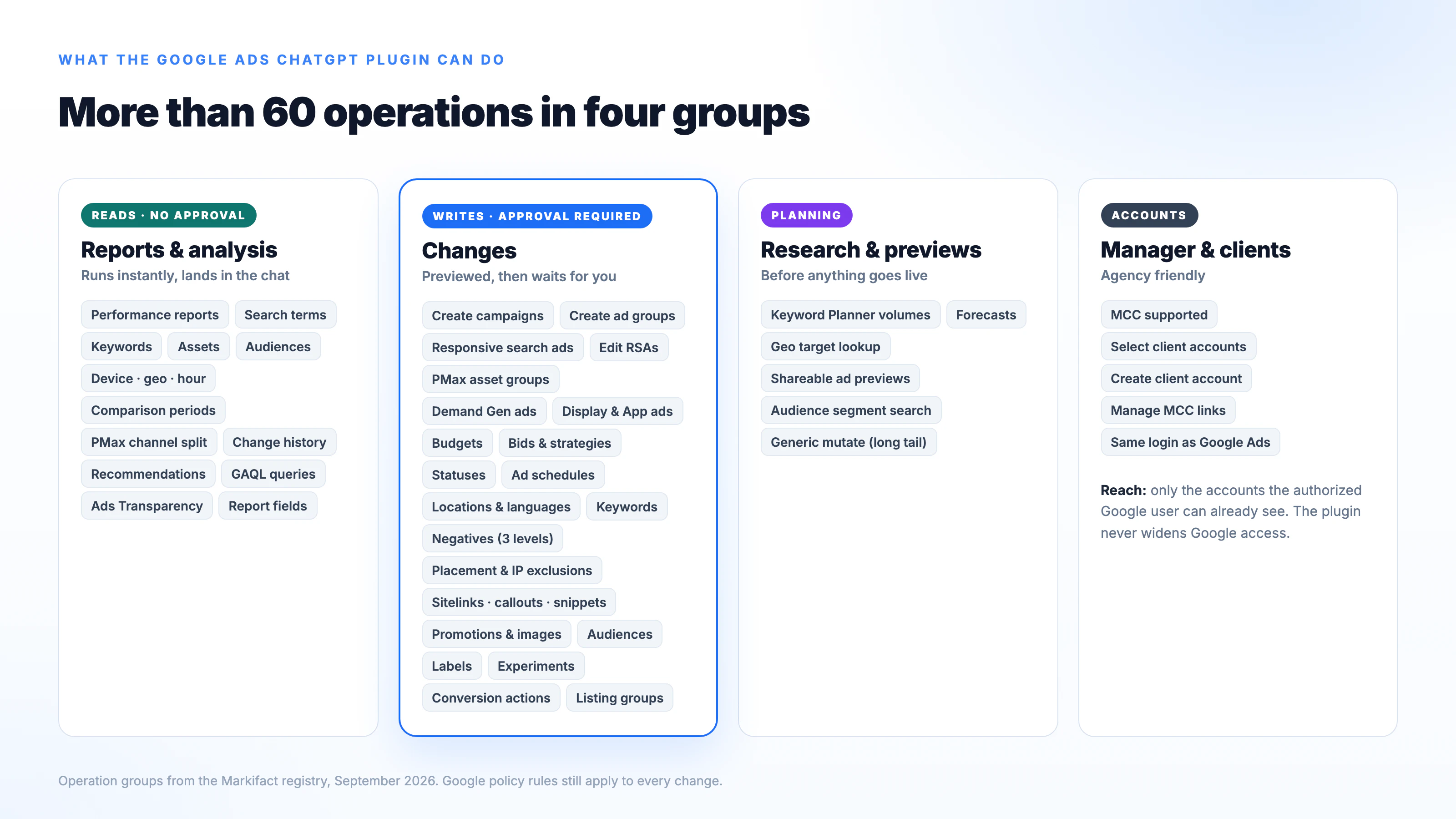
Reads. Performance reports at any level, campaign, ad group, ad, keyword, search term, asset, audience, device, geo and hour, over any date range with comparison periods. Account change history. Performance Max channel split. Recommendations. Raw GAQL queries when you know exactly what you want. Google Ads Transparency Center lookups for any advertiser.
Writes. Campaign and ad group creation for Search, Performance Max, Demand Gen, Display and App. Responsive search ads and their edits. Budgets, bids, bidding strategies, statuses, ad schedules, locations and languages. Keywords, negatives at ad group, campaign and shared-list level, placement exclusions and IP exclusions. Sitelinks, callouts, structured snippets, promotions, image and text assets. Audience targeting and exclusions, custom audiences, labels, experiments, conversion actions and listing groups.
Planning. Keyword Planner volumes and forecasts, geo target lookup, shareable ad previews, and a generic mutate operation for the long tail of the Google Ads API.
Accounts. Manager accounts are supported. Point the plugin at an MCC and it can query or change any client account under it, or create a new client account.
The full operation list is on the Google Ads MCP page, and the Claude setup is in how to connect the Google Ads MCP to Claude. The operations are identical whichever assistant your team uses.
How to install the Google Ads ChatGPT plugin
Four steps. The detailed version with screenshots is in how to connect Google Ads to ChatGPT.
- Connect Google Ads in Markifact. Sign in to Markifact, add a Google Ads connection and authorize the Google login that has access to the accounts you want. Google Ads is authorized here, not in ChatGPT.
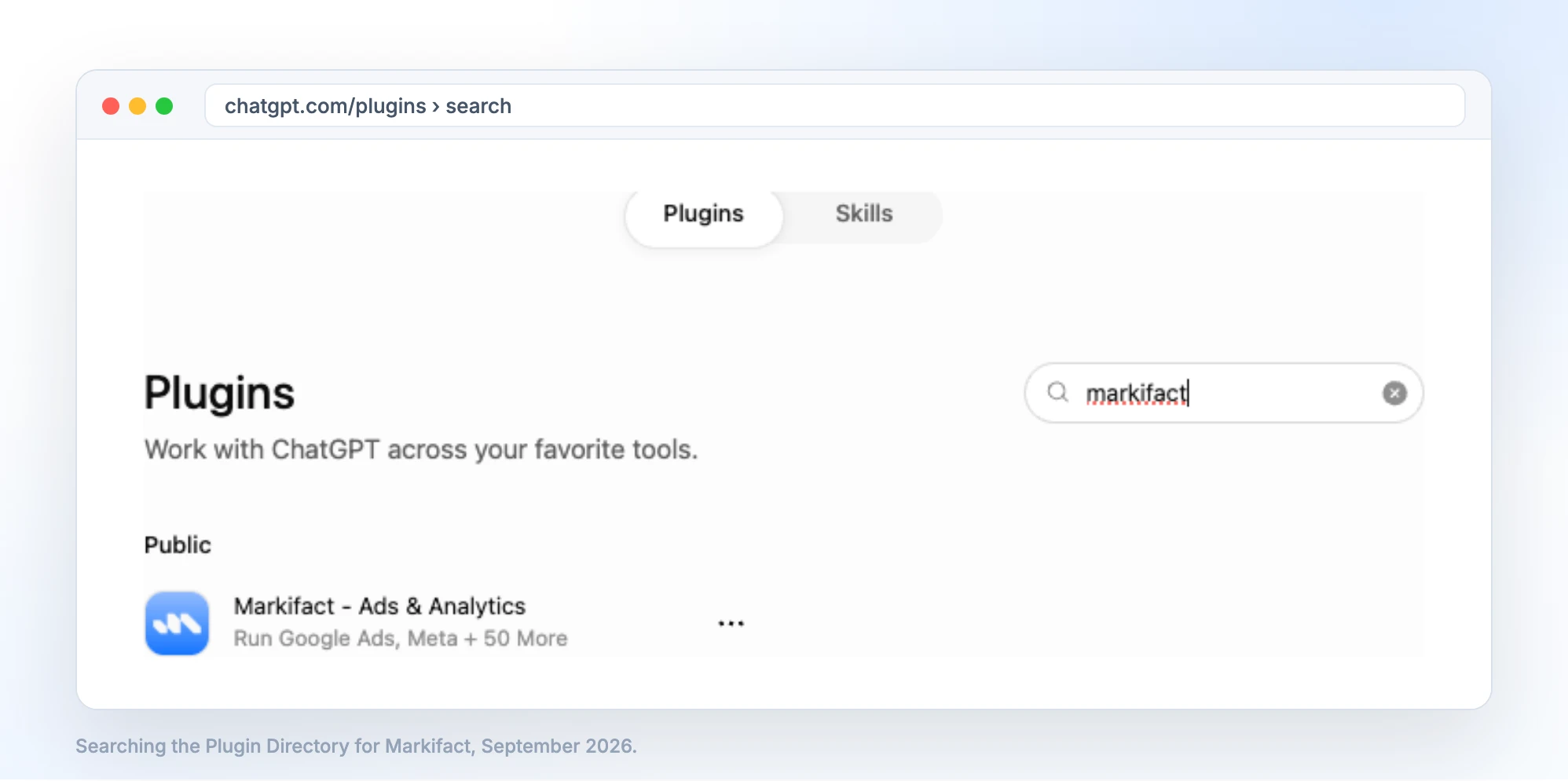
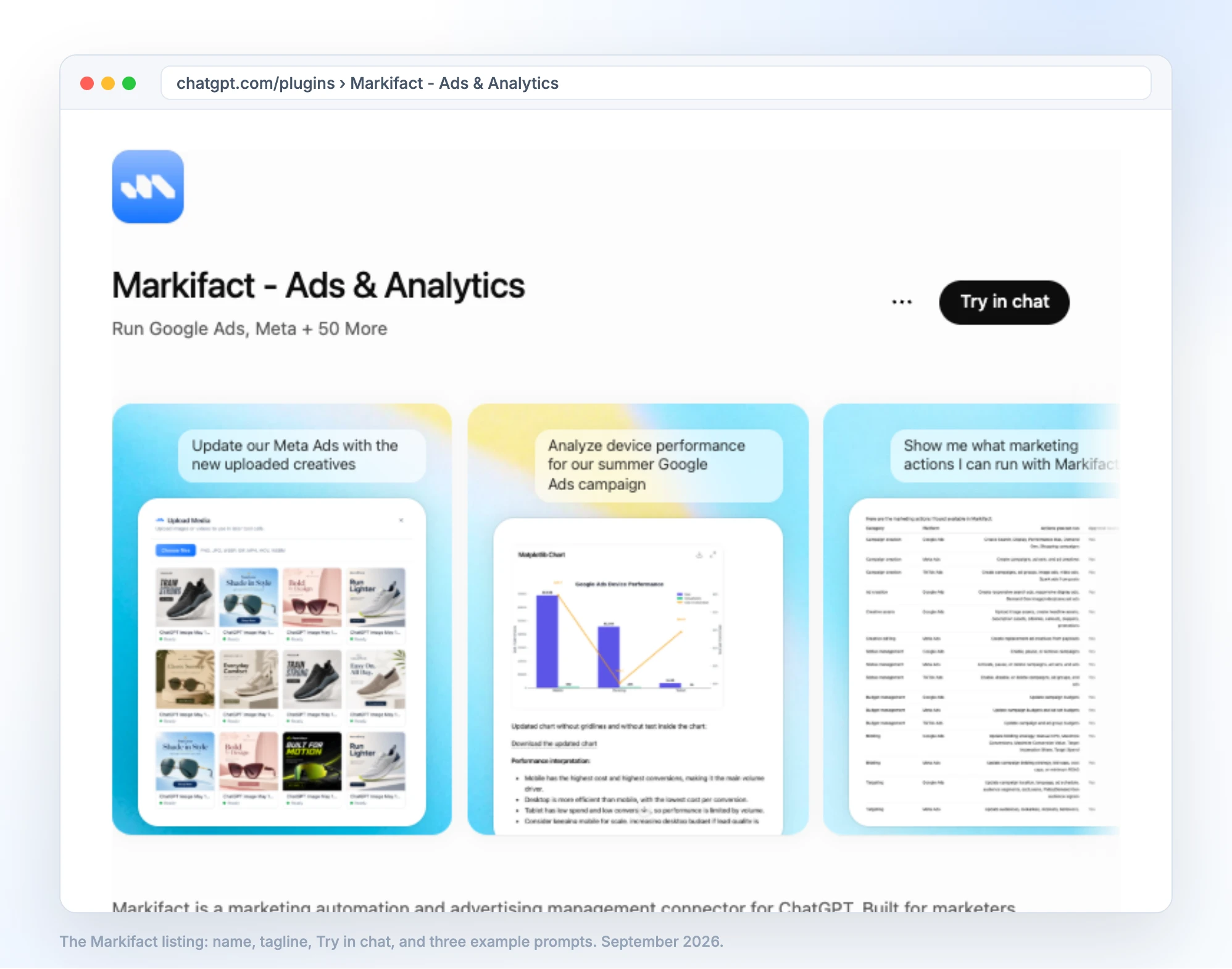
- Install the plugin. Open Plugins in the ChatGPT sidebar, find Markifact - Ads & Analytics, and select Install plugin. ChatGPT sends you to Markifact to sign in and approve the connection.
- Call it. In a new conversation, type
@Markifactfollowed by your request, or pick it from the + menu under More. - Run a read first. Ask for a campaign report before you ask for any change, and check that the account, currency and conversion field are the ones you expect.
Whether you can install a given plugin depends on your ChatGPT plan, workspace settings and role. OpenAI lists Plugins on Free, Go, Plus and Pro, and workspace admins on Business and Enterprise control which plugins their members can add.
Google Ads prompts that work in ChatGPT
The prompts that return useful answers all name the same things: the account, the date range, the metrics, the comparison, the output and whether changes are allowed. Here are eight we use.
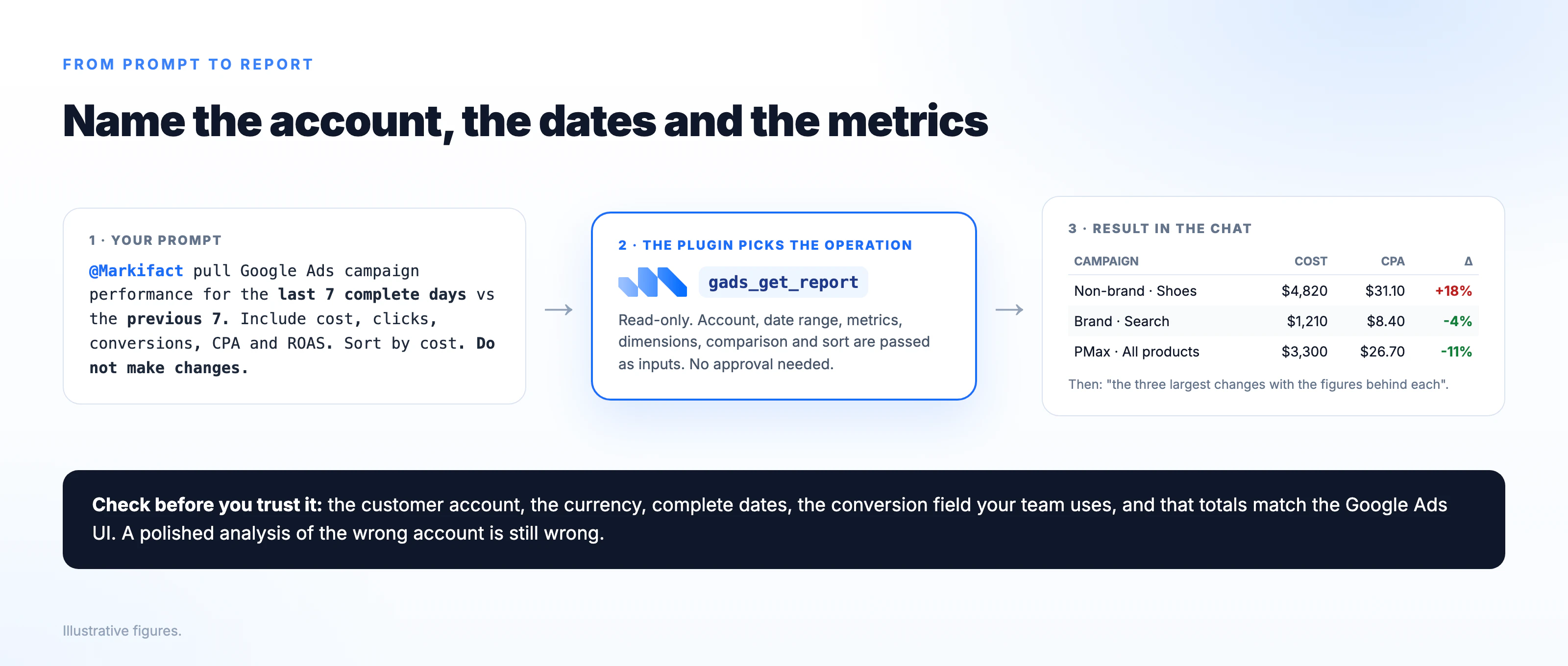
Weekly performance with the three largest changes
@Markifact pull Google Ads campaign performance for the last 7 complete days
versus the previous 7. Include cost, impressions, clicks, CTR, conversions,
CPA, conversion value and ROAS. Sort by cost. Then list the three largest
changes with the figures behind each. Do not make any changes.
Search terms that are wasting budget
@Markifact list search terms from the last 30 days with more than $50 in cost
and zero conversions, grouped by campaign. Suggest which should become
negative keywords and at which level. Do not add anything yet.
Add the negatives after review
@Markifact add these as exact-match negative keywords to the campaign
"Brand - Search": [list]. Show me the exact list and campaign ID first.
Budget pacing against a monthly target
@Markifact my monthly budget for the account is $12,000. Pull spend by
campaign month to date, project the month-end total at the current daily
rate, and flag campaigns pacing more than 10% over or under their share.
Performance Max channel split
@Markifact for the Performance Max campaigns, show the channel split
(Search, Shopping, Display, Video, Discover) for the last 30 days with cost
and conversions by channel.
Device and hour of day
@Markifact analyze device performance for the "Summer Sale" campaign over
the last 14 days, then break the top device down by hour of day. Where is
CPA highest?
Keyword research before a launch
@Markifact run the Keyword Planner for "running shoes for flat feet" and
ten related terms, United States, last 12 months. Return volume, competition
and top-of-page bid ranges.
Change a budget, with a preview
@Markifact review budget pacing for "Non-brand - Shoes" over the last 30
days. If a change is justified, propose one new daily budget with the
evidence, and do not update anything until I approve the exact campaign ID,
current budget and proposed budget.
Each prompt maps to one or two operations. The weekly report and the search-term review use the report operation. The negatives prompt uses the campaign negative-keyword operation. Budget pacing is a report plus arithmetic. The last prompt ends in a budget update, which is where the approval step comes in.
What happens when ChatGPT changes a Google Ads account
Every write is an approval-gated operation. When ChatGPT asks for a change, Markifact prepares the operation, shows you what it will do, and waits.
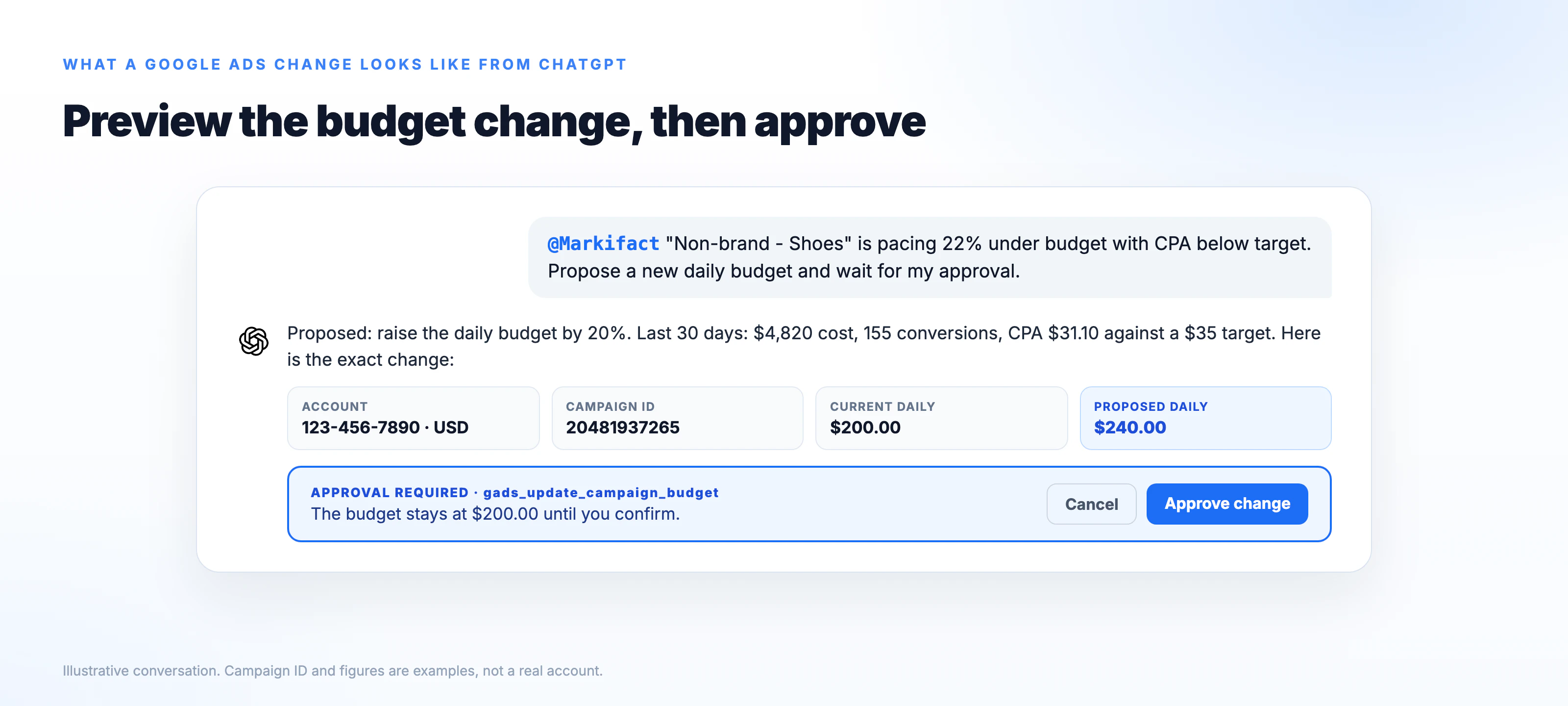
Two permission layers apply, and they are independent.
ChatGPT's app permission decides whether ChatGPT asks before using the plugin at all. OpenAI's options are always ask, ask before making changes, and ask only before important changes. For a live ad account, ask before making changes is the clearest team setting, because reports run without repeated prompts while writes still stop.
Markifact's approval decides whether the change runs. Reads such as the report operation never require it. Writes such as a budget update, a status change or a new campaign always do. Changing the ChatGPT setting does not widen what Markifact can reach, and it does not change what the authorized Google user can see.
Before you approve a budget change, check the Markifact workspace, the customer account, the campaign name and ID, the account currency, the current budget, the proposed budget and whether the value is daily. Budget values are entered in the account currency, not the micros the raw API uses.
Google Ads ChatGPT plugin vs Google's own MCP server
Google publishes an official Google Ads MCP server on GitHub. It is a real option for developers and it is worth understanding how the two differ before you pick.
| Markifact plugin | Google's official MCP server | |
|---|---|---|
| Where it runs | Hosted by Markifact | On your machine or server |
| Install in ChatGPT | Plugin Directory, one click | Self-hosted, not a directory listing. Needs your own Google Cloud project approved for Google Ads API access |
| Google Ads writes | Yes, more than 60 operations, approval on every write | Read and analysis focused, with basic write actions |
| Other platforms | Meta, Microsoft, TikTok, LinkedIn and more in the same plugin | Google Ads only |
| Best for | Marketers and agencies who want to work from ChatGPT today | Developers building their own tooling on the Google Ads API |
Google removed the developer-token check from its server in September 2026, but a self-hosted server still needs a Cloud project with an approved access level, and the level sets your daily operation limit. That is the right path if you are building software on the API. If you want to run campaigns from ChatGPT this afternoon, the plugin is the shorter route. We compared the wider field in best Google Ads MCP servers.
What the plugin cannot do
It cannot act without a Markifact account, because the account holds the Google Ads authorization and the approval log. It cannot bypass Google's own rules: an ad that Google would disapprove in the interface is disapproved through the plugin too, and the policy reason comes back in the chat. It cannot read accounts the authorized Google user cannot see. And it will not run a write without approval, which is a limit by design.
One more limit is on the ChatGPT side. Some ChatGPT workspaces restrict which plugins members can install or whether write actions are enabled. If Install plugin is missing, ask the workspace admin before assuming the plugin is unavailable.
Pricing
The plugin is free to install. It needs a Markifact account, which comes with 200 one-time credits to test it. Paid plans start at $79 a month for one seat with unlimited ad accounts, and the same account serves ChatGPT, Codex and Claude. Details are on the pricing page.
Frequently asked questions
Is there an official Google Ads plugin for ChatGPT?
Not in the Plugin Directory as of September 2026. Google publishes an open-source Google Ads MCP server that developers can self-host with their own Cloud project. Markifact - Ads & Analytics is the directory plugin that covers Google Ads with reads and writes.
Can ChatGPT manage Google Ads campaigns?
Yes, through a plugin that includes a connected Google Ads app. With the Markifact plugin installed, ChatGPT can pull reports, find wasted spend, add negatives, change budgets and bids, pause or enable campaigns and create new ones, with every change previewed and approved by you.
Does the Google Ads ChatGPT plugin work with manager accounts?
Yes. Connect the manager account login in Markifact and the plugin can query or change any client account under it. Name the client account in the prompt so the plugin picks the right one.
Which ChatGPT plan do I need?
OpenAI lists Plugins on Free, Go, Plus and Pro. On Business and Enterprise, a workspace admin decides which plugins can be installed. Check your plan and workspace settings if the Install plugin button is missing.
Is it safe to give ChatGPT access to Google Ads?
The plugin only reaches accounts the authorized Google user can see, and every write waits for your approval. Start with read-only prompts, verify the account and currency, and set ChatGPT's app permission to ask before making changes.
Does the same plugin work in Codex?
Yes. The Plugin Directory serves ChatGPT and Codex, and the Codex app merged into the ChatGPT desktop app on July 9, 2026. The Markifact plugin and its Google Ads operations are the same in both.