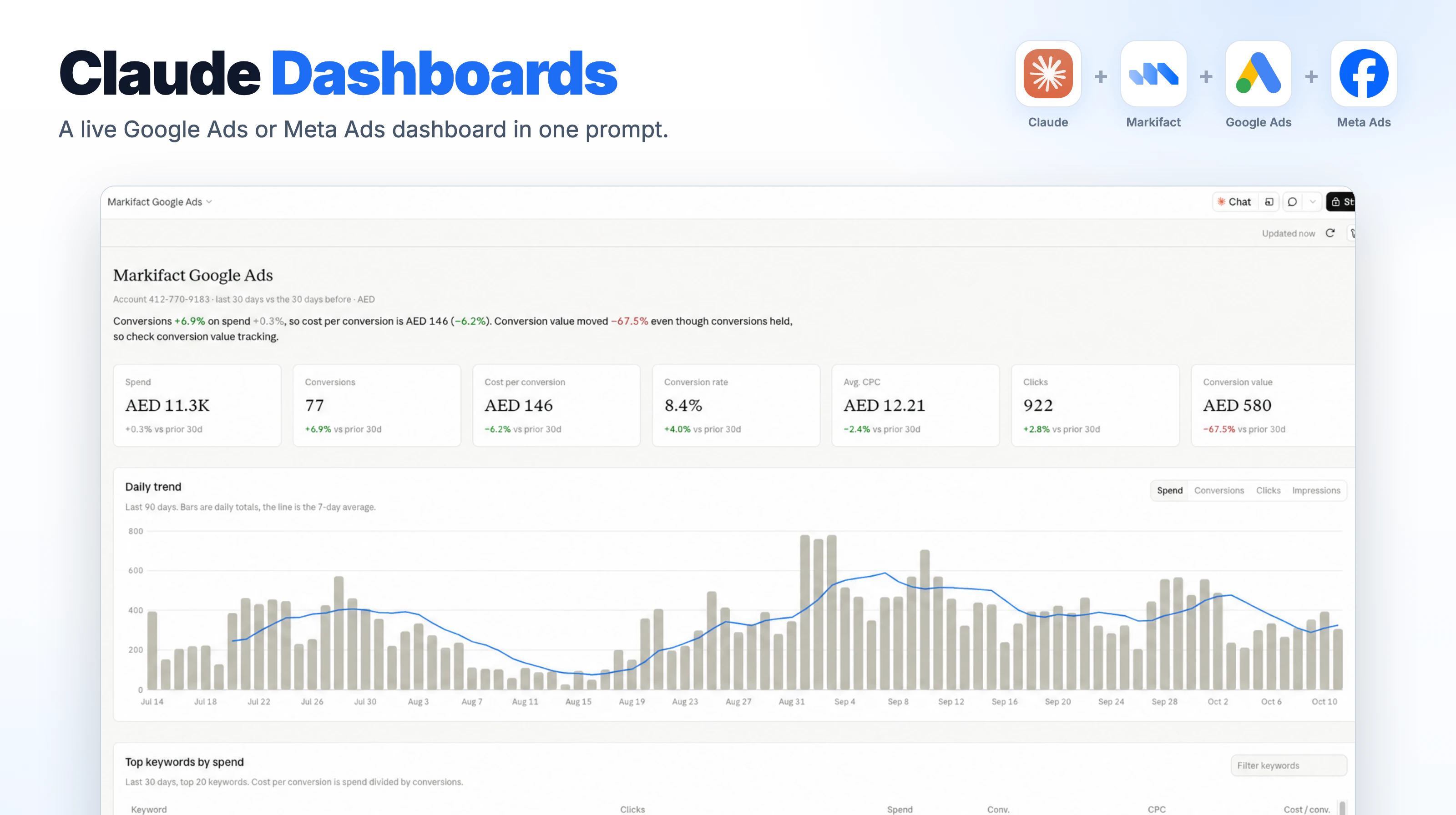
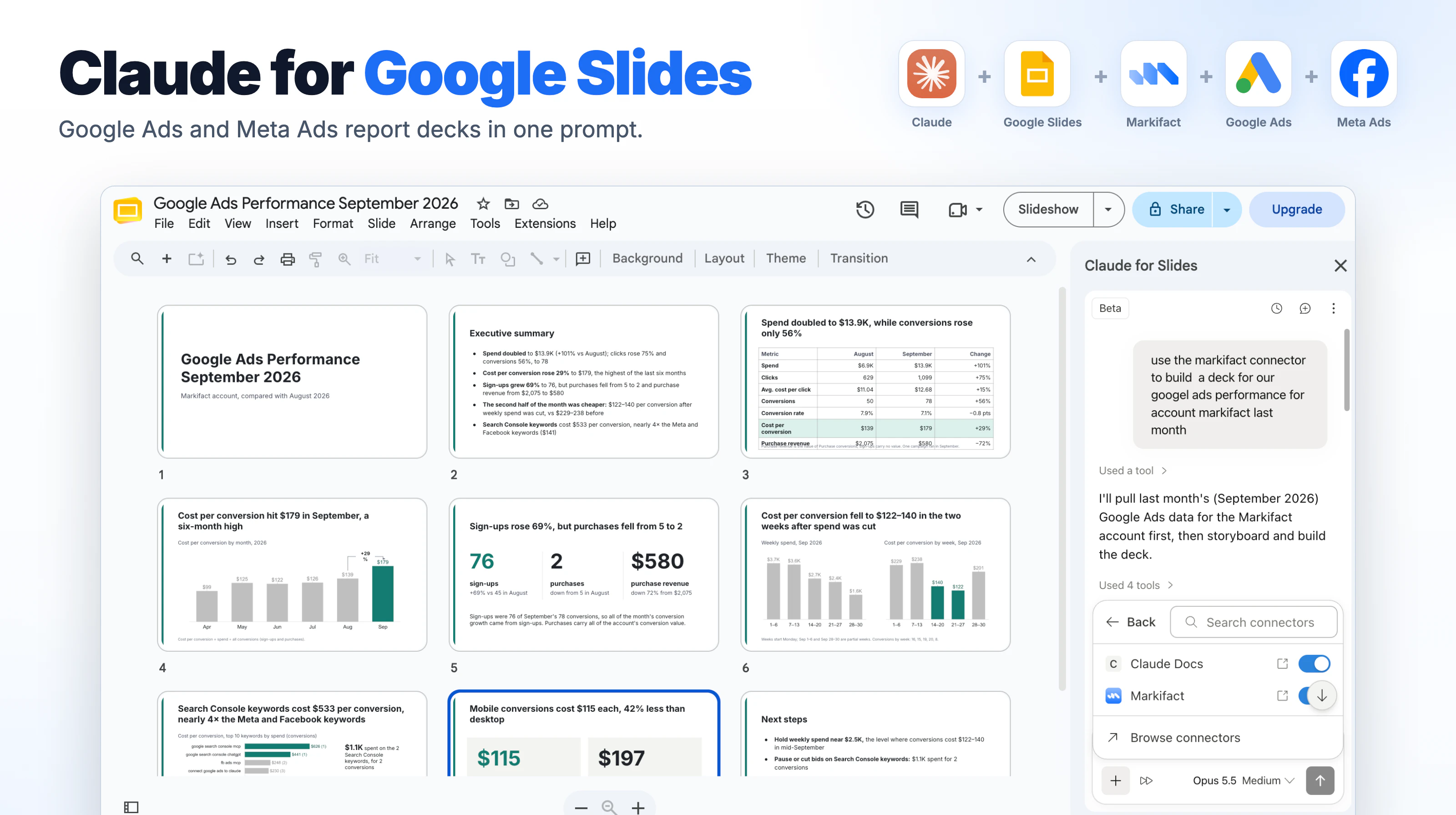
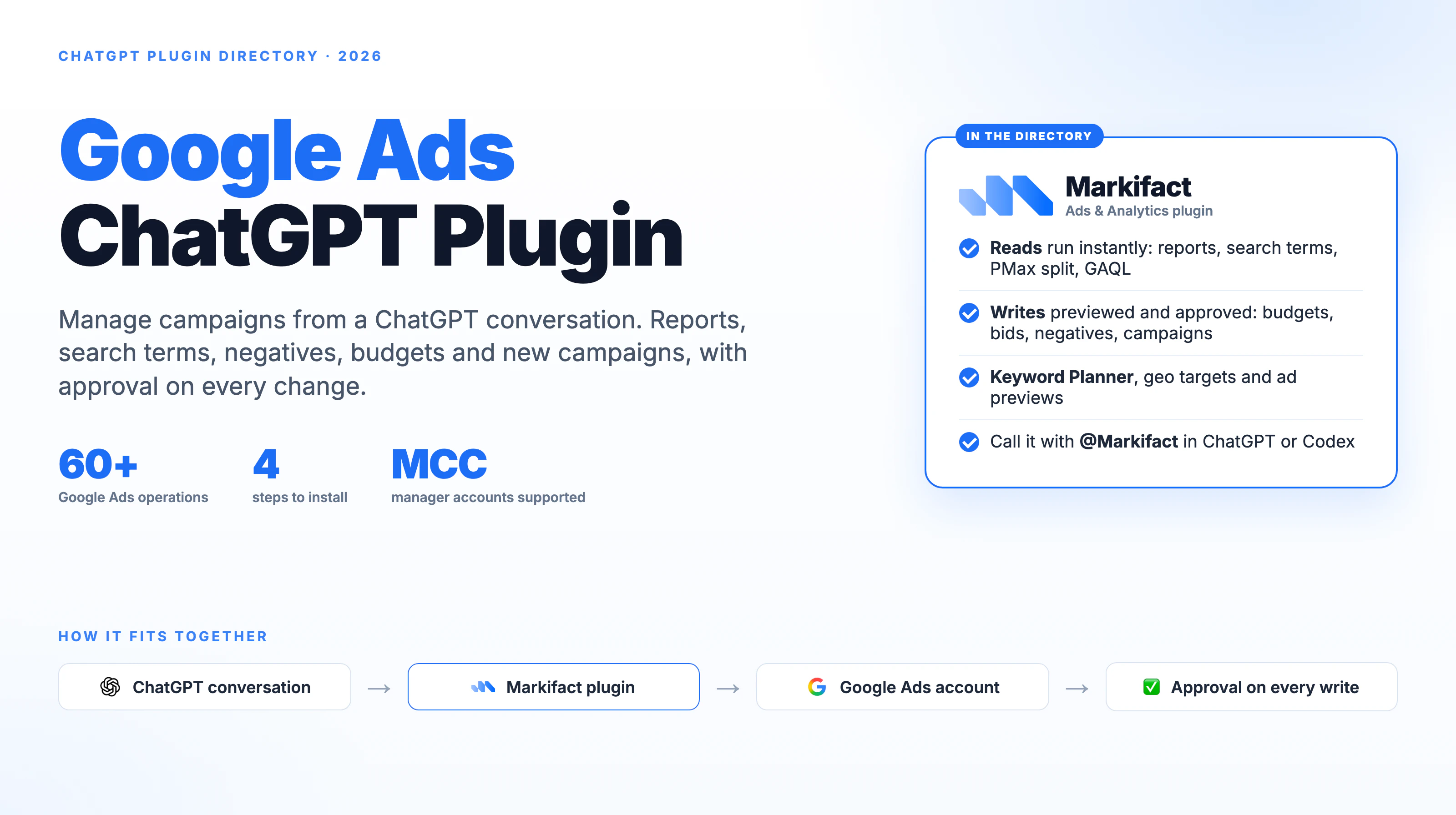
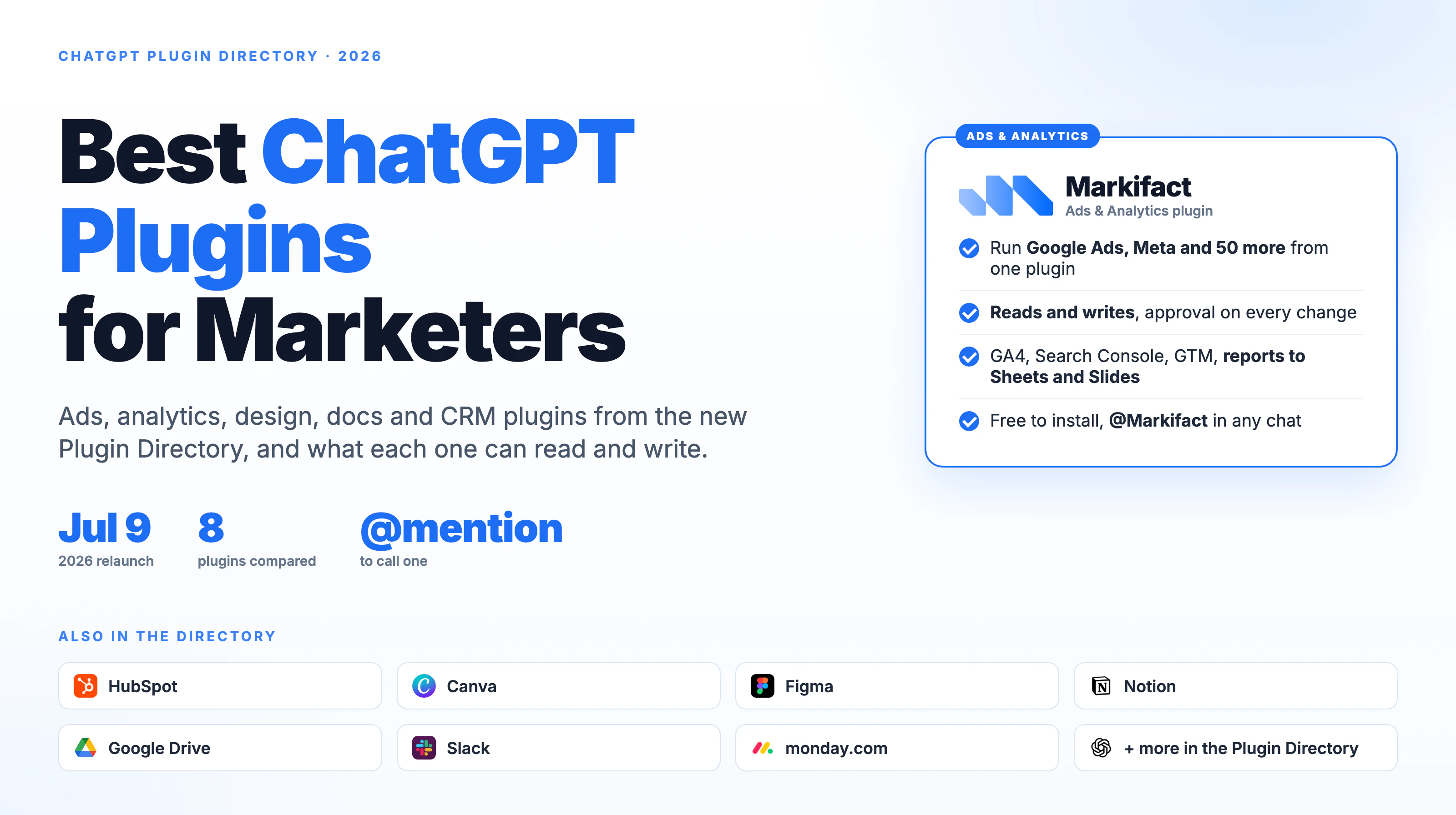
The best Google Ads MCP server in 2026 is Markifact, because it is the only option on this list that can run more than 60 dedicated Google Ads operations and puts an explicit human approval in front of every single change.
That second half matters more than it sounds. We tested ten Google Ads MCP servers, and only four of them can change anything at all. The other six, including Google's own, can only read.
The verdict
Based on our testing, Markifact is the best overall Google Ads MCP for marketers who need full campaign management rather than read-only reporting. It is the only server here that combines all five of the things that decide this category:
- Full Google Ads read and write access, across more than 60 dedicated operations
- Human approval before every write, so an assistant cannot spend money on its own
- Hosted setup, connected with one-click OAuth rather than a self-run server
- Multi-account and MCC support, with unlimited ad accounts on every plan
- A context-efficient MCP architecture that exposes ten top-level tools and loads individual operations on demand, instead of pushing hundreds of tool definitions into the model's context window
Best free and official option: Google's own Google Ads MCP. It is well maintained, Apache-2.0 licensed and costs nothing to run. It is also read-only, exposes three tools, and you host it yourself. If reporting is the whole job and you have a developer, use it and stop reading.
Best for developers building their own agent: Composio. Genuine mutation tools, no product layer, no approval step. You build the guardrails.
Best for pushing data into Google Ads: Zapier MCP. It cannot create or edit campaigns, but nothing else here connects Google Ads to thousands of other apps for leads, audiences and offline conversions.
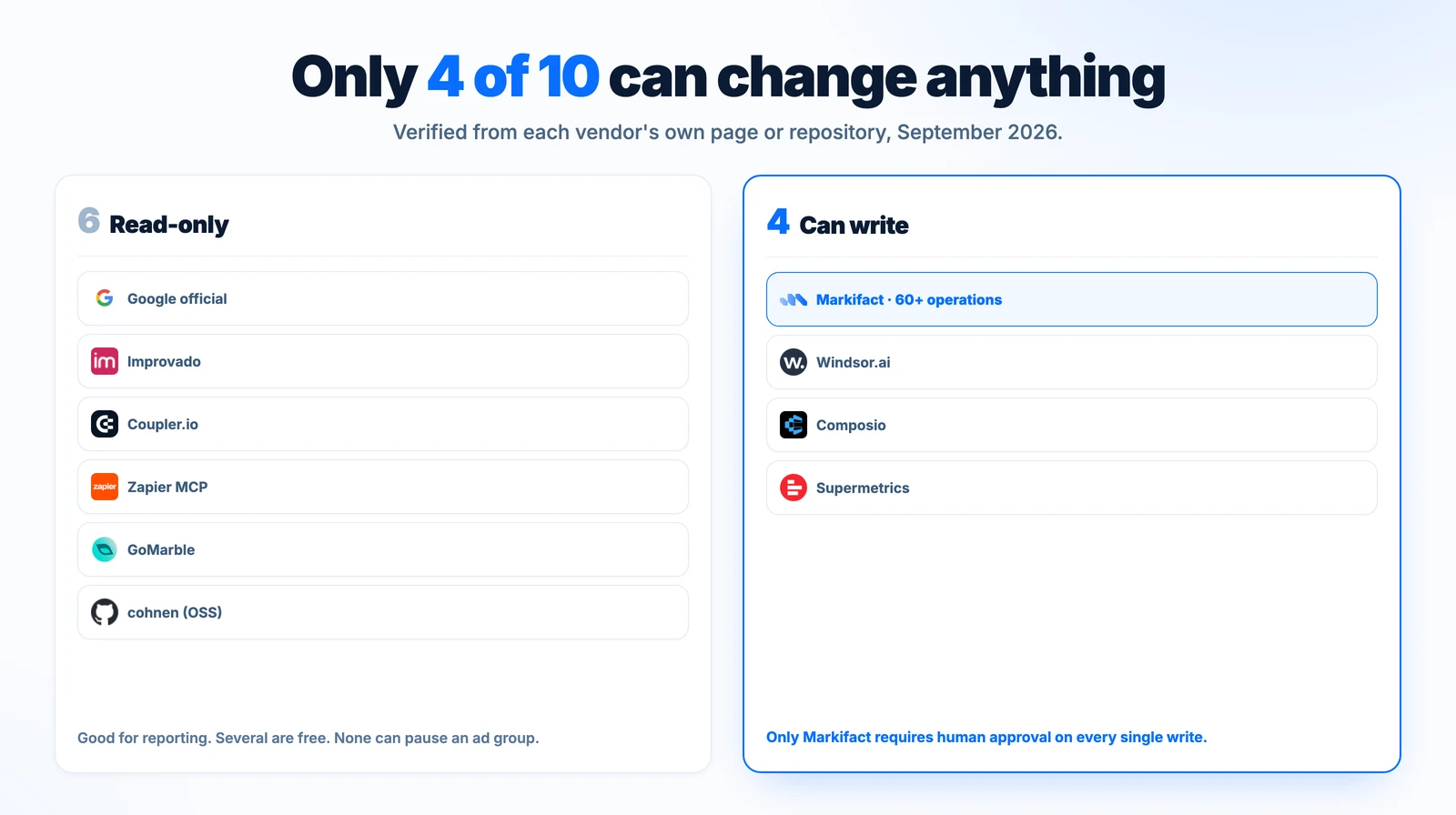
Six of the ten are read-only. Of the four that can write, only one gates every write behind explicit approval.
How we tested
We connected and ran the servers we could connect, and read every capability and price from that vendor's own documentation, pricing page or public repository. Facts were verified on September 8, 2026 and re-checked on September 11, 2026. We did not rely on third-party roundups, and we did not infer a capability that a vendor does not publish.
We compared the ten servers on nine criteria:
| Criterion | What we checked |
|---|---|
| Read access | Can the assistant query campaigns, keywords, search terms and performance data? |
| Write access | Can it create campaigns and ad groups, change budgets and bids, and manage keywords, not just toggle status? |
| Approval model | Does a human have to approve a change before it reaches Google Ads? |
| Hosting | Hosted by the vendor, or self-run by you? |
| Setup complexity | What does a non-developer have to do to get from zero to a working connection, including any Google Cloud project approval? |
| Google Ads coverage | How much of the Google Ads API surface is actually exposed? |
| Multi-account / MCC | Can it work across several accounts and manager accounts? |
| Other platforms | Does the same connection reach Meta, TikTok, LinkedIn, GA4 and the rest? |
| MCP architecture | How many tool definitions does the server put into the model's context window? |
Where a vendor's own pages contradict each other, we say so and attribute both claims to them rather than picking the flattering one. Where a capability is not published, we mark it "not published" instead of guessing. Two servers here have roadmap features that are not implemented today, and we have excluded those from the comparison. Where something changed between our two check dates, we say what changed and when.
Disclosure: Markifact publishes this comparison and is included in it. We have tried to make that obvious rather than hidden: every competitor claim is sourced to that vendor's own page, we name the jobs where a free or rival server is the better pick, and we state plainly where Markifact is the wrong answer. You should still weigh it accordingly, and the links are there so you can check every number yourself.
Google Ads MCP servers at a glance
| Server | Read | Write / campaign management | Human approval | Hosting | Setup | Pricing at verification |
|---|---|---|---|---|---|---|
| Markifact | Yes | Yes, 60+ operations | Yes, every write | Hosted | One-click OAuth | Pro $79/mo, Team $249/mo |
| Google's official MCP | Yes | No | Not applicable | Self-hosted | Cloud project approved for production, OAuth, Python | Free software, you host it |
| Supermetrics | Yes | Claimed on their connector page, not on their MCP page | New campaigns "created paused", their claim | Hosted | Managed | Starter EUR 39/mo annual |
| Windsor.ai | Yes | Yes, basic campaign controls | Not published | Hosted | Managed | $19 to $499/mo by data source count |
| Composio | Yes | Yes, 2 mutation tools | Not published | Hosted | Developer setup | Free to start |
| Improvado | Yes | No | Not applicable | Hosted | Managed, enterprise onboarding | MCP Only $100/mo, actions metered weekly |
| Coupler.io | Yes | No | Not applicable | Hosted | Managed | Free tier, Starter $24/mo annual |
| Zapier MCP | Lookups only | No campaign create or edit | Not applicable | Hosted | Managed | Not published |
| GoMarble | Yes | No | Not applicable | Self-hosted | Cloud project approved for production, OAuth, Python | Free, MIT licence |
| cohnen/mcp-google-ads | Yes | No | Not applicable | Self-hosted | Cloud project approved for production, OAuth, Python, Node | Free, MIT licence |
And the factors that decide how well the server actually behaves inside an AI assistant:
| Server | Google Ads coverage | Multi-account / MCC | Other ad platforms | MCP architecture | Best for |
|---|---|---|---|---|---|
| Markifact | 60+ operations across campaigns, ads, assets, keywords, budgets, bidding, audiences, conversions, experiments | Yes, unlimited ad accounts, MCC linking and client account creation | 36+ platforms on the same connection | 10 top-level tools, operations discovered and loaded on demand | Marketers and agencies running real campaigns |
| Google's official MCP | Query, resource metadata, account list | Lists accessible customers; you manage it | Google Ads only | 3 tools, all in context | Technical reporting teams |
| Supermetrics | Not published per-operation | Not published | 15+ platforms on the MCP | Not published | Teams already on Supermetrics |
| Windsor.ai | Campaign, ad group, RSA, budget, bidding, negatives | 75 to 500 accounts by tier | 350+ readable sources | Not published | Data teams who want a few Google Ads actions |
| Composio | 9 tools, 2 of them mutations | Lists accessible customers | Many, developer-oriented | 9 tools, all in context | Developers building their own agent |
| Improvado | Analysis only | Workspaces by tier | 1,000+ data sources | Actions metered per week | Enterprise governed analysis |
| Coupler.io | Analysis only | Accounts by tier | 400+ data sources | Not published | Cross-source reporting |
| Zapier MCP | Customer lists, offline conversions, campaign status | Not published | Thousands of apps | ~16 actions | Pushing data into Google Ads |
| GoMarble | GAQL plus Keyword Planner | Lists accounts | Google Ads only | 3 tools, all in context | Free self-hosted reporting |
| cohnen/mcp-google-ads | GAQL and performance queries | Lists accounts | Google Ads only | 5 tools, all in context | Forking and extending |
The single question that splits this list
Before comparing anything else, answer this: do you need the assistant to report, or to act?
If reporting is the whole job, you have plenty of good free options and you should not pay anyone. Google's own server does it, two MIT-licensed community servers do it, and Coupler.io and Improvado do it across many more sources.
If you need the assistant to actually pause the ad group that is burning budget, shift spend, or push a batch of negative keywords, the list collapses to four: Markifact, Windsor.ai, Composio, and Supermetrics on its own connector-page claim.
Official and first-party option
Google's official Google Ads MCP
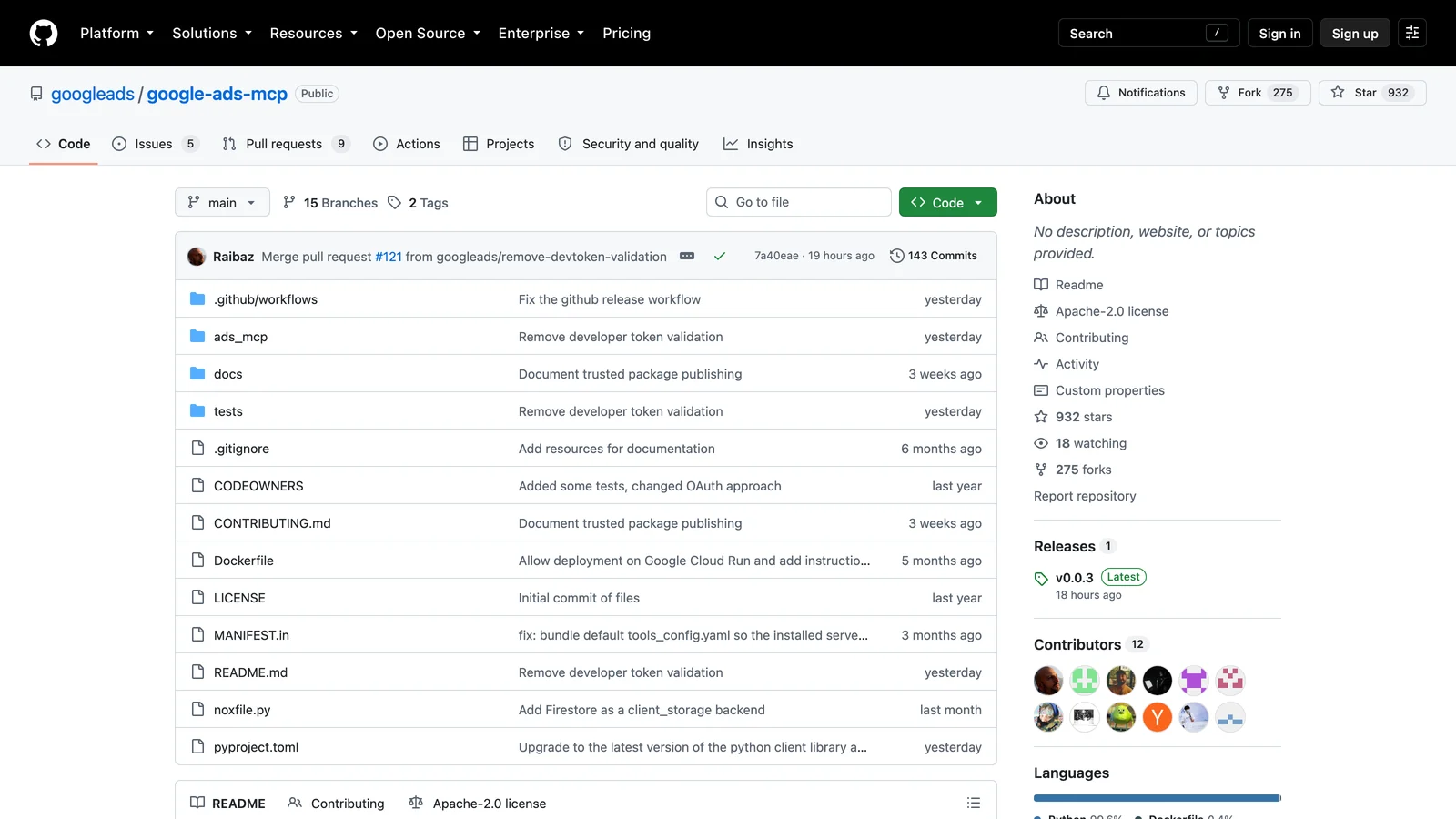
Google's official Google Ads MCP server. Three read-only tools, Apache-2.0, self-hosted. Checked September 11, 2026.
Google ships and maintains its own Google Ads MCP server, and it is genuinely good at what it does. It is also much narrower than most people expect.
It exposes exactly three tools: search for querying the account, get_resource_metadata for inspecting resource types, and list_accessible_customers for listing accounts you can reach. There are no mutation tools. You cannot create a campaign, change a budget or pause an ad group with it.
Running it is a developer task. You need a Google Cloud project with the Google Ads API enabled and OAuth credentials, then you self-host the Python server via pipx, locally or on Cloud Run. It is Apache-2.0 licensed, so the software is free and the hosting bill is yours.
One thing changed while we were writing this, and most guides to Google Ads MCP servers have not caught up with it. On September 10, 2026 Google merged a pull request titled "Remove devtoken validation" and shipped v0.0.3, so the official server no longer validates a developer token on startup, and its README now describes the token as optional. The repository is at 932 stars and 275 forks.
That does not mean setup got easy, and this is the part worth understanding before you pick any self-hosted server. What gates access now is your Google Cloud project's access level, not a token string. A new Cloud project starts at Test Account Access and cannot query a real account at all: it returns CLOUD_PROJECT_NOT_APPROVED_FOR_PRODUCTION, an error Google added in API v25.1 on August 19, 2026. To query production accounts you need your project approved to at least Explorer Access, which Google says it auto-reviews and upgrades in most cases, and which is capped at 2,880 operations a day against production accounts. Basic Access raises that to 15,000 a day and requires brand verification on the Cloud project. Standard Access is unlimited and is reviewed manually.
So the honest setup comparison for a self-hosted server is: a Google Cloud project, approved to an access level that permits production accounts, OAuth credentials, and a Python environment you keep running. The token has stopped being the hurdle. The project approval has not.
Best for: technical reporting teams who want a free, first-party, well-maintained server and are comfortable running it themselves. If that is you, stop reading and use this.
We looked at this trade-off in more detail in Google's official Google Ads MCP versus the alternatives.
Hosted servers that can change campaigns
Best overall: Markifact

Markifact exposes more than 60 dedicated Google Ads operations, and every write pauses for approval before it reaches Google.
Markifact is the pick if the reason you want an MCP server is that you want the assistant to do the work, not just describe it.
The coverage is the clearest difference. Where Google's official server has three tools, Markifact exposes more than 60 dedicated Google Ads operations, spanning:
- Reporting and auditing: performance at campaign, ad group, ad, keyword, search term, asset and conversion level, raw GAQL, and account change history
- Research and planning: keyword ideas, volumes and forecasts, geo targets, audience segments, competitor ads
- Campaigns and ad groups: Search, Display, Shopping, Demand Gen and Performance Max
- Ads and creative: responsive search, display, Demand Gen and app ads
- Assets and extensions: sitelinks, callouts, snippets, promotions, reusable image and text assets
- Keywords and negatives: add keywords, manage status, build negative lists
- Budgets, bidding and status: budgets, bidding strategies, bids, schedules, entity status
- Audiences and exclusions: target or exclude segments, custom audiences, placement and IP blocks
- Account setup and advanced: conversion actions, labels, experiments, recommendations, MCC links and raw API mutations
The second difference is the safety model, and it is the reason we would still recommend this over a broader write surface with no guardrails. Every write is approval-gated. The assistant prepares the exact operation, shows you precisely what will change, and nothing reaches Google until you approve that specific operation. An assistant cannot quietly spend your money.
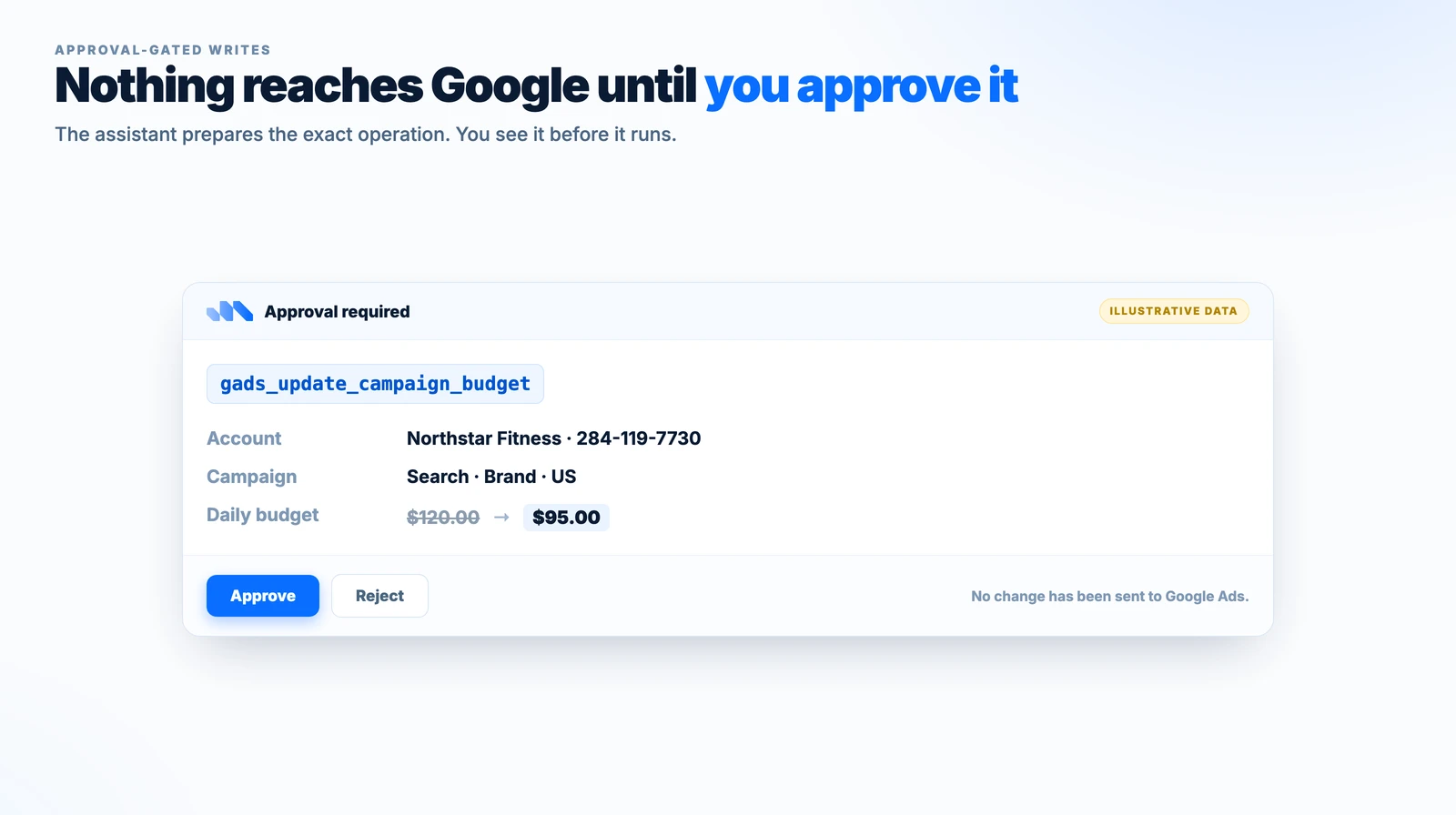
Illustrative example. Reads return immediately. Every write pauses on an approval screen showing the exact operation before it reaches Google Ads.
Why Markifact exposes ten tools, not sixty
This is the part most Google Ads MCP comparisons miss, and it changes how well the server behaves inside an AI assistant.
An MCP server tells the model what tools it has by sending every tool definition into the context window before the conversation starts. A server with sixty tools sends sixty schemas. The model pays for all of them in tokens, on every single turn, whether it uses them or not. At the scale of a full Google Ads API surface, that is a large amount of context spent describing tools the assistant will never call, and a large menu for it to pick wrongly from.
Markifact is built the other way around. It exposes ten top-level MCP tools, and the individual Google Ads operations sit behind them, discovered and loaded only when they are needed:
- The assistant searches for the right operation by intent, for example "update campaign budget"
- It fetches the input schema for just that one operation
- It runs it, through the approval-gated path if it is a write
Only the schemas for operations actually being used enter the context window. The rest stay out of it.
Two things follow from this, and they are worth separating clearly:
- Number of exposed MCP tools and number of Google Ads operations available are not the same thing. Markifact's ten tools are a deliberate architecture, not a ceiling on capability. More than 60 Google Ads operations sit behind them, plus the operations for every other connected platform.
- A bigger tool list is not automatically a better server. Servers that expose every operation as its own MCP tool trade context efficiency for directness. That is a reasonable choice at three or five tools, which is where most of the read-only servers here sit. It scales badly once a server covers a full API surface, and it scales worse again when one connection covers 36+ platforms.
The practical effect for a marketer is a smaller, cleaner tool surface for the assistant to reason about, more of the context window left for your actual data, and deep Google Ads functionality still available on demand.
What else you get
- Full Google Ads read and write management, not read-only reporting
- Human approval before every write operation, shown as the exact change before it executes
- Hosted setup, connected with one-click OAuth in about a minute, with no server to run, no Google Cloud project to create and no Google Ads API infrastructure of your own to maintain
- Multi-account and MCC support: unlimited ad accounts on every plan, manager account linking, and client account creation
- Works with MCP-compatible AI assistants, including Claude, ChatGPT, Claude Code, Cursor and Codex
- Other advertising and marketing platforms through the same connection: Meta, TikTok, LinkedIn, Microsoft Ads, Amazon Ads, GA4, Search Console and 36+ platforms in total
It is listed in Claude's official connector directory.
Pricing: Pro $79/mo, Team $249/mo for 10 to 50 seats, Managed custom. Annual billing gives two months free, and you start free with 200 one-time credits at signup.
Where it is the wrong answer: if you only ever need reports, you are paying for a write capability you will not use. Take Google's free server instead.
Best for: agencies and in-house marketers who want an assistant that manages accounts, with a human approving every change.
Supermetrics
Supermetrics prices by data source and its own pages disagree on whether its MCP can write.
Supermetrics is worth a careful read, because its own pages say two different things.
Its MCP product page describes analysis only: "Ask a question, get a real answer from live data in seconds", across 15+ platforms including Google Ads, Meta, LinkedIn, TikTok, Microsoft Ads, GA4, HubSpot and Shopify. No write capability is mentioned.
Its Google Ads Claude connector page claims something much broader: full read and write access, including creating Search, Shopping and Performance Max campaigns, modifying bids, pausing ad groups and adding negative keywords, with new campaigns "created paused so you can review".
We are reporting both as Supermetrics' own claims rather than picking one. If write access is why you are buying, confirm which product you are actually getting before you pay.
Pricing: Starter EUR 39/mo annual (EUR 49 monthly) for 3 data sources, Growth EUR 159/mo annual for 7, Pro EUR 399/mo annual for 10. AI usage is metered in credits, from 4,000 a month to 18,000.
Best for: teams already standardised on Supermetrics data infrastructure.
Windsor.ai
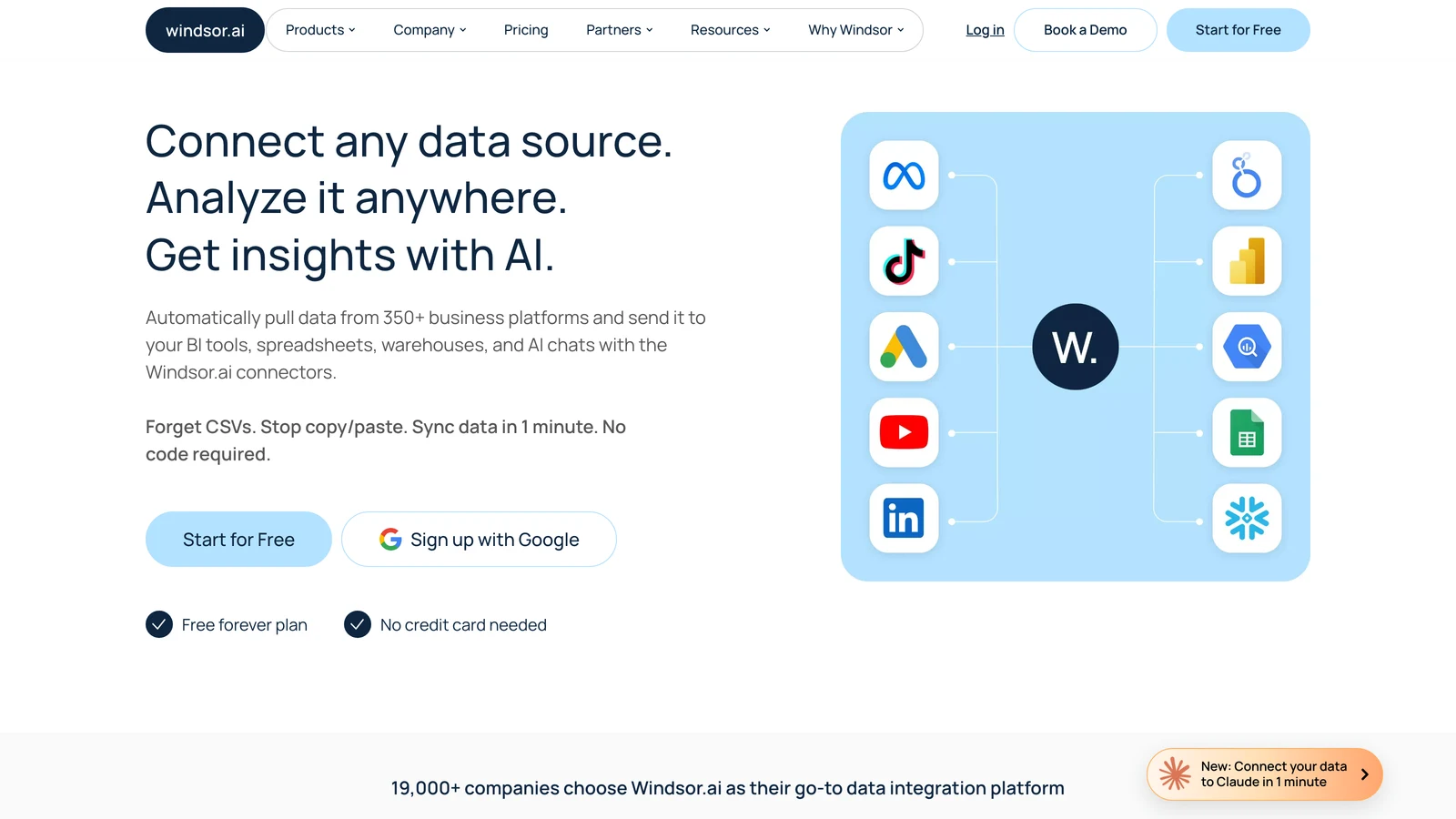
Windsor.ai writes a basic set of Google Ads campaign controls and prices by data source count.
Windsor.ai does write, and it is worth being precise about how much, because older reviews still describe it as read-only.
Their own Google Ads MCP page lists creating campaigns, ad groups and responsive search ads, pausing and enabling campaigns, ad groups and ads, setting campaign budgets, adjusting bidding strategy, target CPA and max CPC, and pushing negative keywords. Write actions work in Claude, ChatGPT and Copilot, while Perplexity and Cursor get read-only access.
That is a real but basic set of campaign controls rather than broad account management. We could not find a published universal approval requirement, so we are not claiming one either way.
MCP access is included on all plans, including the free tier. The plans themselves are priced by data source count: $19 for 3 sources, $99 for 7, $249 for 10, $499 for 14, per month on annual billing. If Google Ads is your only source, the entry tier is cheap. We looked at how that ladder adds up in our Windsor.ai alternatives comparison.
Best for: data teams who mainly need a pipeline and also want a handful of Google Ads actions.
Composio
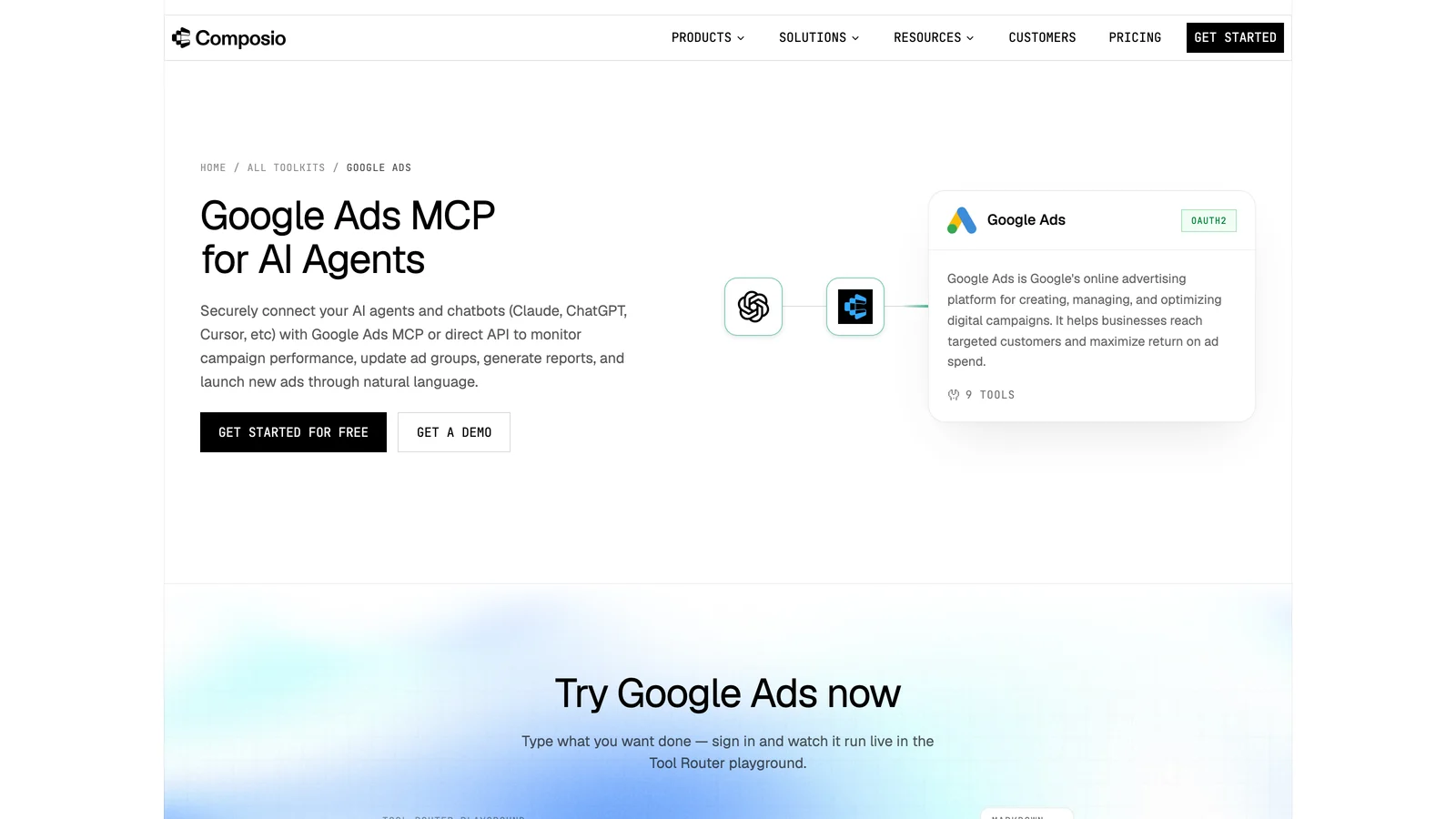
Composio exposes nine Google Ads tools, two of them real mutations, with no published approval step.
Composio is developer infrastructure rather than a marketing tool, and it has genuine write access.
It exposes nine Google Ads tools, and two of them are real mutations: Mutate Campaigns ("Create, update, or remove Google Ads campaigns in batch") and Mutate Ad Groups. The rest are Search Stream GAQL, Get Campaign By Id, Get campaign by name, List Accessible Customers, Get customer lists, Create customer list and Add or remove to customer list.
The page lists it as free to start with a free tier at $0, and does not publish tier detail beyond that. There is no published approval or draft step, which is the trade you are making: raw mutation power, and the guardrails are yours to build.
Best for: developers wiring Google Ads into their own agent stack who want primitives, not a product.
Read-only hosted servers
Improvado
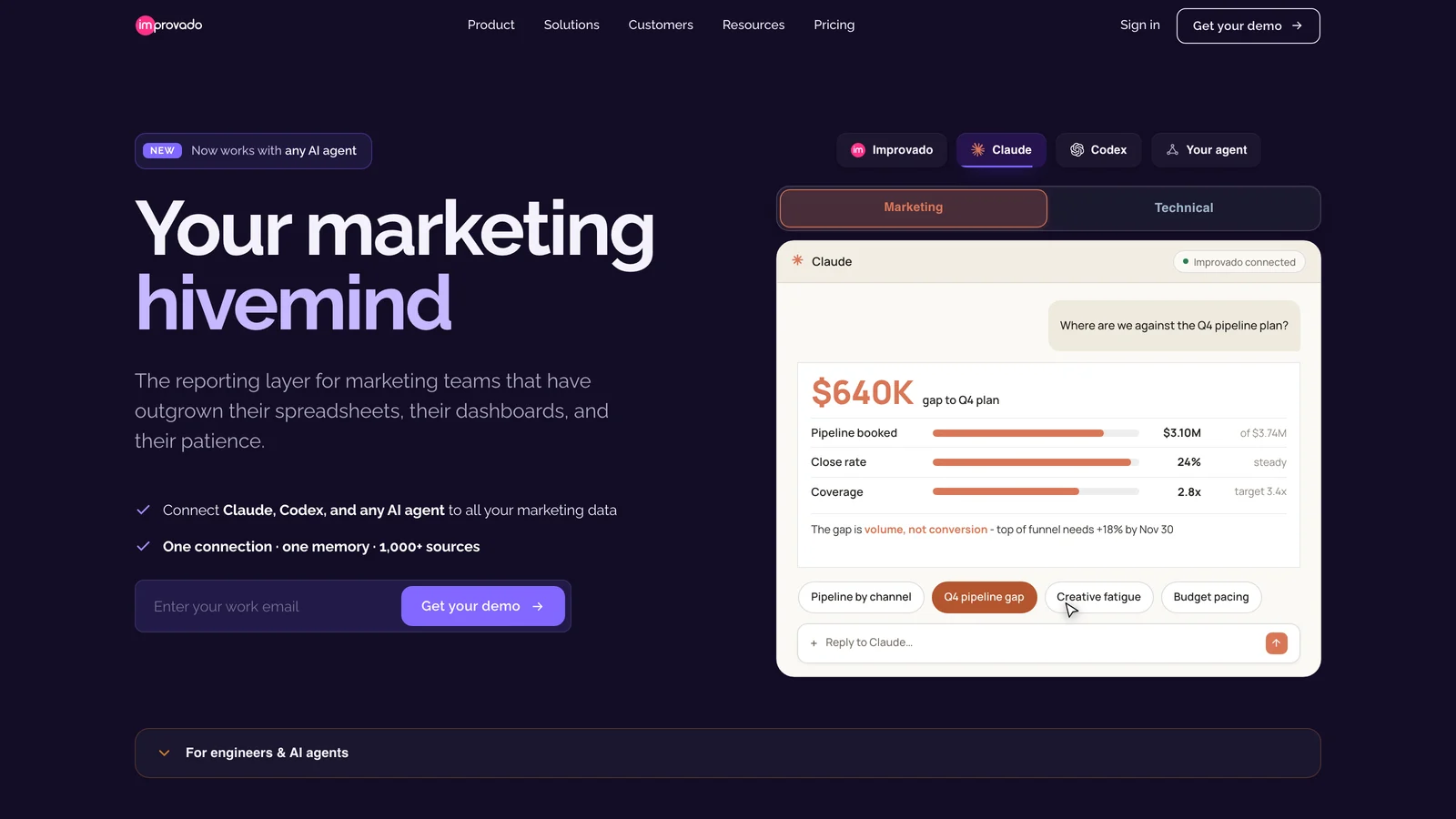
Improvado is analysis only, and meters agent actions per week.
Improvado is the enterprise analysis option, covering what its page describes as 1,000+ data sources. The agent answers questions like "which channel is wasting budget this quarter" and handles ad-hoc stakeholder analysis. There is no documented campaign creation, budget change or pause capability, so treat this as analysis only.
Read the pricing structure carefully, because it tells you the real model: agent usage is metered per week. Free Limited gives 50 MCP actions a week, MCP Only is $100/mo with 300 a week and 2M rows a year, and Advanced and Enterprise are custom at 4,000 and 12,000 actions a week. If your team asks questions all day, the action counter decides your bill. Their pricing calculator examples reference $25M+ in annual ad spend, so this is an enterprise product wearing a $100 entry price.
Best for: large advertisers who want a governed analysis layer across many sources.
Coupler.io
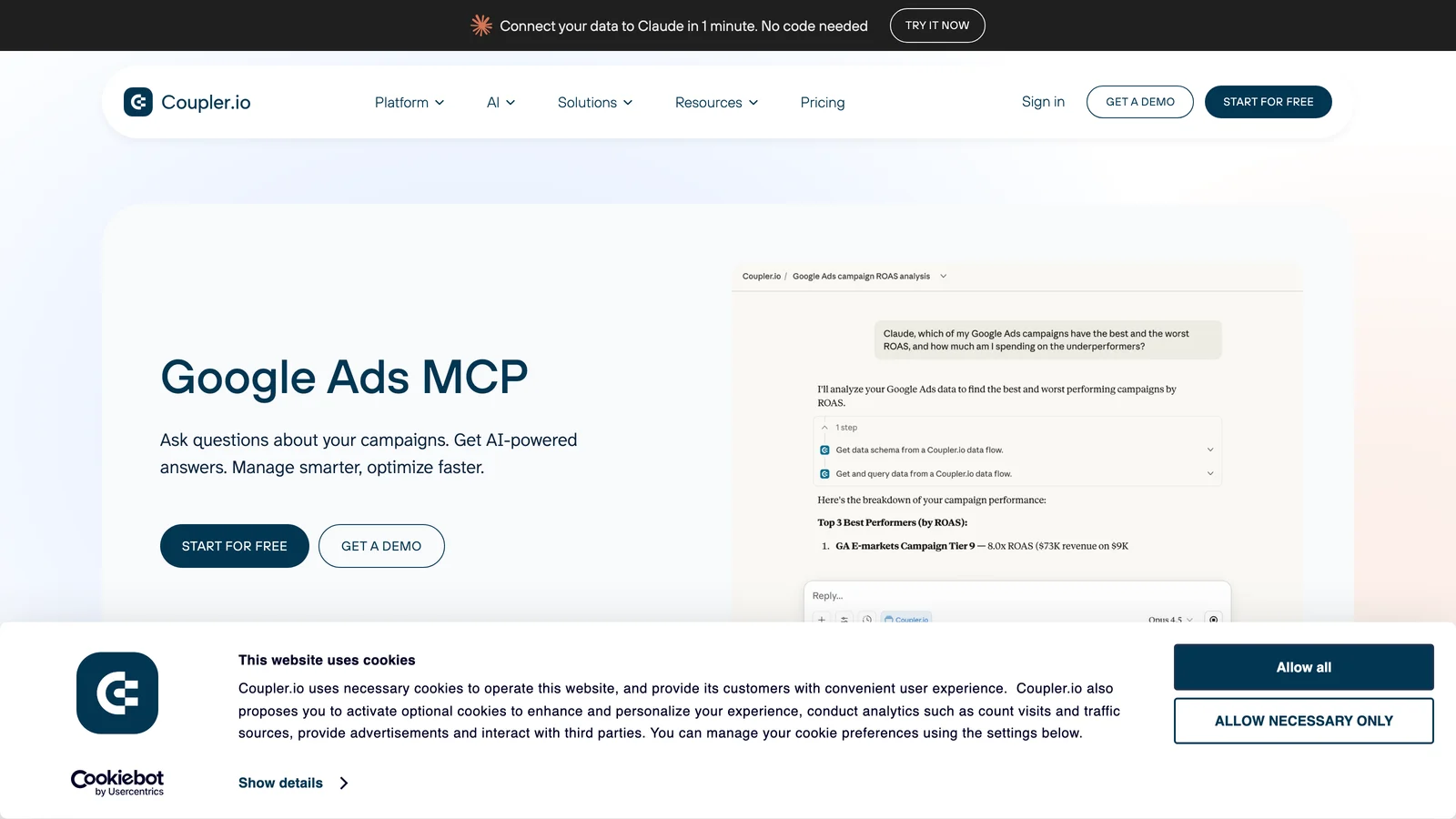
Coupler.io is read-only for Google Ads and runs SQL on the data rather than letting the model do the arithmetic.
Coupler.io is read-only for Google Ads, and good at it. You get campaign, keyword, ad and ad group performance, search terms, impression share, audience, location and device metrics, demographics, placements and an account overview, and it runs SQL directly on the data for precise calculations rather than letting the model do arithmetic.
MCP pricing is not stated on that page. The platform plans are a free tier, Starter at $24/mo annual ($32 monthly), Active at $99/mo annual and Pro at $199/mo annual, across 400+ data sources, but we could not verify which tier the MCP requires.
Best for: cross-source reporting where Google Ads is one input among many.
Zapier MCP
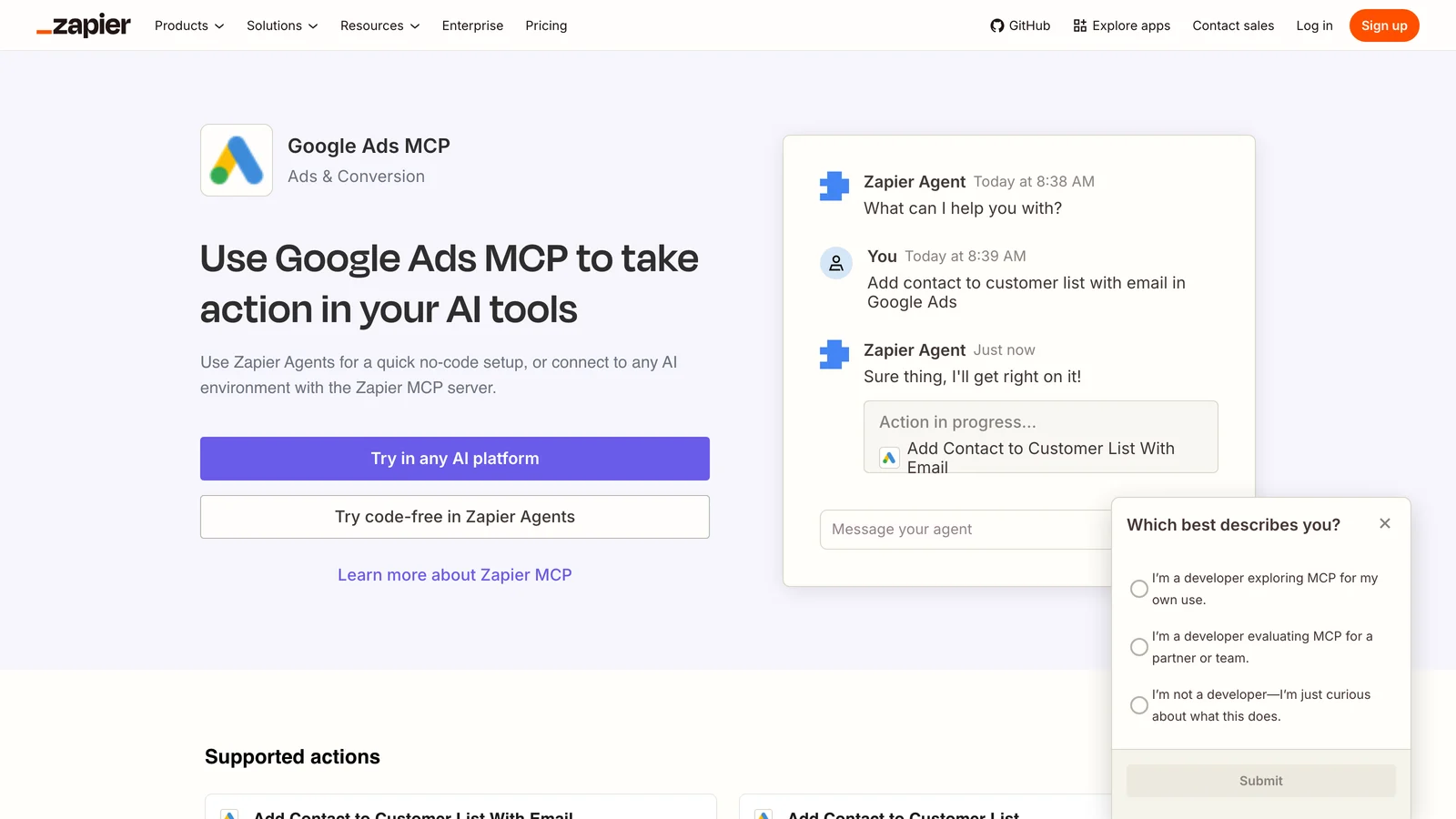
Zapier's Google Ads MCP cannot create or edit campaigns. It is built for pushing data in.
Zapier's Google Ads MCP is widely assumed to do more than it does, so this is worth stating plainly: it cannot create, update or pause campaigns, and it cannot manage budgets.
What it does have is genuinely useful, just different. Customer list management (add, remove, create, update, delete, find or create), offline conversion uploads including the Data Manager versions, Set Campaign Status, Create Report, plus lookups by campaign id or name and triggers for new campaigns and new lead form entries.
So it is not a campaign management server. It is the best option for getting data into Google Ads from the thousands of other apps Zapier connects, which is a real job that nothing else on this list does as well. Pricing for the MCP is not published on that page.
Best for: syncing leads, audiences and offline conversions into Google Ads.
Open-source and self-hosted options
Both of these are read-only, MIT licensed, and require the same developer plumbing as Google's official server: a Google Cloud project with the Ads API enabled and approved to an access level that permits production accounts, OAuth credentials and Python. Their setup docs still describe a developer token, which Google's own server stopped validating on September 10, 2026.
GoMarble Google Ads MCP server
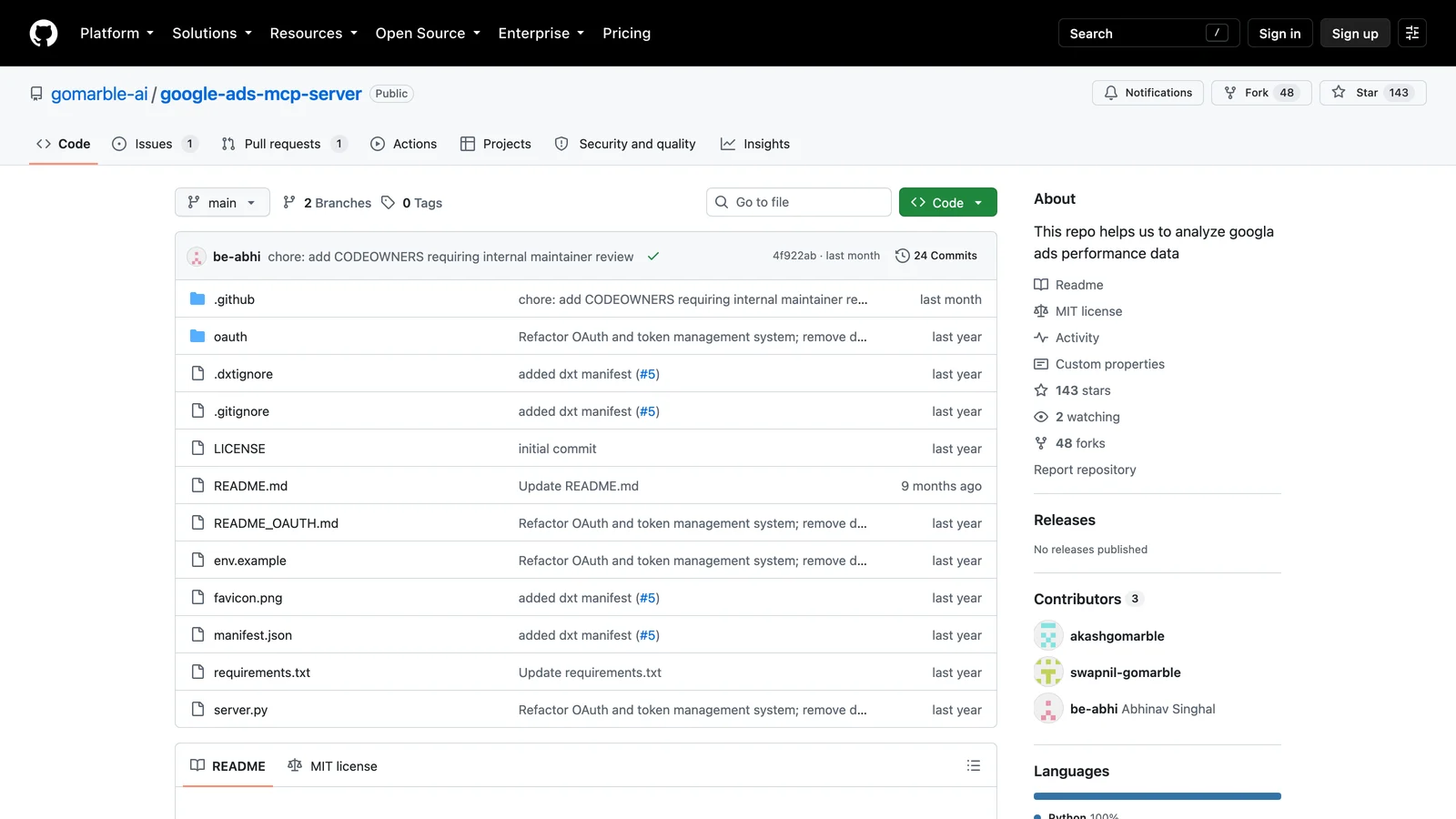
GoMarble is read-only today. Its campaign management tools are roadmap, not shipped.
Three tools: list_accounts, run_gaql and run_keyword_planner. That third one is the reason to pick it, since Keyword Planner access is not something the other free servers expose. Requires Python 3.10+ and stores tokens locally.
Its roadmap mentions future campaign creation and management tools. Those are not implemented today, so do not choose it on that basis.
Best for: self-hosting GAQL queries plus keyword research for free.
cohnen/mcp-google-ads
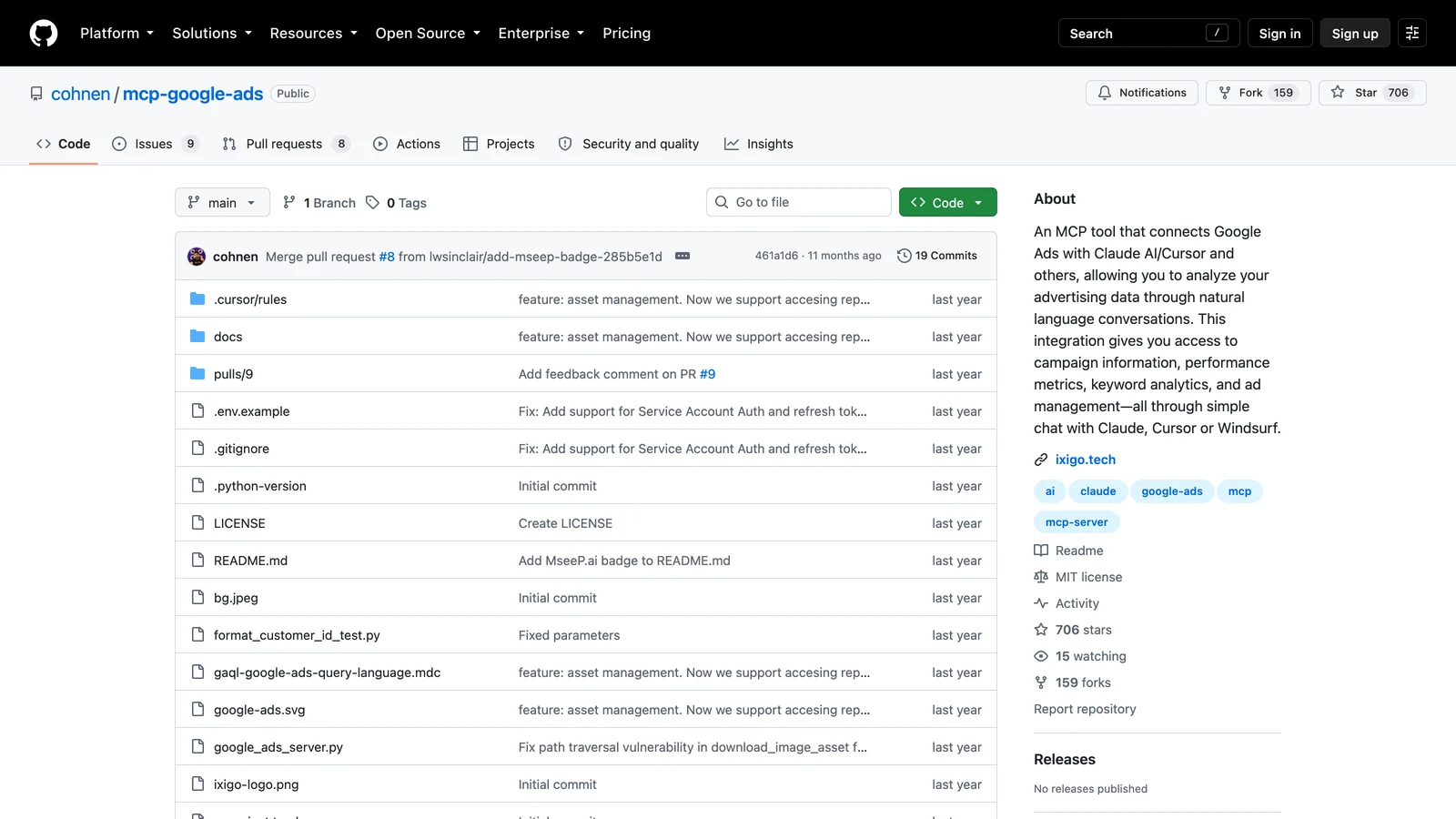
The most widely adopted community server here, with five read-only tools.
The most widely adopted community server here, at 703 GitHub stars and 158 forks. Five read-only tools: list_accounts, execute_gaql_query, get_campaign_performance, get_ad_performance and run_gaql. Requires Python 3.11+ plus Node.js for the MCP inspector, and works with Claude Desktop, Cursor and Windsurf.
Best for: the community server to read, fork and extend if you want to build your own.
Which should you choose?

Start from the job. Reporting has good free answers. Managing accounts narrows the field to one.
You need the assistant to manage campaigns, with a human approving changes: Markifact. More than 60 Google Ads operations, approval on every write, 36+ platforms on one connection, $79/mo.
You only need reporting and you have a developer: Google's official server. Free, first-party, well maintained. Or cohnen/mcp-google-ads if you want more ready-made reporting tools.
You want keyword research too, for free: GoMarble.
You are building your own agent and want raw primitives: Composio.
Google Ads is one source among dozens and you mainly need analysis: Coupler.io at the small end, Improvado at the enterprise end.
You need to push leads and offline conversions into Google Ads: Zapier MCP.
You already run Supermetrics or Windsor.ai: use their MCP, it is included, and confirm what write access you actually get before relying on it.
You are an agency paying per client for reporting: read our AgencyAnalytics alternatives before renewing.
You can also run more than one. A free read-only server for reporting plus a write-capable one for changes is a perfectly sensible setup, and MCP clients like Claude support multiple servers at once.
Frequently asked questions
What is a Google Ads MCP server?
A Google Ads MCP server connects your Google Ads account to an AI assistant using the Model Context Protocol, an open standard for giving models secure access to external tools and data. Once connected, you can ask the assistant questions about your account in plain language, and depending on the server, have it make changes.
Which is the best Google Ads MCP for marketers?
Based on our testing, Markifact is the best overall Google Ads MCP for marketers, because it is the only server compared here that offers full Google Ads read and write access with human approval on every write, a hosted one-click setup, multi-account and MCC support, 36+ other marketing platforms on the same connection, and a context-efficient architecture that exposes ten top-level tools instead of pushing every operation into the model's context window. If you only need reporting, Google's official server is free and is the better pick.
Which Google Ads MCP has read and write access?
Of the ten compared here, four. Markifact writes across more than 60 Google Ads operations with approval required on every one. Windsor.ai writes a basic set of campaign controls. Composio exposes Mutate Campaigns and Mutate Ad Groups. Supermetrics claims full write access on its Google Ads connector page, though its MCP product page describes analysis only. The other six, including Google's official server, are read-only.
Is Google's official Google Ads MCP free?
The software is free and Apache-2.0 licensed, but it is self-hosted, so you pay for wherever you run it, locally or on Cloud Run. You also need a Google Cloud project with the Google Ads API enabled and approved to at least Explorer Access, plus OAuth credentials. A Cloud project at the default Test Account Access level cannot query production accounts and returns CLOUD_PROJECT_NOT_APPROVED_FOR_PRODUCTION.
Why does Markifact expose only ten MCP tools?
Because an MCP server sends every tool definition into the model's context window before the conversation starts, so a server that exposes sixty tools spends context describing fifty-nine the assistant will not use. Markifact exposes ten top-level tools and loads individual Google Ads operations on demand: the assistant finds the operation it needs by intent, fetches that one schema, then runs it. The number of exposed MCP tools and the number of Google Ads operations available are separate things. More than 60 Google Ads operations sit behind those ten tools, plus every other connected platform.
Do I need a Google Ads developer token?
Markifact is an approved Google Ads API developer (Standard Access, full-service tool). Markifact's Google Ads features, including its MCP server, are a feature of your Markifact account, not a standalone API. If your agency or business needs its own programmatic access to the Google Ads API, Google recommends obtaining your own Google Cloud project and the appropriate access level.
For the self-hosted servers here, the practical requirement has shifted. Google removed developer token validation from its official MCP server on September 10, 2026 and now describes the token as optional. What actually decides whether you can query a real account is your Google Cloud project's access level, covered in the next answer.
What Google Ads API access level do I need to run a self-hosted MCP server?
At least Explorer Access on the Google Cloud project you connect with. A new project defaults to Test Account Access, which can only reach test accounts; pointing it at a real account returns CLOUD_PROJECT_NOT_APPROVED_FOR_PRODUCTION, an error Google added in API v25.1 on August 19, 2026. Explorer Access permits production accounts at up to 2,880 operations a day and Google auto-reviews most applications. Basic Access raises the limit to 15,000 operations a day and requires brand verification on the Cloud project. Standard Access is unlimited and is reviewed manually. This applies to Google's official server and to both open-source servers. It does not apply to hosted servers such as Markifact, where the connection runs on the provider's approved access and you sign in with OAuth.
Which Google Ads MCP works with Claude Code?
Any remote MCP server can be added to Claude Code, and the self-hosted ones run locally. Markifact is listed in Claude's connector directory, so it connects in about a minute across Claude web, desktop and Claude Code. We walk through it in our Google Ads MCP in Claude Code guide.
Which Google Ads MCP supports multiple ad accounts?
Markifact supports unlimited ad accounts on every plan, including manager account linking and creating client accounts under an MCC. Google's official server lists accounts you can reach through list_accessible_customers, so multi-account reporting works but you manage it yourself. Windsor.ai includes account limits by tier, from 75 accounts on entry plans up to 500 on Professional.
Is a hosted Google Ads MCP safer than self-hosting?
Neither is automatically safer, they fail differently. Self-hosting means your credentials stay on your own machine, but patching, token rotation and access control are your responsibility. A hosted server removes that maintenance and can add guardrails a raw API connection has no way to enforce, such as requiring human approval before a write executes. The question to ask is not where it runs, but what it is allowed to do without asking you first.
Can I use more than one Google Ads MCP server at once?
Yes. MCP clients including Claude let you connect several servers simultaneously. A common setup is a free read-only server for day-to-day reporting alongside a write-capable server for changes. Watch for overlapping tool names, since the assistant may need steering about which server to use for a given task.