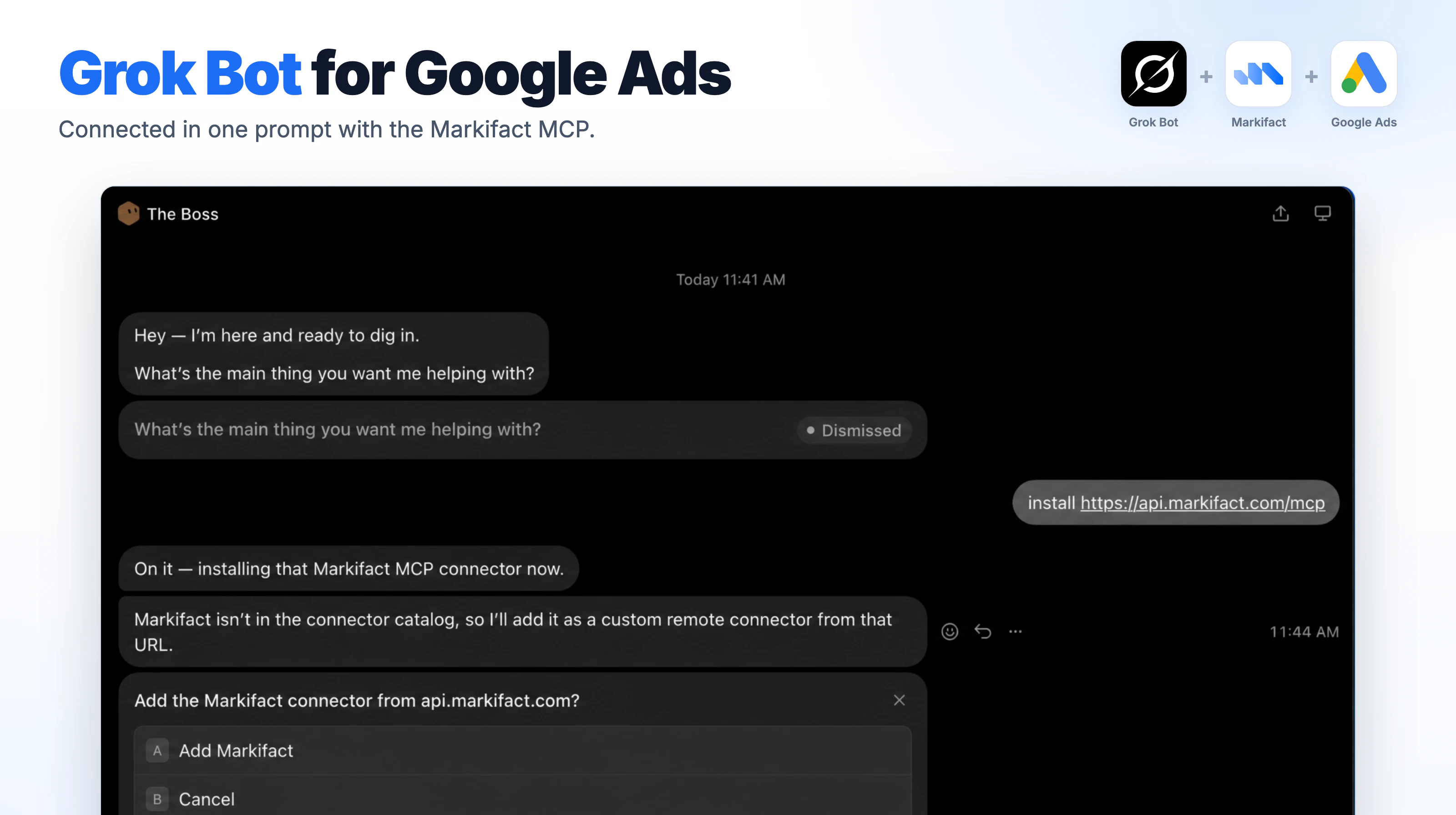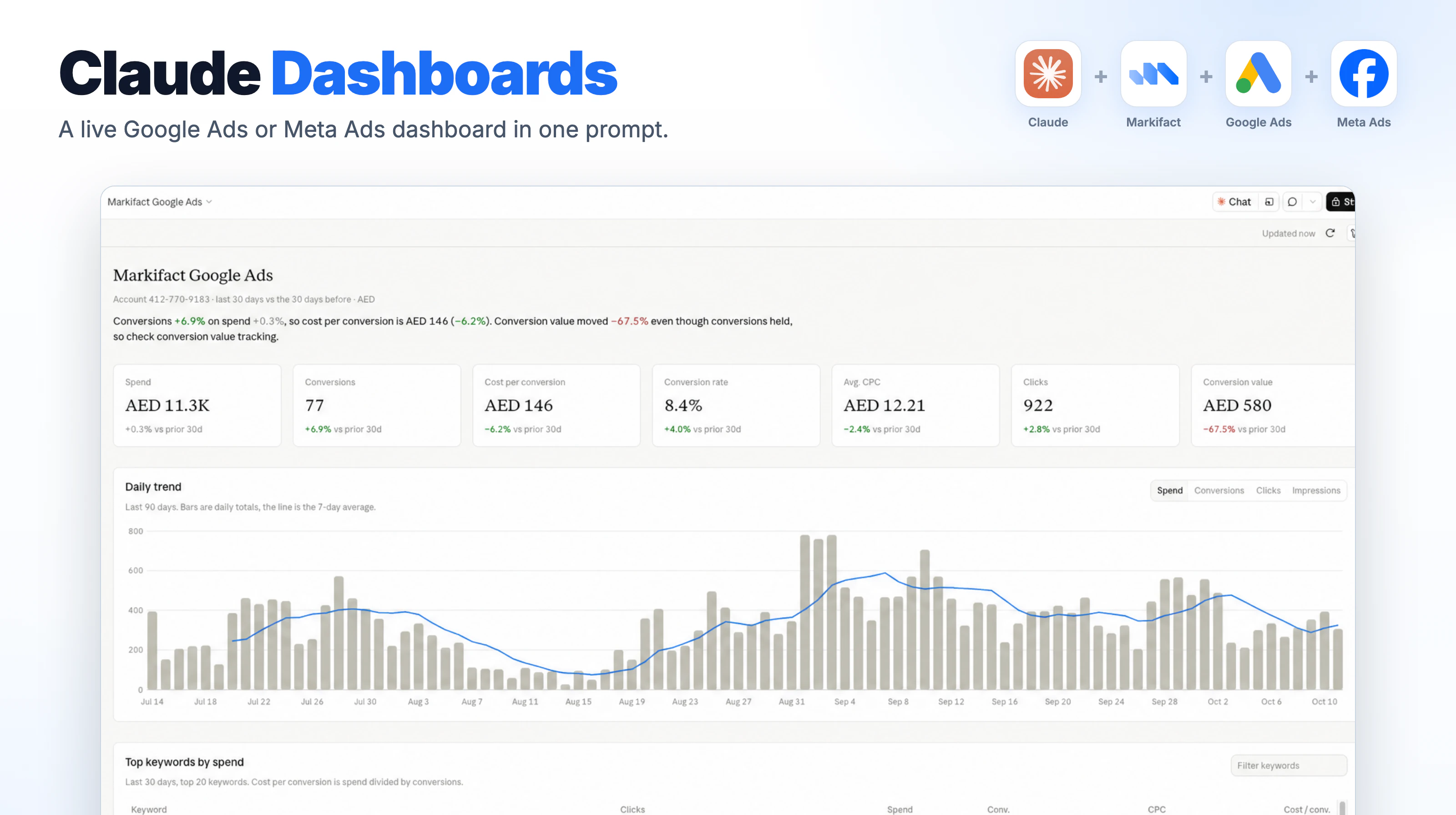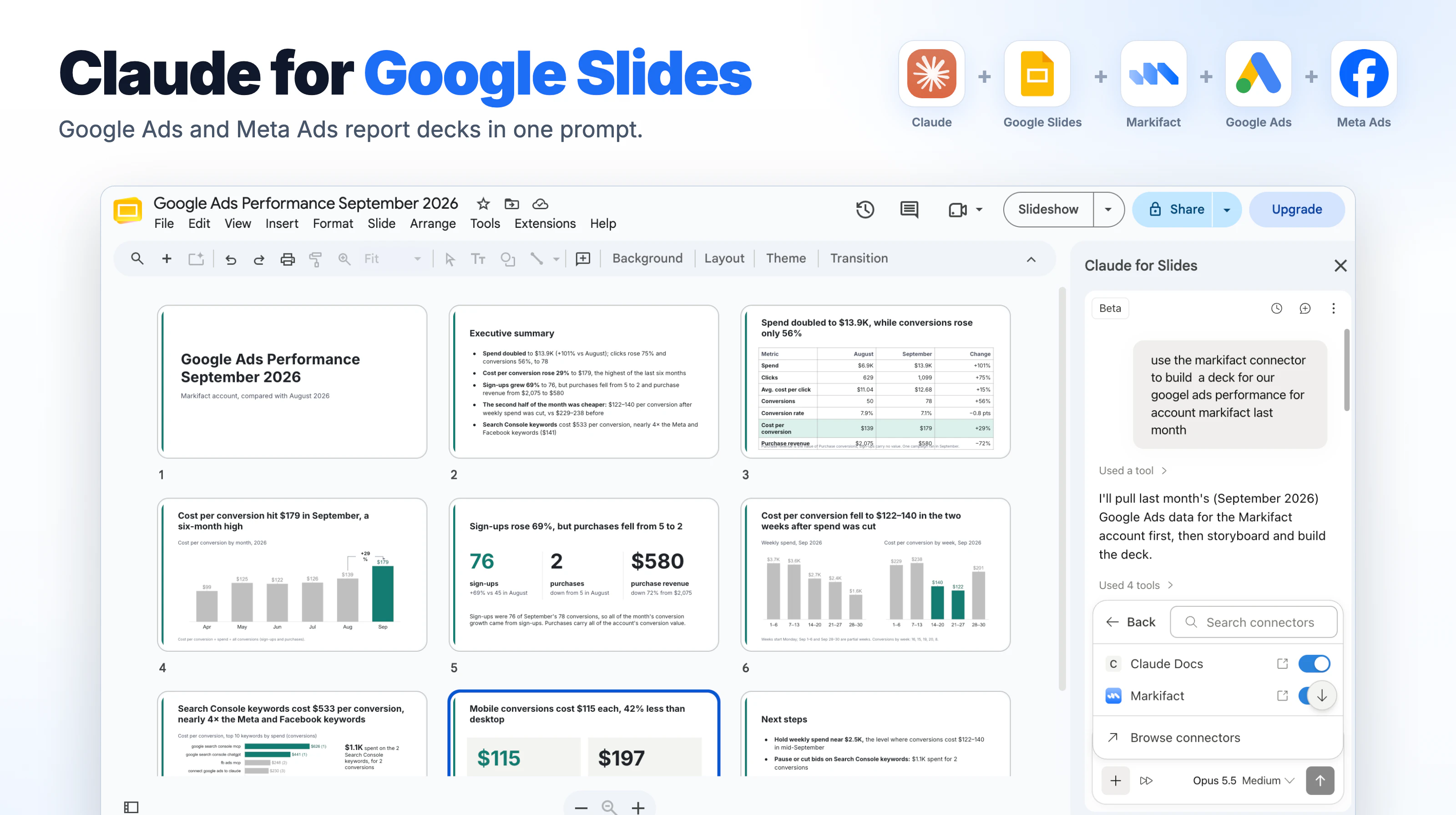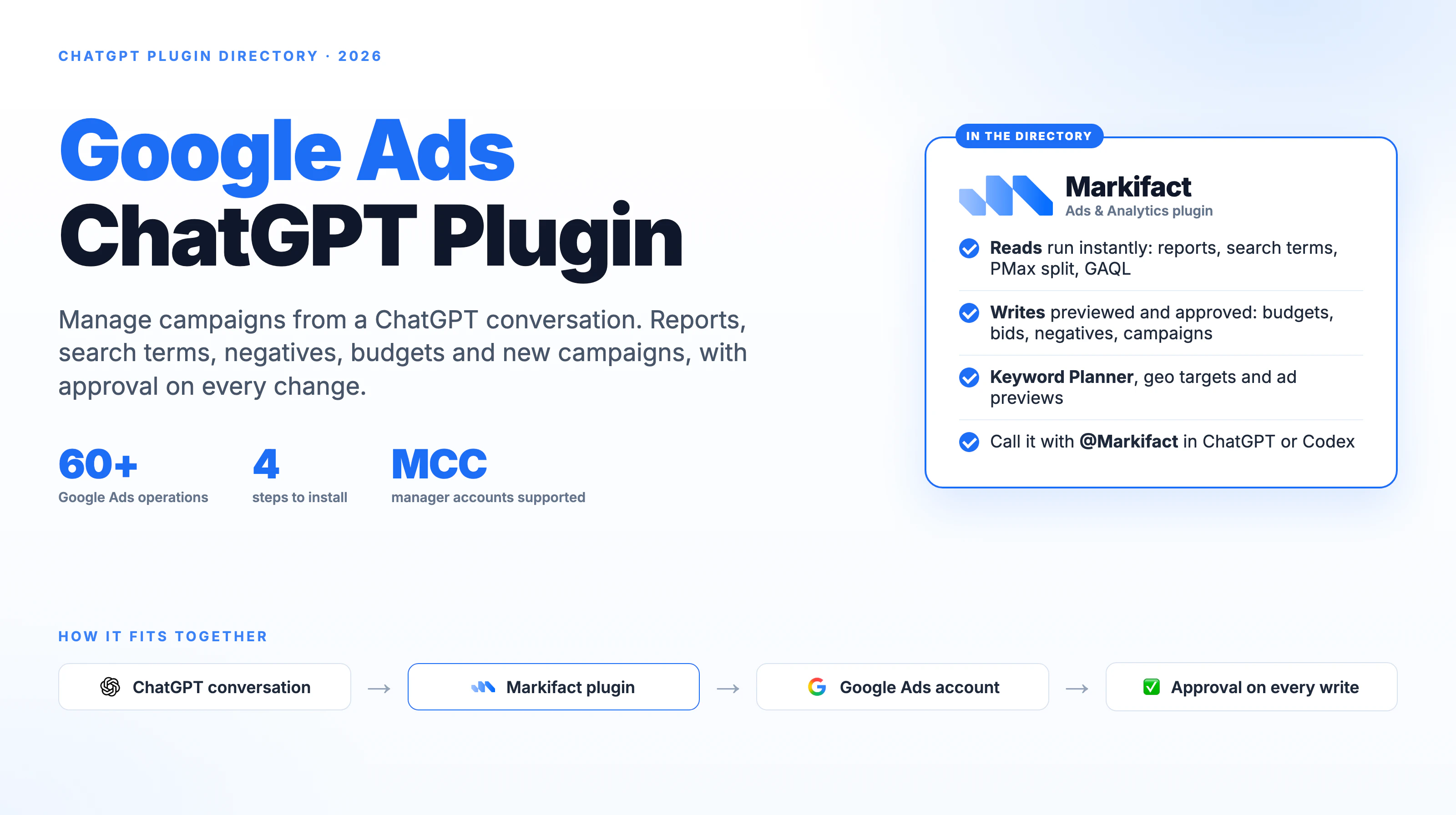

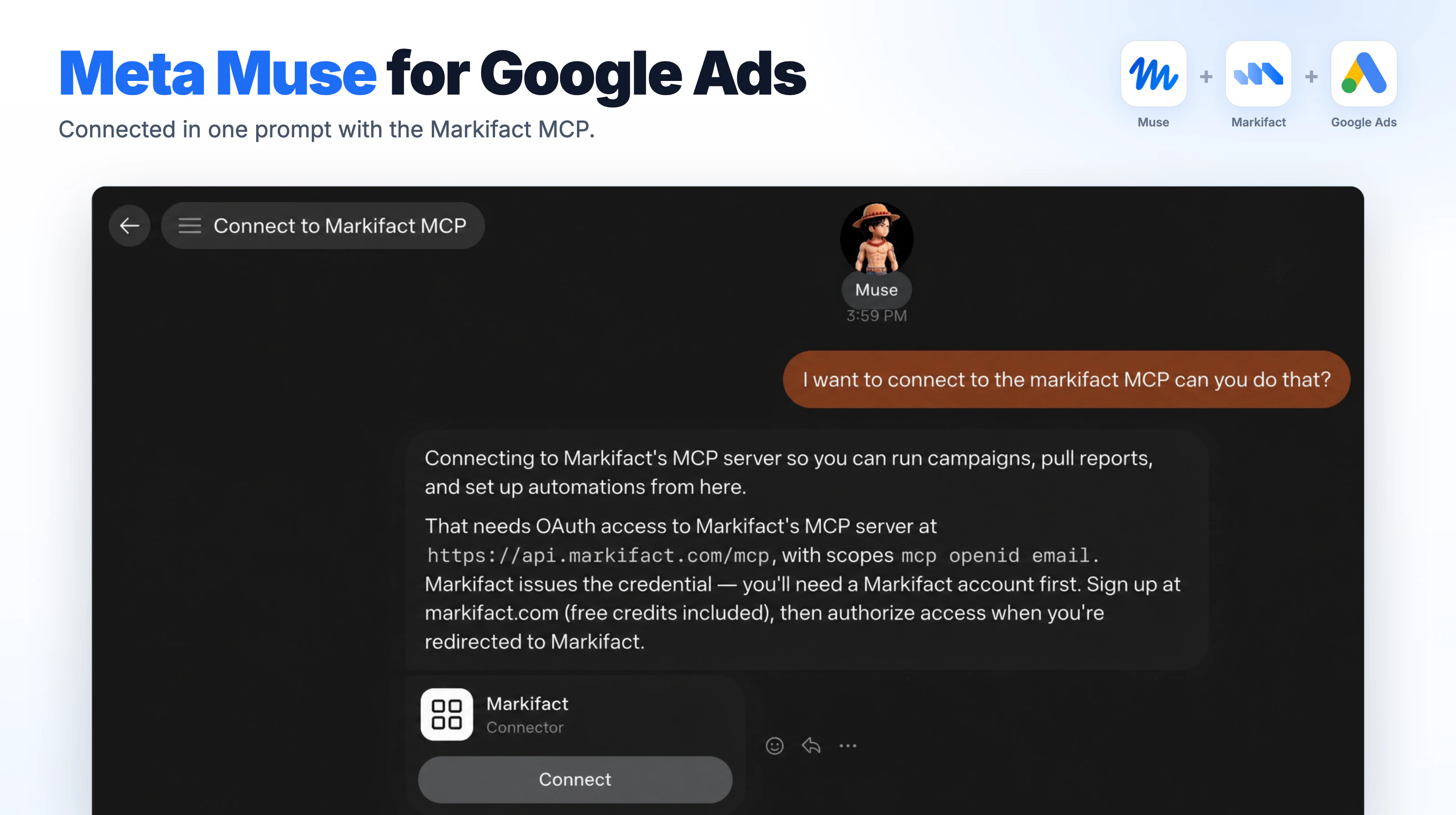
To connect Google Ads to Meta Muse, ask Muse "I want to connect to the Markifact MCP, can you do that?", click Connect, and sign in to Markifact. From then on Muse can read your Google Ads accounts and build campaigns, and it asks before anything is written to your account.
Key takeaways
- Muse adds Markifact as a custom connector from a single chat message. There is nothing to install.
- You connect Google Ads once in Markifact, and Muse sees every account you authorize.
- Muse can list accounts, run reports and build a full Search campaign from a landing page.
- Muse proposes the campaign first and waits for your OK; new campaigns are created paused.
Disclosure: Markifact publishes this blog and builds the connector. The screenshots come from our video below, with account names, ids and emails replaced.
The whole setup is three steps:
- Ask Muse to connect the Markifact MCP.
- Sign in to Markifact and connect Google Ads.
- Ask Muse for a campaign.
What Meta Muse is
Muse is Meta's personal AI agent, separate from the Meta AI assistant inside WhatsApp and Instagram. It launched in the US on September 8, 2026, on the web at muse.ai and in the iOS and Android apps, and has since reached a few more countries. Muse is free with a usage limit, with paid plans for heavier use.
Muse works with other services through connectors. Meta has a catalog of built-in ones, and any remote MCP server can be added as a custom connector. Markifact's Google Ads MCP is one: it gives Muse direct access to the Google Ads API, so it can report on and manage your campaigns from the chat.
Step 1: Ask Muse to connect the Markifact MCP
- Open muse.ai or the Muse app and start a new chat.
- Send this message:
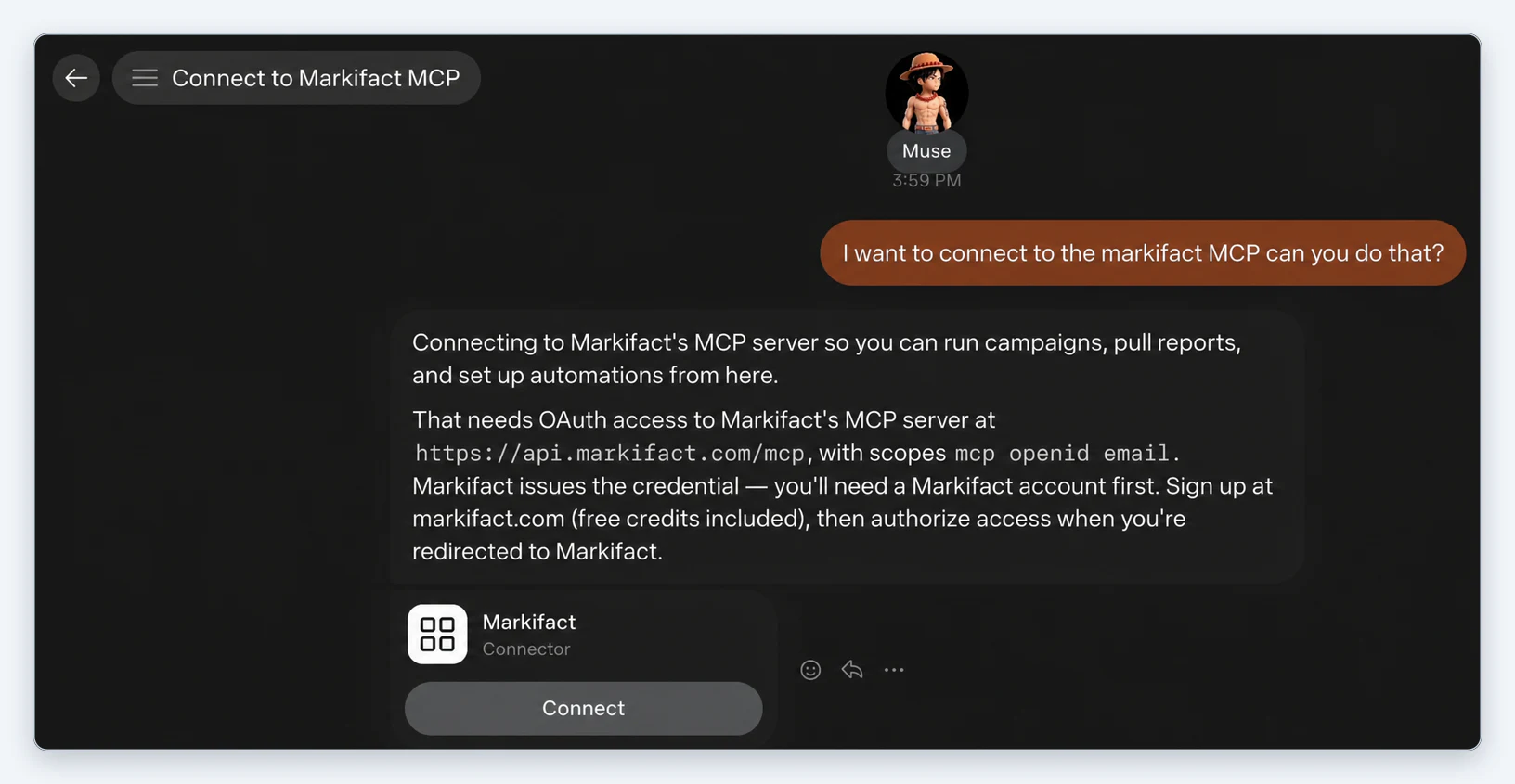
I want to connect to the Markifact MCP, can you do that?
- Muse explains that it needs OAuth access to Markifact's MCP server at
https://api.markifact.com/mcpand shows a Markifact connector card. Click Connect.
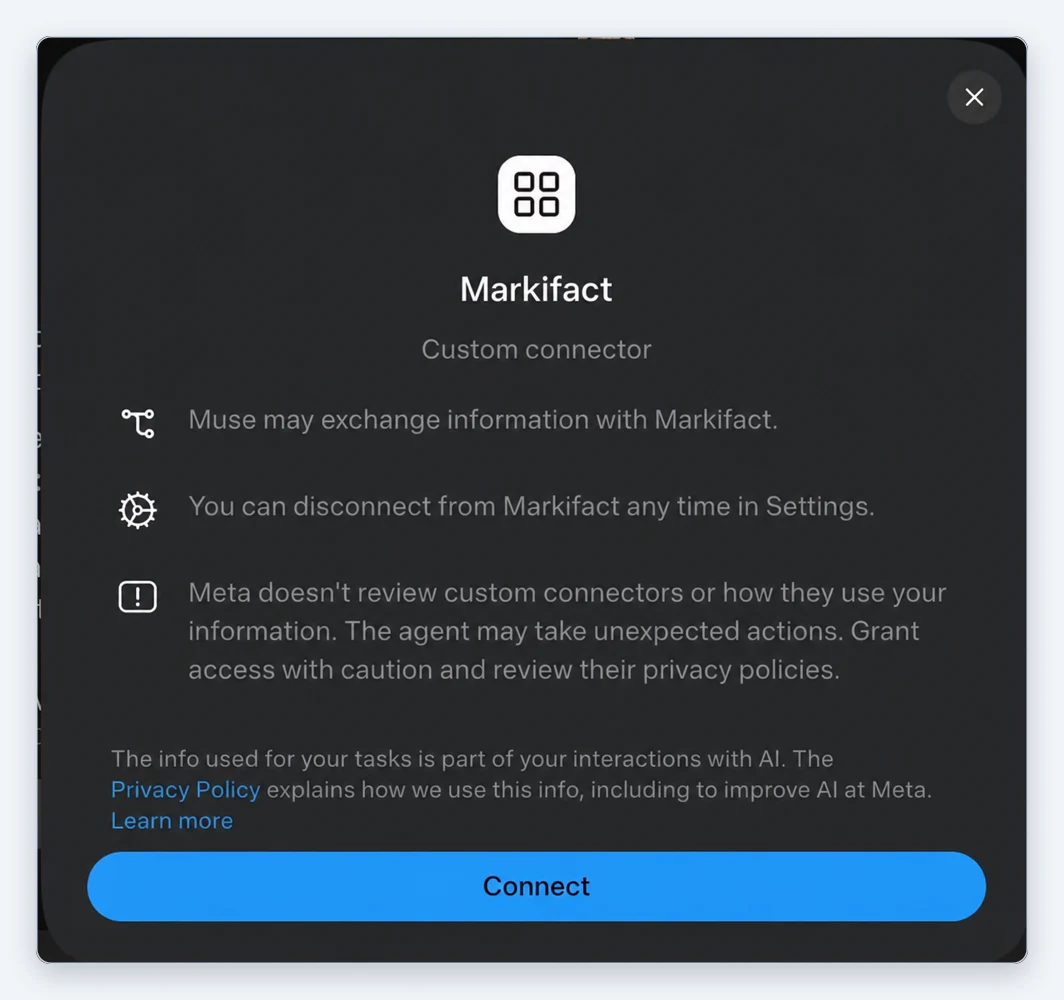
- Muse shows a notice for custom connectors: Muse may exchange information with Markifact, you can disconnect any time in Settings, and Meta does not review custom connectors. Click Connect again.
Step 2: Sign in to Markifact and connect Google Ads
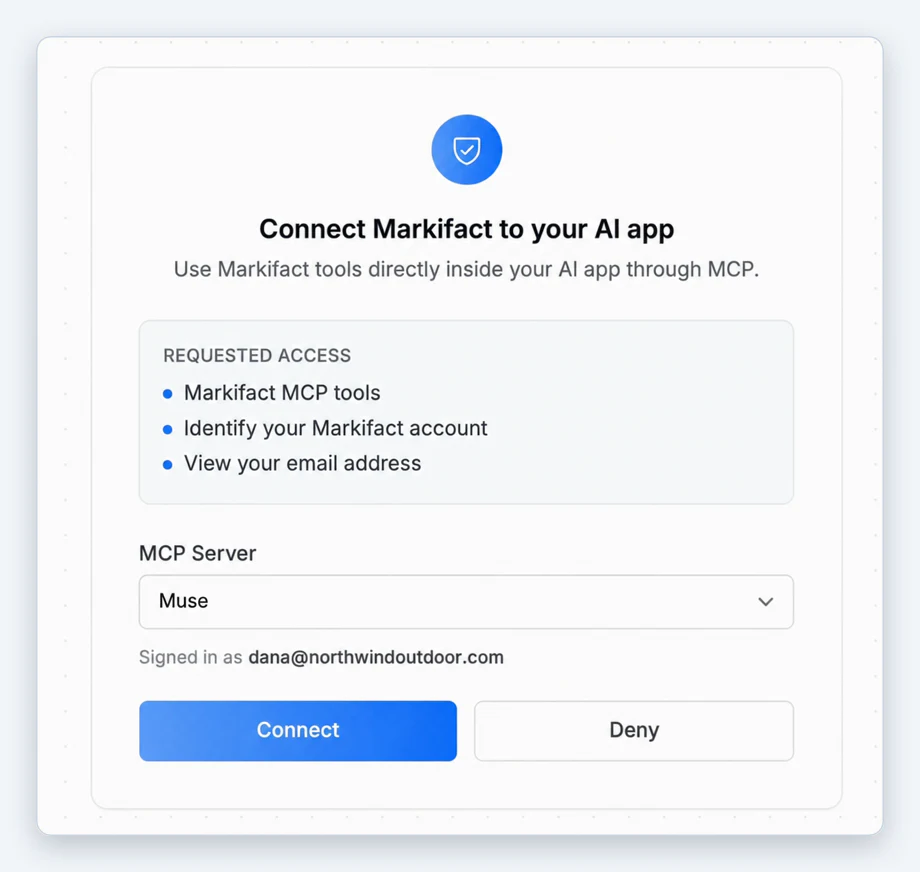
- Muse opens the Markifact page Connect Markifact to your AI app. Log in, or create a free account.
- Pick an MCP Server and click Connect. If you don't have one yet, the page offers Create profile & Connect, which creates it for you in the same step.
- Muse shows "Finishing connection" and returns to the chat.
- In Markifact, connect Google Ads under Connections if you haven't already. You authorize Google Ads here, once, not inside Muse.
- Check that it worked:
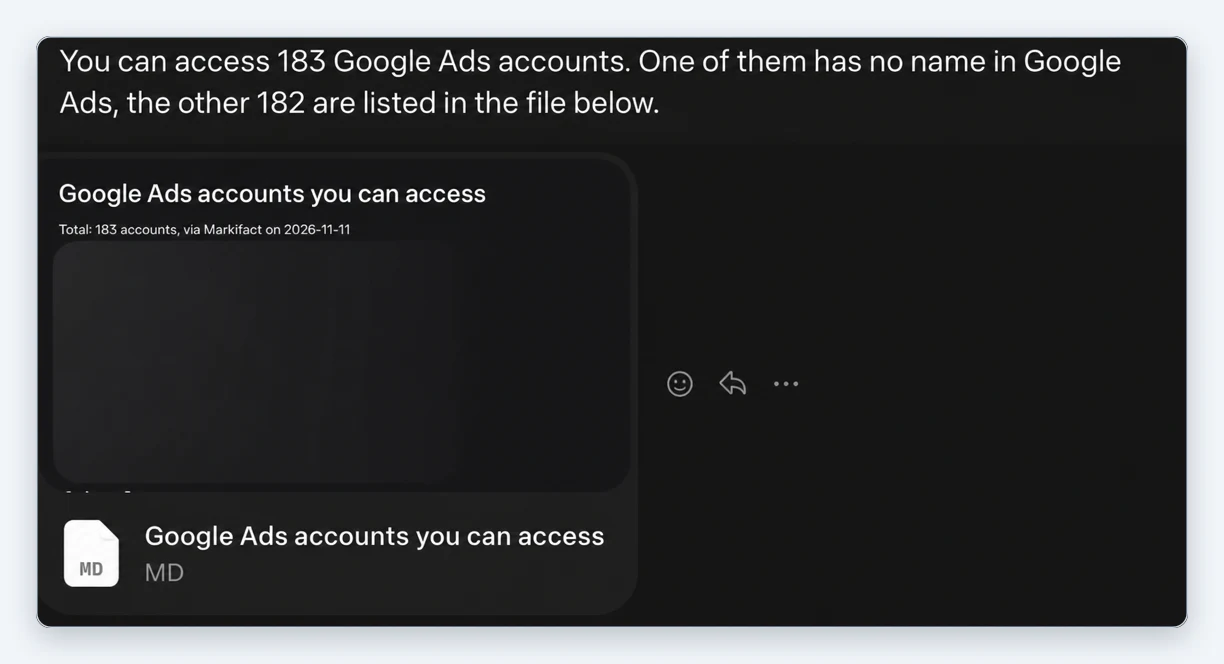
Can you list the Google Ads accounts I have access to?
Step 3: Ask Muse for a campaign
We asked Muse to build a Search campaign from a landing page, with a small budget, created paused:
I need you to create a campaign inside the account called
[account name]. The campaign needs to be a Search campaign with a
[amount] per day budget, and you need to create it paused. To write
the copy, use the information from this landing page: [URL]
Muse read the landing page and checked the account, then stopped before writing anything: "I haven't created anything yet, because this is a write to your live account and I want you to confirm the exact draft first."
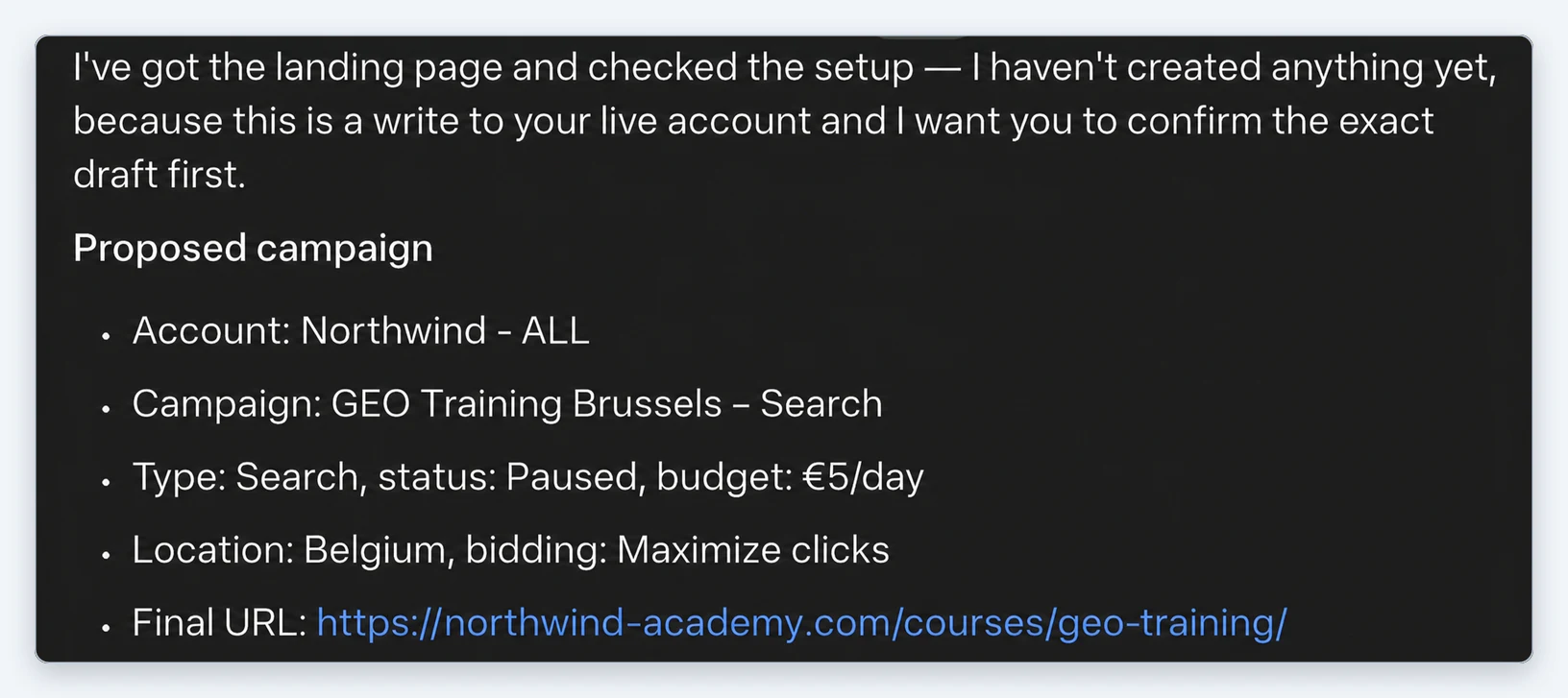
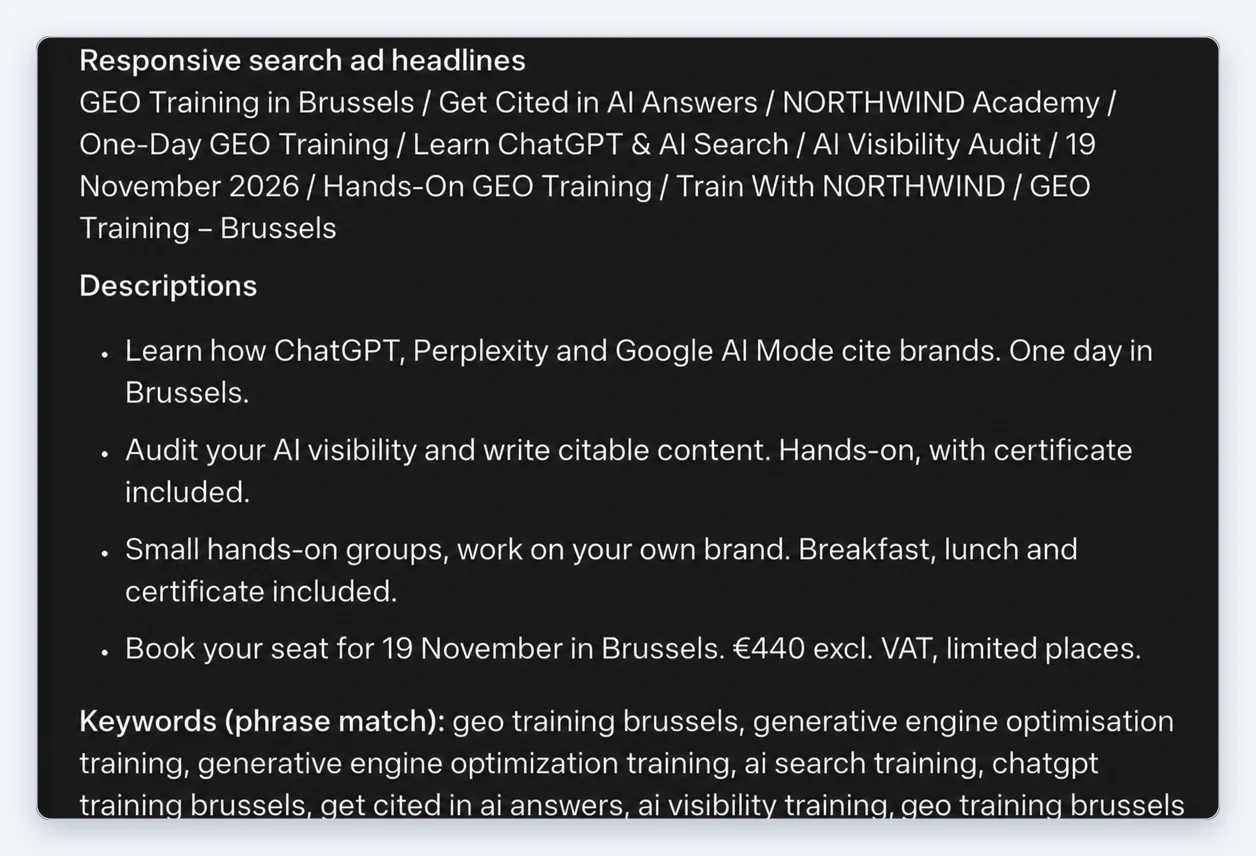
The proposal included the ad group, ten responsive search ad headlines, four descriptions and ten phrase match keywords, all written from the landing page.
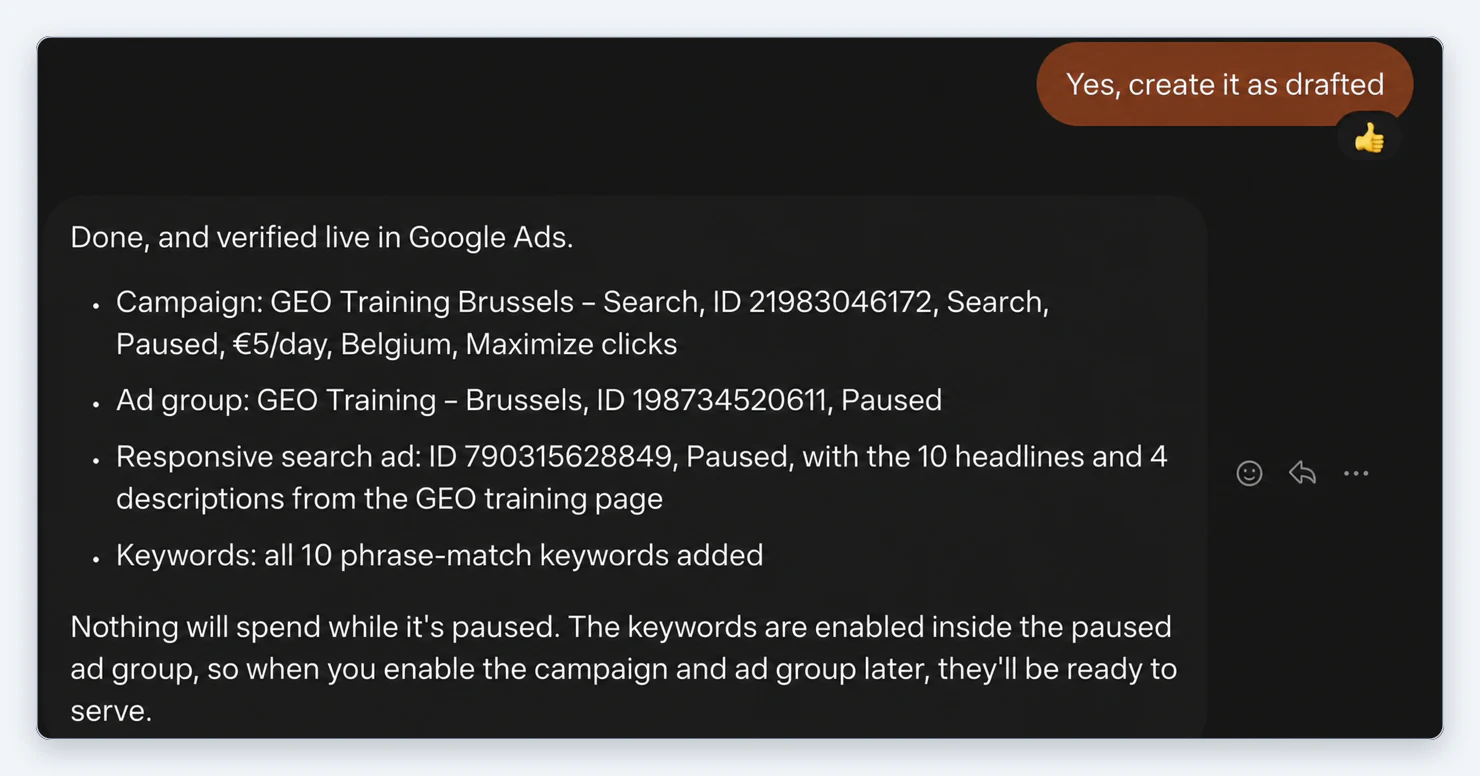
We replied "Yes, create it as drafted". Muse created the campaign, ad group, responsive search ad and keywords, then confirmed each one with its id.
We then opened the account in Google Ads. The campaign, ad group, keywords and ad copy were all there as described, paused, with the right landing page.
Prompts to try next
Weekly performance check
Pull last week's Google Ads performance for [account] by campaign,
compared with the week before. Flag any campaign where cost per
conversion rose more than 20% and tell me why.
Search term clean-up
List search terms from the last 30 days in [account] that spent
more than [amount] with no conversions. Suggest negative keywords
and wait for my OK before adding them.
Budget pacing
Check month-to-date spend against budget for each campaign in
[account]. Tell me which campaigns are pacing more than 10% over
or under, and suggest new daily budgets.
Ad copy review
Review the responsive search ads in [campaign]. Show the headlines
and descriptions with their performance labels, and draft
replacements for any asset rated Low.
What Markifact gives Muse
- Reporting: campaign, ad group, keyword, search term, asset and conversion reports, with comparisons between periods.
- Management: budgets, bids, statuses, keywords, negative keywords, ads and assets.
- Creation: Search, Performance Max and Demand Gen campaigns, ad groups and ads.
- Approval on every write. Reads run straight away; anything that changes the account waits for your confirmation.
The same connection also covers 50+ other platforms, and the same Markifact account works in Claude and ChatGPT.
Pricing
Muse is free with a usage limit, with paid plans for more usage. Markifact has a free account with 200 one-time credits to test the connector. Paid plans start at $79 a month for one seat with unlimited ad accounts. Details are on the pricing page.
Frequently asked questions
Can Meta Muse run Google Ads?
Yes, through a connector. Add the Markifact MCP to Muse, connect your Google Ads account in Markifact, and Muse can report on campaigns and create or change them with your approval.
How do I add a custom connector to Muse?
Ask Muse in a chat, for example "I want to connect to the Markifact MCP, can you do that?". Muse finds the server, shows a Connect button and a custom connector notice, then sends you to the service to sign in.
Is Meta Muse free?
Muse is free with a usage limit, and Meta offers paid plans for more usage. Markifact also has a free account with 200 one-time credits.
Will Muse change my campaigns without asking?
No. In our test Muse proposed the full campaign and created nothing until we confirmed, and the campaign was created paused, so nothing spent until we turned it on.
Can Muse work with a Google Ads manager account (MCC)?
Yes. Connect the Google login that has access to your manager account, and Muse can work with every client account under it. In our test it listed 183 accounts. Name the account in your prompt when you have several.
How do I disconnect Markifact from Muse?
Open Settings in Muse and disconnect Markifact from your connectors. Muse says you can do this at any time.