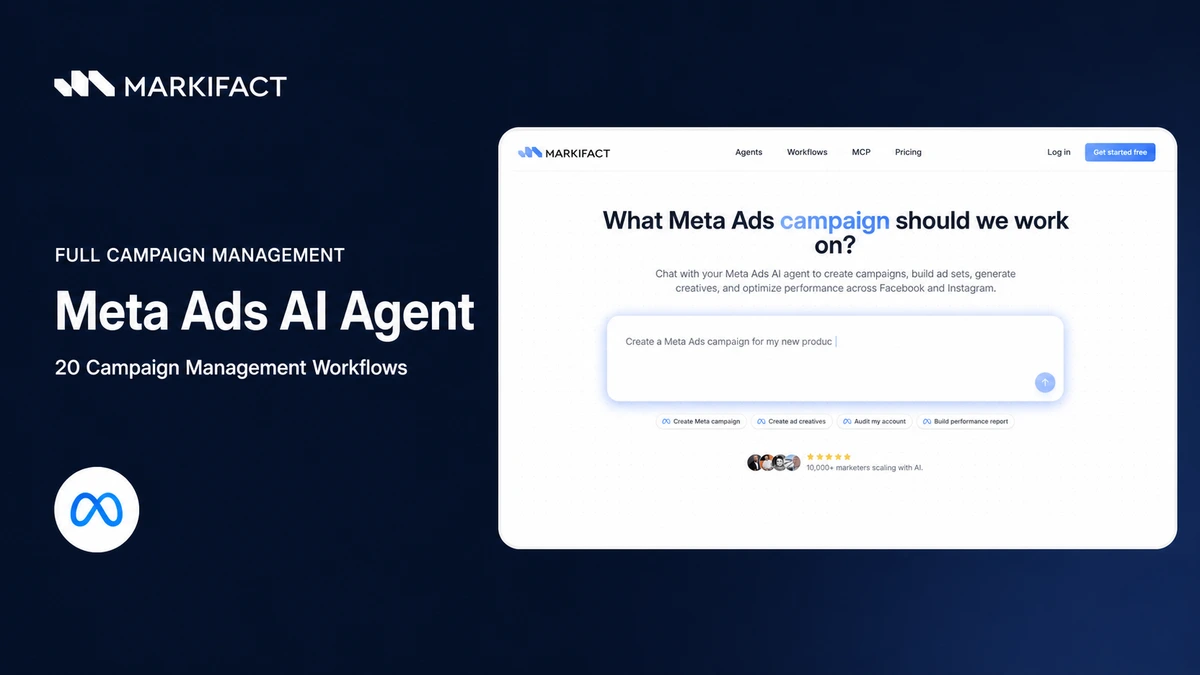
A Meta Ads AI agent can manage the full campaign lifecycle: research audiences, create campaigns and ads, monitor delivery, propose optimizations, and execute approved changes. The important distinction is control. Read-only analysis can run freely, while every budget, targeting, creative, or status change should stop for human approval.
This guide gives marketers and agencies 20 practical workflows for running Facebook and Instagram campaigns with the Markifact Meta Ads AI Agent. Each workflow includes a copy-paste prompt and a clear boundary between analysis and account changes.
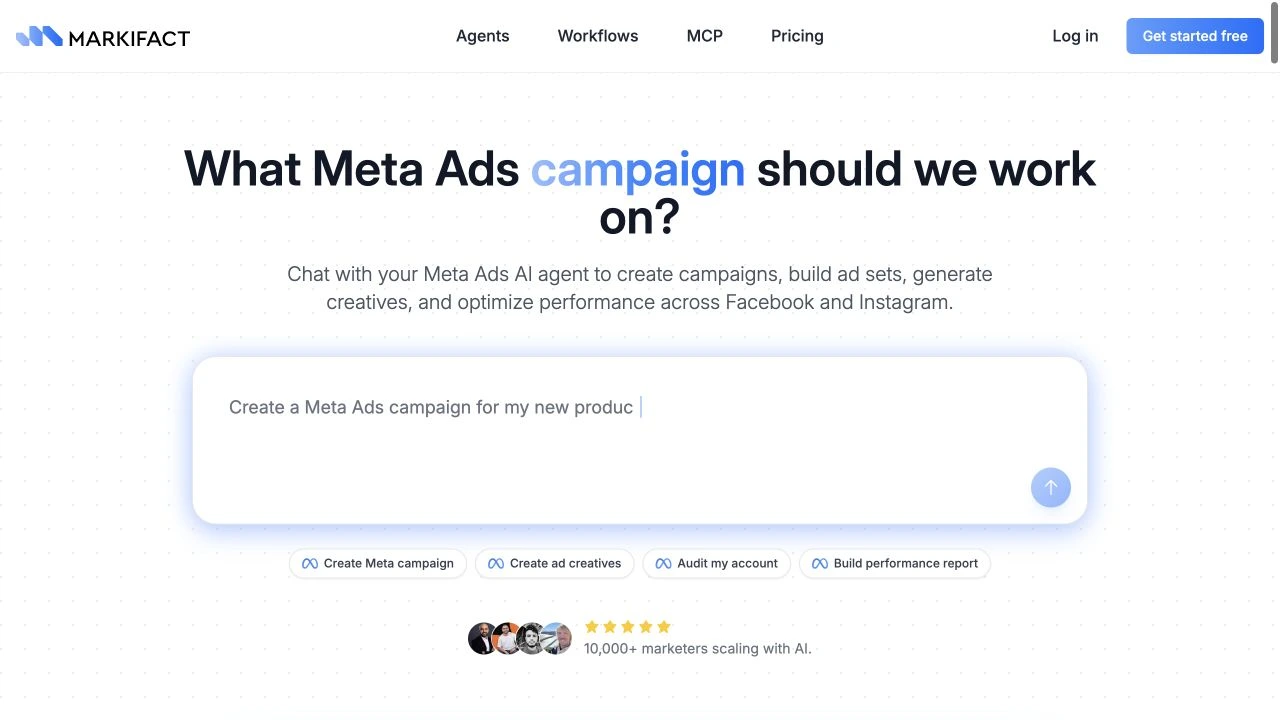
What a full-management Meta Ads AI agent can do
A reporting assistant answers questions about past performance. A management agent can also prepare and execute the next step. In Markifact, that can include:
- retrieving the current account structure and performance;
- searching valid Meta targeting options;
- creating campaigns, ad sets, and ads;
- building single-image, video, carousel, and catalog ads;
- generating bulk creative variations;
- updating budgets, placements, audiences, languages, and statuses;
- duplicating proven structures;
- retrieving leads and catalog data; and
- producing recurring reports and action backlogs.
The agent does not remove Meta's three-level hierarchy. Meta's campaign-creation documentation defines the structure this way:
| Level | Main decision | Typical fields |
|---|---|---|
| Campaign | What result are you trying to achieve? | Objective, buying approach, campaign budget, bid strategy |
| Ad set | Who should see the ads and how should delivery work? | Audience, placements, optimization, budget, schedule |
| Ad | What will people see and where will they go? | Identity, format, media, copy, CTA, URL, tracking |
That hierarchy is useful. It gives the agent a precise place to make each decision and makes approvals easier to review.
The safety contract
Use one operating rule throughout this guide:
Retrieve, cite, assess, propose, approve, execute, verify.
The agent may retrieve and analyze account data without changing it. For a write, it should show the exact account and object IDs, the current value, the proposed value, the reason, and the expected risk. It should then stop. Only after explicit approval should it run the write operation, and it should retrieve the object again to verify the result.
When creating a new campaign, ad set, or ad, default to PAUSED whenever the operation supports it. A paused build can be inspected before money is spent.
20 Meta Ads AI agent workflows
Replace the bracketed values in these prompts. Keep the conversation in one agent thread when several workflows depend on the same evidence.
1. Map the account before changing anything
Start by giving the agent an exact inventory. This prevents it from confusing campaigns with similar names or operating in the wrong account.
Use my connected Meta Ads account [ACCOUNT NAME OR ID].
Retrieve the current campaigns, ad sets, and ads.

Return a hierarchy table with exact IDs, names, statuses, objectives,
budgets, schedules, and parent relationships. Flag duplicate names and
missing parent objects. This is read-only. Do not change the account.
Save this object map as the reference for every later proposal.
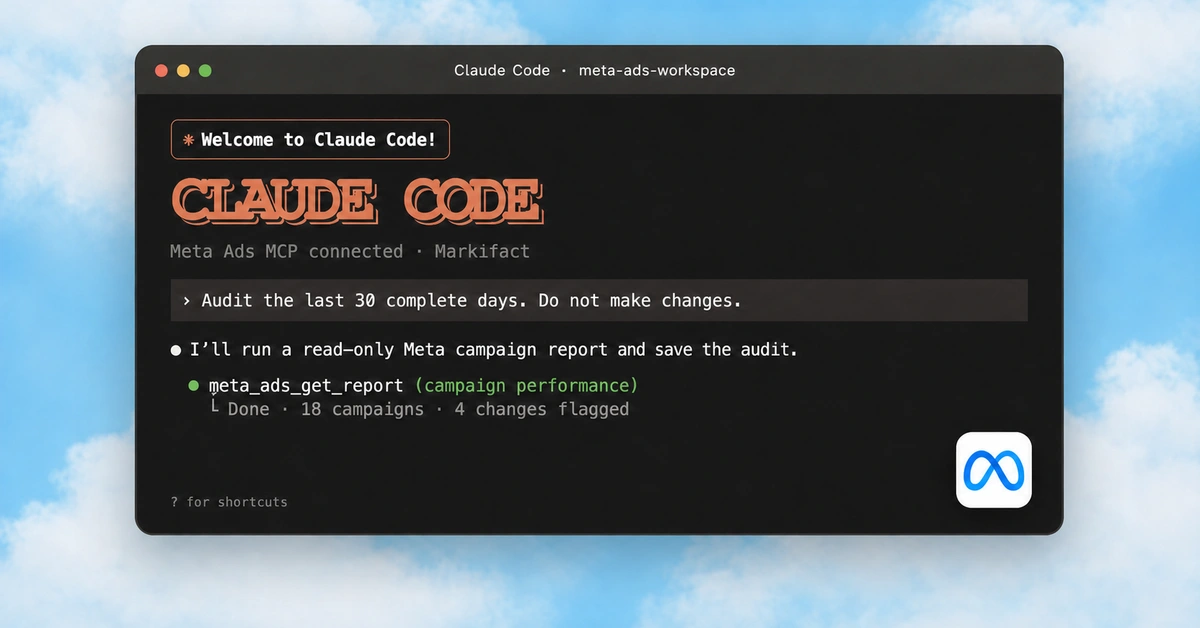
2. Run a performance and structure audit
An audit should join settings with outcomes rather than judging results in isolation.
Audit Meta Ads account [ACCOUNT ID] for [DATE RANGE].
Use account settings plus campaign, ad-set, and ad-level performance.

Check delivery, spend, results, cost per result, conversion volume,
creative concentration, audience overlap risks, fragmented ad sets,
inactive objects, tracking gaps, and budget distribution.

Separate verified findings from hypotheses. Rank findings by expected
impact and confidence. Do not make any changes.
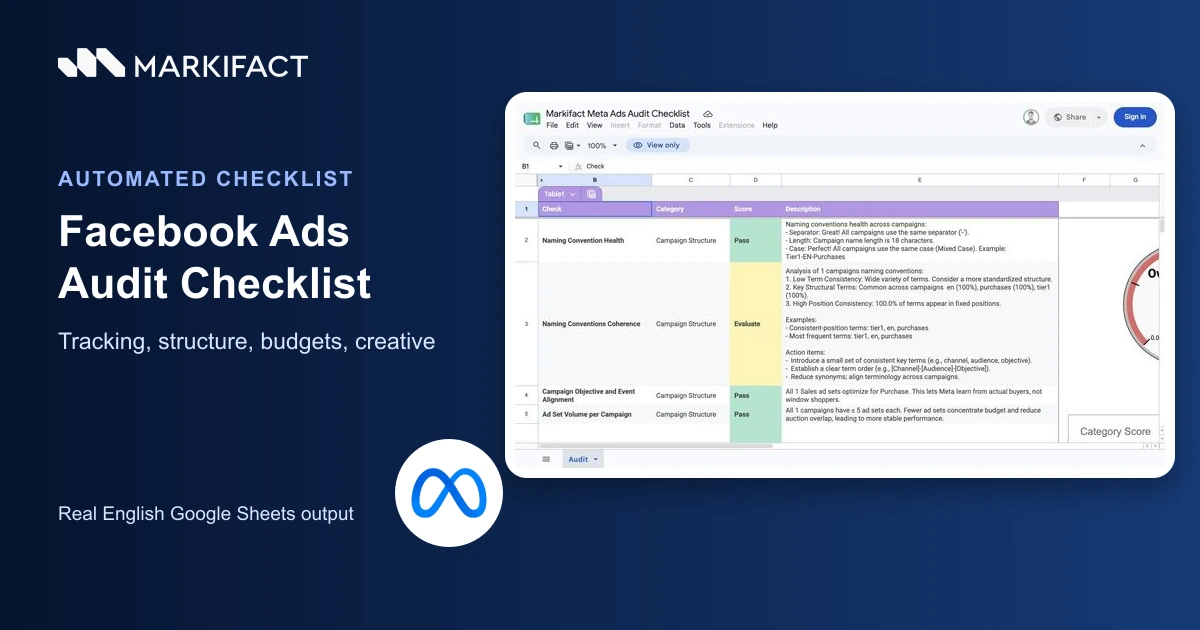
For a dedicated checklist, use the Facebook Ads audit workflow.
3. Research valid targeting options
Do not ask the model to invent interest or location IDs. Search the live targeting catalog first.
Our offer is [OFFER] for [IDEAL CUSTOMER] in [MARKETS].
Use the Meta targeting search operation to find valid location,
locale, interest, and behavior options.

Return the exact targeting IDs and names, grouped into:
1. hard controls,
2. audience suggestions,
3. exclusions,
4. options that need more evidence.

Do not create or update an ad set.
The result is a targeting menu, not an automatic recommendation to stack every option.
4. Turn a business brief into a campaign plan
The agent can translate commercial goals into an approval-ready build specification.
Create a Meta campaign plan for:
- offer: [OFFER]
- business goal: [GOAL]
- market: [MARKET]
- monthly budget: [BUDGET AND CURRENCY]
- conversion event: [EVENT]
- landing page: [URL]
- available creative: [ASSETS]

Recommend one supported Meta outcome objective and explain why.
Define the campaign, ad-set, and ad structure, naming convention,
budget allocation, schedule, measurement plan, and launch checks.
Do not create anything yet.
The conversion event, Page, Instagram identity, and URL should be confirmed inputs, never guesses.
5. Create a campaign as paused
Once the plan is approved, ask for the exact campaign payload before execution.
Find the current schema for the Meta campaign creation operation.
Prepare a PAUSED campaign in account [ACCOUNT ID] using:
[APPROVED CAMPAIGN SPECIFICATION].

Show the exact objective, status, budget type, bid strategy, schedule,
name, account ID, and operation payload. Validate all enumerated values.
Stop for my approval. After approval, create it and retrieve the new
campaign to verify its ID, status, and settings.
The live schema is the source of truth for objective and bidding values.
6. Build the ad set
The ad set is where most delivery decisions live, so review its payload separately.
Prepare one PAUSED ad set under campaign [CAMPAIGN ID].
Use [BUDGET], [SCHEDULE], [CONVERSION LOCATION], [OPTIMIZATION GOAL],
[BILLING EVENT], and the approved targeting specification.

Show the exact account ID, campaign ID, audience inclusions and
exclusions, placements, optimization settings, schedule, and budget.
Confirm the currency and units. Stop for approval before creating it.
After approval, create it and verify every returned setting.
Avoid creating several near-identical ad sets without a clear testing reason. Meta recommends simplifying similar ad-set structures where possible.
7. Choose Advantage+ audience or manual targeting
Advantage+ audience can use suggestions while preserving controls such as location, age, language, and exclusions. It is not automatically correct for every campaign.
Compare two ad-set specifications for [OFFER]:
A. Advantage+ audience with broad suggestions
B. manual targeting using [TARGETING OPTIONS]

Use our account history for [DATE RANGE] where available.
Compare reach constraints, learning risk, control, exclusions,
measurement clarity, and suitability for our conversion volume.

Recommend one approach, show the exact targeting payload, and stop.
Do not update or create an ad set.
8. Decide placements
Meta's Advantage+ placements can distribute delivery across available placements, while manual placement controls may be appropriate when assets or compliance differ by surface.
Analyze placement performance for [DATE RANGE] by campaign, ad set,
and placement where the reporting schema supports it.

Compare cost, results, cost per result, volume, and creative fit.
Recommend Advantage+ placements or a justified manual set for
[AD SET ID]. List every proposed inclusion and exclusion.
Do not change placements until I approve the exact payload.
Do not remove a placement based on a tiny sample or one volatile day.
9. Create a single-image ad
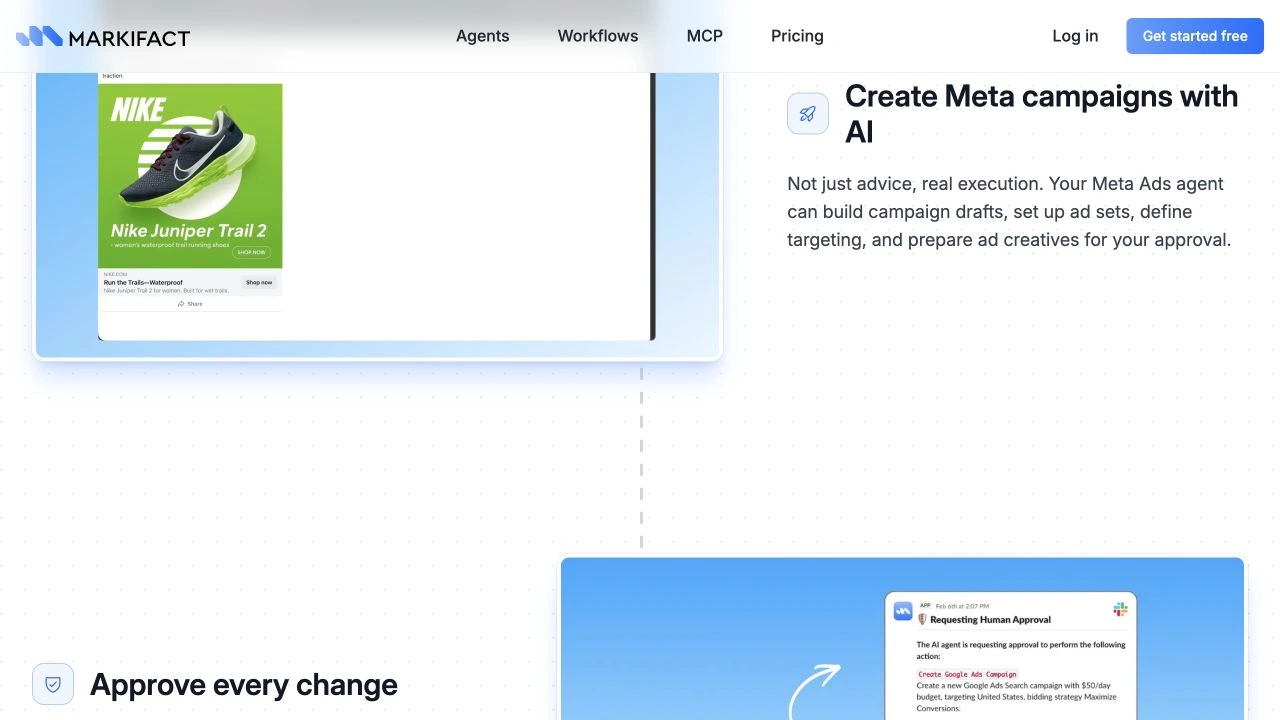
The agent should treat identity, destination, and tracking as required QA fields.
Prepare a PAUSED single-image ad in ad set [AD SET ID].
Use Page [PAGE ID], Instagram identity [IG ID], image [IMAGE URL],
primary text [COPY], headline [HEADLINE], description [DESCRIPTION],
destination [URL], CTA [CTA], and UTMs [UTMS].

Retrieve the current operation schema, validate every field, and show
the final payload plus a human-readable preview. Stop for approval.
After approval, create the ad and verify its ID, status, identities,
destination URL, and tracking parameters.
10. Build video, carousel, or catalog ads
Format-specific workflows should start with the matching operation, not force every asset through a generic ad creator.
We need a [VIDEO / CAROUSEL / CATALOG] ad for [OFFER].
Find the matching Meta Ads creation operation and its current schema.

List the required assets and IDs that are still missing.
Then prepare the ad specification, including Page and Instagram
identity, ad set, status, creative components, copy, CTA, URL,
tracking, and schedule. Keep it PAUSED and stop for approval.
If an asset is missing, the agent should ask for it rather than silently substituting another format.
11. Generate and bulk-create creative variants
Bulk creation is useful only when the agent preserves a clear row-by-row audit trail.
Create a testing matrix for [OFFER] with:
- [NUMBER] message angles
- [NUMBER] primary-text variants
- [NUMBER] headlines
- placement-specific images where provided

Keep each variant meaningfully different and map it to one hypothesis.
Prepare the bulk single-image ad payload for ad set [AD SET ID].
Use detailed per-row results, PAUSED status, and our approved identities,
URLs, CTAs, and UTMs. Show the complete matrix and stop for approval.
After execution, report every success and failure by input row.
Do not generate dozens of trivial wording changes that dilute spend and learning.
12. Run pre-launch QA
QA should happen after objects exist but before activation.
Run a pre-launch QA for campaign [CAMPAIGN ID].
Retrieve the campaign, child ad sets, and child ads.

Check objective alignment, parent IDs, statuses, budgets, dates,
optimization, conversion destination, audience controls, exclusions,
placements, Page and Instagram identity, asset presence, copy,
CTA, landing URLs, UTMs, and naming conventions.

Return pass, fail, or needs-review for every check. Do not activate
anything. Prepare fixes as separate approval requests.
13. Run a daily anomaly scan
A daily scan should surface material changes without overreacting to normal variance.
For account [ACCOUNT ID], compare yesterday with:
1. the previous day,
2. the same weekday last week,
3. the trailing 7-day daily average.

Report spend, impressions, clicks, results, cost per result, leads,
purchases, and ROAS where available. Flag only material anomalies,
show the underlying values and sample size, and propose likely causes.
Do not change budgets, statuses, audiences, placements, or ads.
14. Monitor budget pacing
Budget pacing needs a calendar, current spend, and an explicit currency.
For [CAMPAIGN OR ACCOUNT] and [MONTH], calculate:
- budget and currency,
- spend to date,
- elapsed and remaining days,
- expected spend by today,
- pacing variance,
- projected month-end spend.

Show the formula and data source. If action is justified, propose a
specific budget change with current and proposed values, expected
impact, and rollback plan. Stop for approval before any update.
15. Diagnose performance at all three levels
Campaign totals can hide the real cause. Force the analysis down to ad-set and ad level.
Diagnose [CAMPAIGN ID] for [DATE RANGE] versus [COMPARISON RANGE].
Use campaign, ad-set, and ad dimensions.

Build a driver tree explaining changes in spend, delivery, clicks,
results, cost per result, purchases, and ROAS where available.
Separate volume, efficiency, audience, placement, and creative drivers.
Recommend the smallest useful intervention. Do not execute it.
16. Detect creative fatigue and prepare replacements
Fatigue is a hypothesis supported by several signals, not a single fixed frequency threshold.
Review ad-level creative performance for [DATE RANGE].
Look for sustained deterioration in results or cost per result alongside
delivery, frequency, CTR, CPM, and spend where those fields are available.

Control for recent budget, audience, placement, and landing-page changes.
Label each creative: healthy, watch, likely fatigued, or insufficient data.
For likely fatigued ads, propose a replacement brief and a PAUSED
replacement-ad payload. Stop before creating or replacing anything.
17. Optimize audiences, locations, languages, or placements
Each targeting change should be isolated and reviewable.
Analyze [AD SET ID] by available audience, location, language, and
placement breakdowns for [DATE RANGE].

Recommend at most one targeting or placement change at a time.
Show the evidence, current settings, exact proposed settings,
estimated trade-offs, affected IDs, and rollback plan.
Stop for approval before using any update operation.
18. Change a budget or status safely
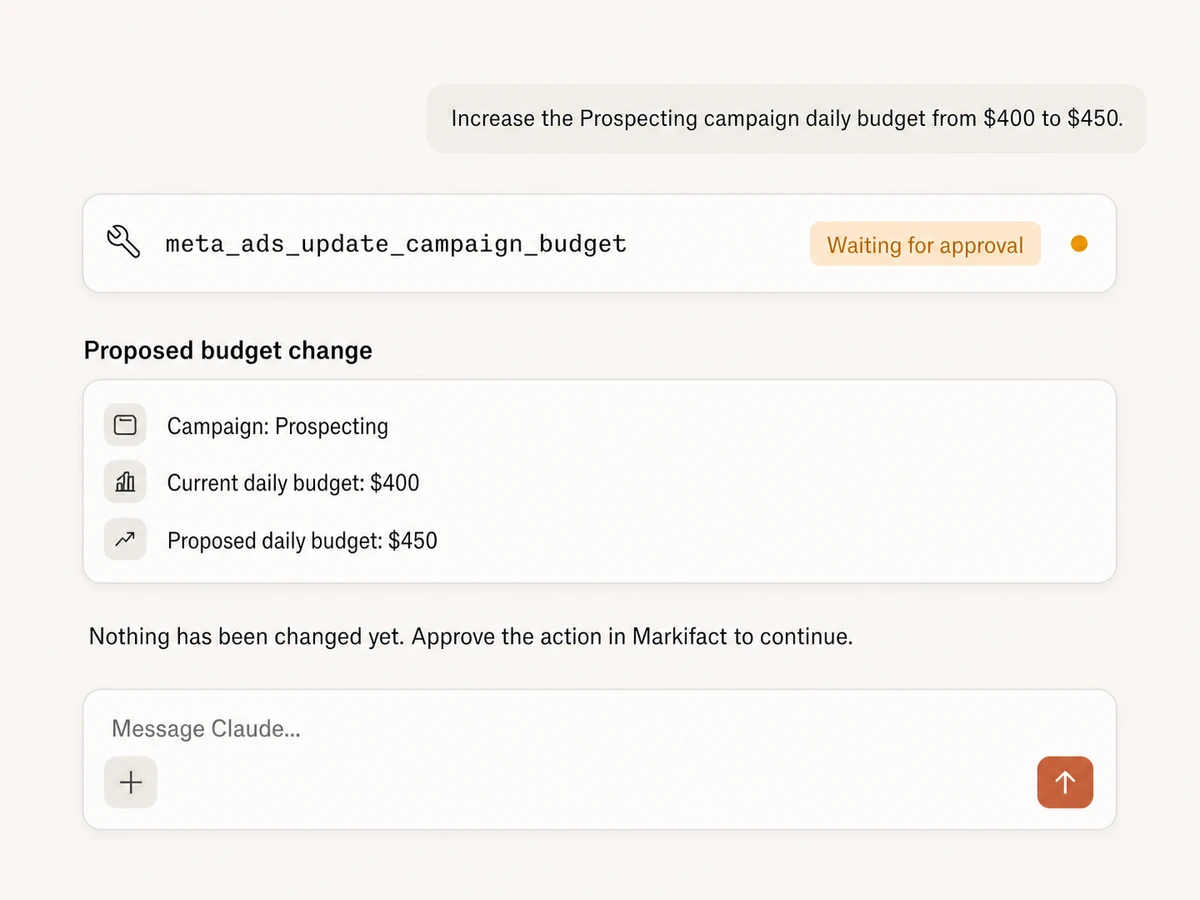
This is the approval pattern for high-impact operational writes.
Prepare a [BUDGET / STATUS] change for [OBJECT TYPE AND ID].
First retrieve the current object and confirm its account and parent.

Show:
- exact object and account IDs,
- current value,
- proposed value,
- currency and units for money,
- evidence and reason,
- expected effect,
- rollback value.

Do not execute until I explicitly approve this exact change.
After approval, run only the stated operation and retrieve the object
again to verify the final value.
19. Duplicate and scale a winning structure
Duplication should preserve what worked while making intentional changes visible.
Assess whether [CAMPAIGN OR AD SET ID] is a valid scaling candidate.
Use [DATE RANGE], conversion volume, cost per result, ROAS, delivery
stability, and creative concentration where available.

If evidence is sufficient, prepare a duplication plan. List everything
that will be copied and every deliberate change to budget, market,
audience, schedule, creative, and naming. Keep the duplicate PAUSED.
Show the exact source and destination IDs and stop for approval.
Scaling is not a promise that historical efficiency will continue.
20. Produce the weekly decision memo
Close the loop by turning performance into an approved action queue.
Create a weekly Meta Ads decision memo for [ACCOUNT OR CLIENT]
covering [DATE RANGE] versus [COMPARISON RANGE].

Include:
1. executive summary,
2. KPI table,
3. campaign, ad-set, and ad drivers,
4. wins and risks,
5. experiments and learnings,
6. proposed actions ranked by impact, confidence, and effort,
7. exact approval requests for any writes,
8. next week's measurement plan.

Cite the IDs and values behind every recommendation. Do not execute
any proposed account change.
Use separate agents for separate clients
Agencies should not mix client instructions, brand rules, account IDs, or approval chains in one generic configuration. A separate agent can hold each client's:
- approved accounts and business assets;
- naming and UTM conventions;
- brand voice and prohibited claims;
- performance targets and reporting cadence;
- standard audience exclusions;
- budget-change limits; and
- approvers and delivery channels.
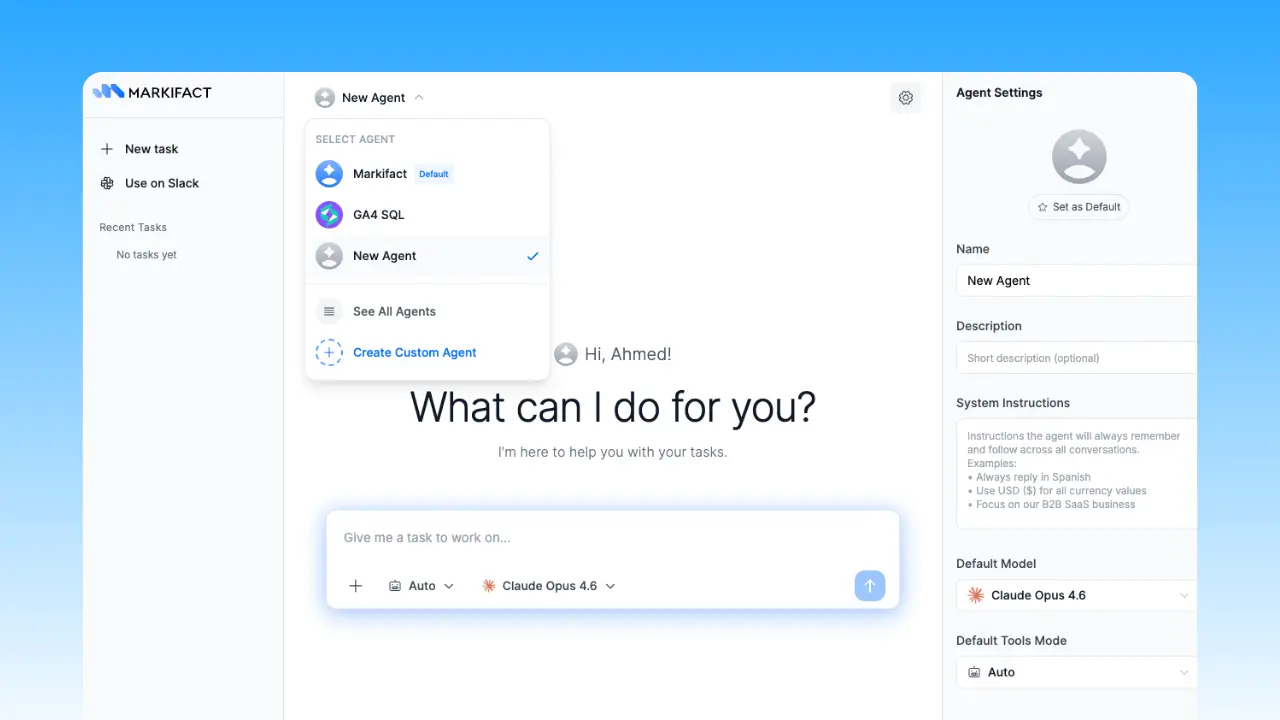
A client agent still needs to retrieve live data before acting. Stored instructions define policy; they do not replace current account evidence.
Choose the model separately from the tools
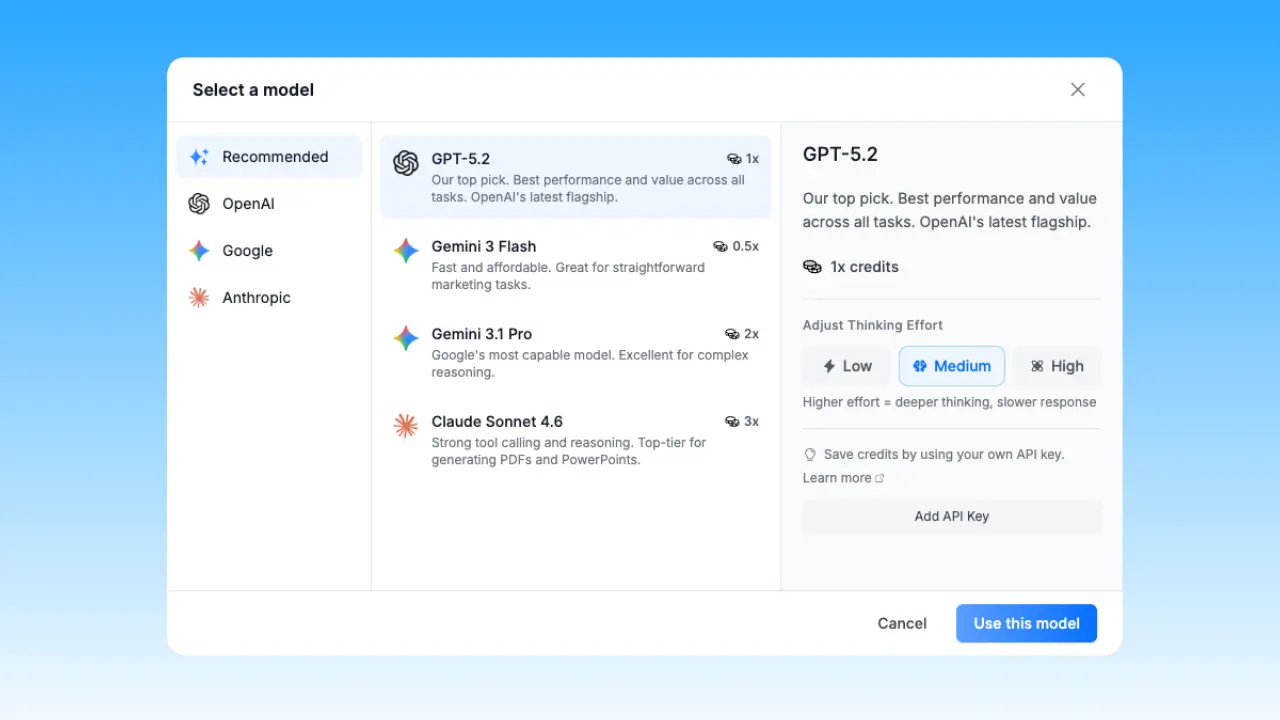
The AI model handles reasoning and language. Markifact provides the Meta Ads operations, connected account context, and approval layer. Keeping those concerns separate means a team can choose an available OpenAI, Google, or Anthropic model without changing the account-management workflow.
If you already work in Claude, ChatGPT, Cursor, or another MCP-compatible client, use the Meta Ads MCP. The same operating contract still applies. See the setup guides for Claude and ChatGPT.
Start with one controlled workflow
Do not automate all 20 workflows on day one. Start with account mapping, a read-only audit, and a weekly decision memo. Once the evidence is reliable, add one approval-gated write such as creating a paused ad or updating a budget.
That progression gives the agent useful responsibility without giving up human control. The goal is not more activity. It is a shorter path from verified evidence to a reviewed, reversible campaign decision.
Frequently asked questions
Can a Meta Ads AI agent create campaigns and ads?
Yes. With the right connected operations and permissions, the Markifact agent can prepare and create campaigns, ad sets, and supported ad formats. Live writes wait for approval, and new objects should be created as paused when supported.
Can it manage existing Facebook and Instagram campaigns?
Yes. The available operations include reporting plus approval-gated changes such as budgets, statuses, placements, audiences, locations, languages, and creative replacements. The exact live schema determines which fields are available.
Is a Meta Ads AI agent the same as Meta Ads MCP?
No. The agent is a configured Markifact experience that combines a model, instructions, connected tools, and approval behavior. Meta Ads MCP exposes Markifact's operations inside compatible clients such as Claude, ChatGPT, Manus, or Cursor.
Can the agent change budgets automatically?
It can analyze pacing and prepare a budget update, but the safer workflow requires explicit approval of the exact object, current value, proposed value, currency, reason, and rollback plan before execution.
Can agencies use one agent for multiple clients?
They can, but separate client agents are safer and easier to govern. Separate configurations reduce the risk of mixing account IDs, brand rules, targets, and approvers.
Does the agent guarantee better Meta Ads performance?
No. It can make research, analysis, creation, QA, and execution more systematic, but auction conditions, creative quality, conversion tracking, the offer, the landing experience, and market demand still determine outcomes.