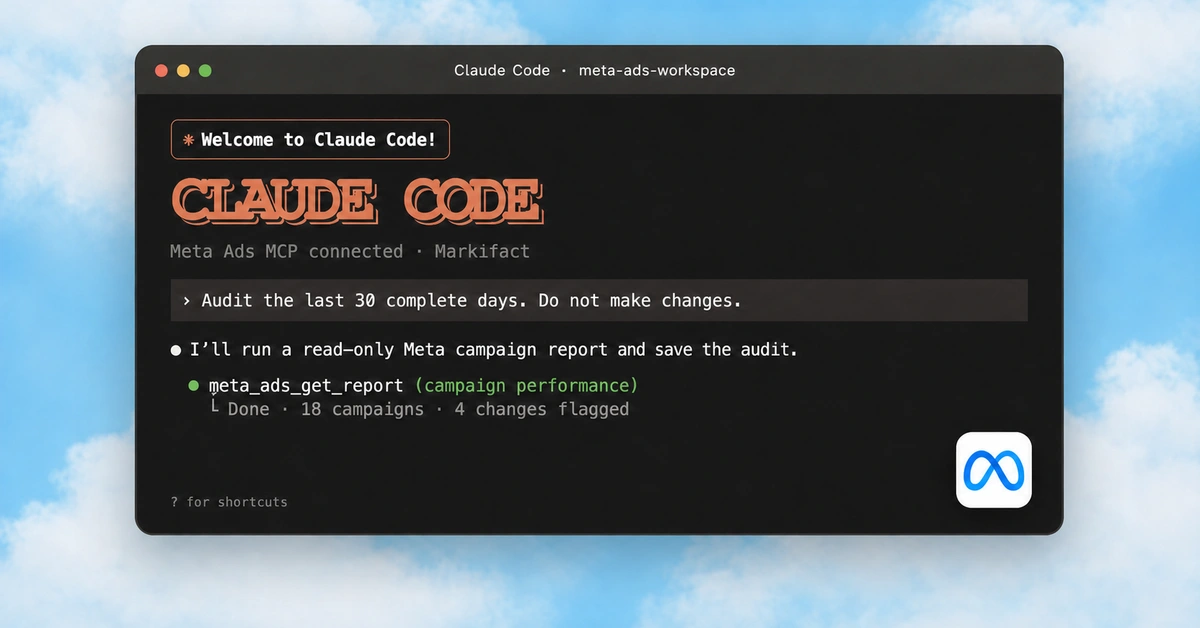
To connect Meta Ads to Codex, install the Markifact plugin from Plugins and use your connected Meta Ads account. It is the same Markifact plugin available in ChatGPT. Once it is connected, you can ask Codex to report on Facebook and Instagram ads, investigate campaign performance, and prepare account changes in a conversation.
The setup is short. This guide uses edited demos of the Codex interface, how to connect Meta Ads if you have not already, and prompts you can use immediately.
The quick version
- Open Plugins in the Codex sidebar.
- Open the Markifact plugin listing and install it. Sign in to Markifact if prompted.
- If Meta Ads is not already connected in your Markifact workspace, connect it under Connections.
- Click Try now on the Markifact plugin page, or start a new chat and select
@Markifact. - Ask for your first campaign report.
If Markifact already shows Connected, use it. There is no separate Meta Ads plugin to install and no MCP URL to paste.
1. Install Markifact in Codex
Open Codex and select Plugins in the left sidebar.
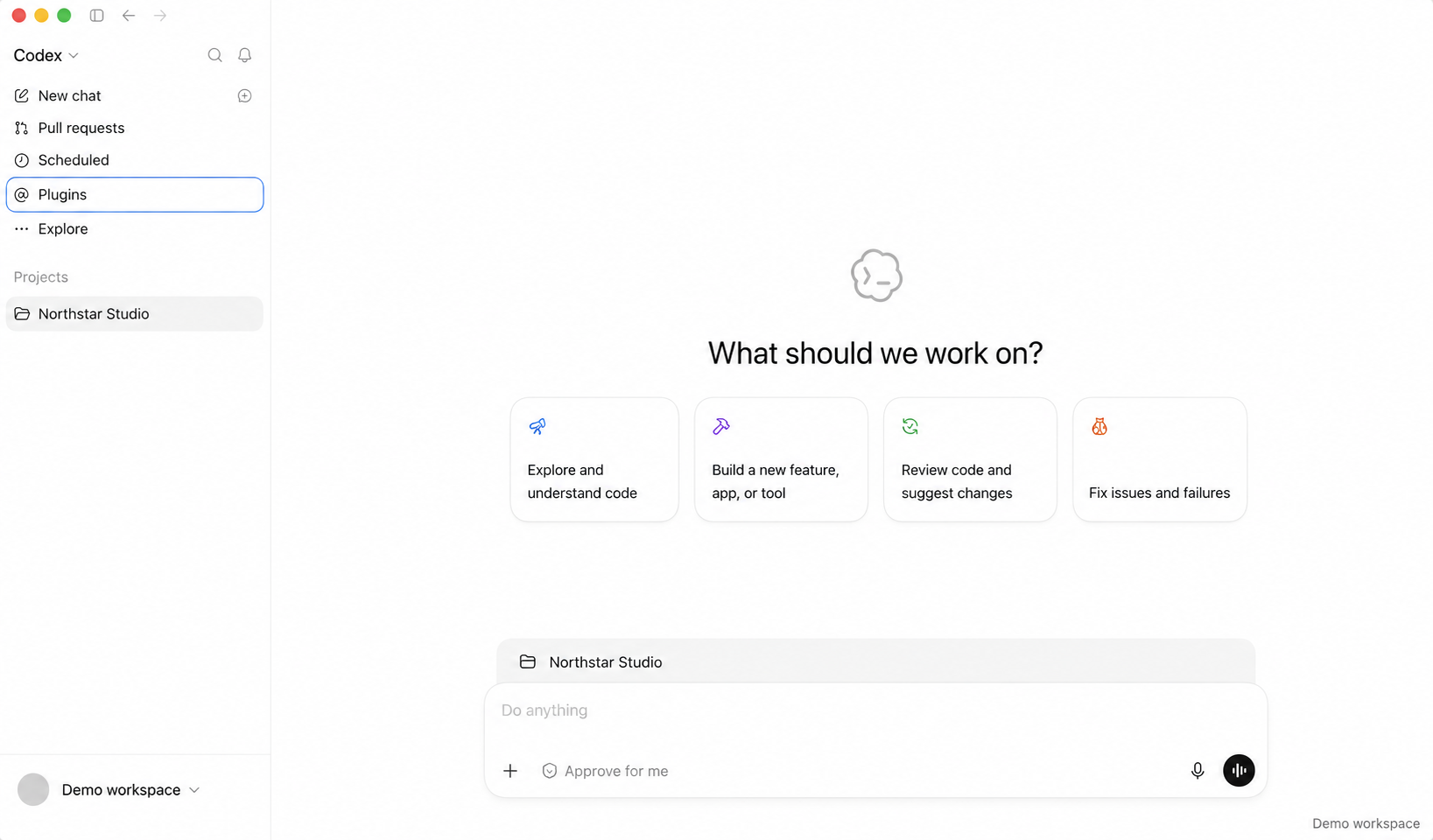
Open the Markifact plugin listing or search for Markifact in Plugins, then install it. Complete the Markifact sign-in if requested. Codex and ChatGPT use the same Markifact plugin.
The edited demo below shows Markifact already connected. The plugin page displays Analyze and manage ads, a Try now button, and the connected Markifact app underneath.

If you already installed and connected Markifact, this part is done. You can move straight to your Meta Ads request.
2. Connect Meta Ads in Markifact
Skip this step if Meta Ads is already connected in your Markifact workspace.
Otherwise, open Connections in Markifact, choose Meta Ads, and click Connect.
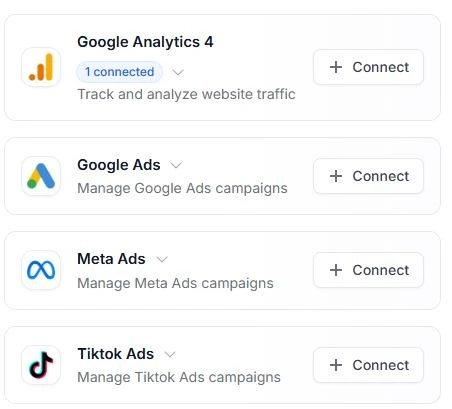
Sign in with the Meta user who has access to the business and ad accounts you want to work with. Complete the authorization and return to Markifact.
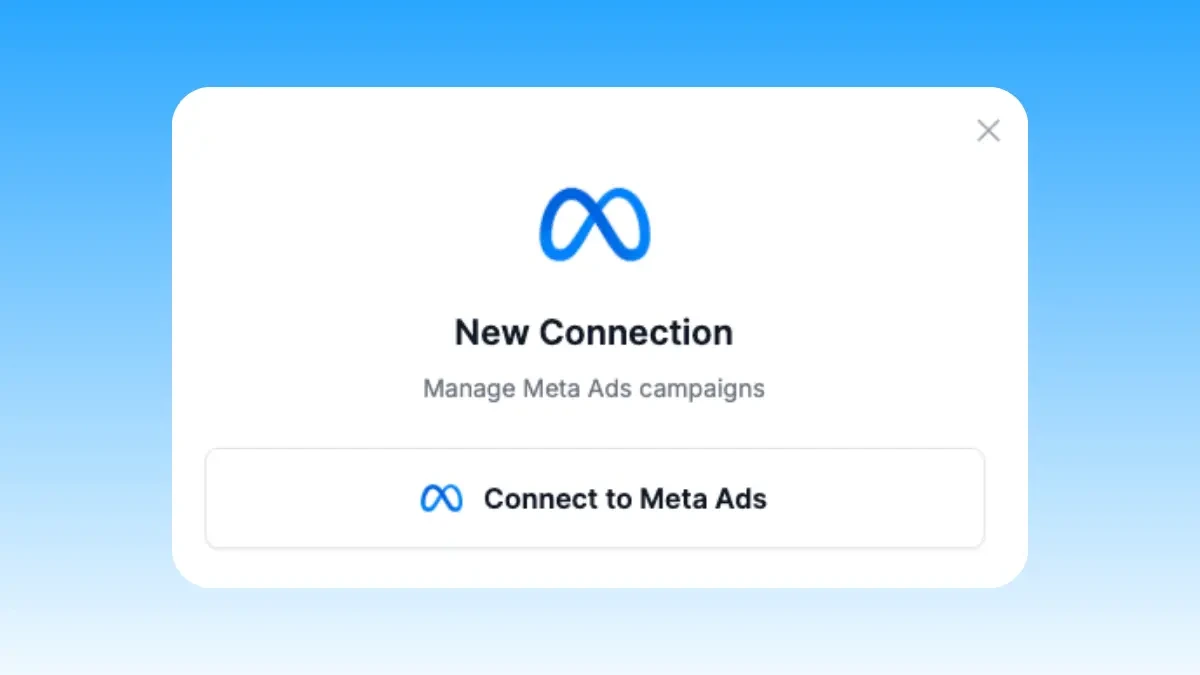
Your Meta permissions determine which accounts are available. If you manage several clients, use a recognizable connection name and specify the intended ad account in your requests.
The Meta Ads MCP page covers the available reporting and campaign-management capabilities.
3. Ask Codex for your first Meta Ads report
Click Try now on the Markifact plugin page, or open New chat and select @Markifact. You can ask for the report directly:
@Markifact, show campaign performance for my Meta Ads account [ACCOUNT NAME]
for the last 7 complete days.

Include spend, impressions, clicks, CTR, and purchases or leads
using our conversion event: [EVENT]. Include cost per result.
Sort campaigns by spend, highest first.

If more than one account matches, show me the accounts so I can choose.
Return a table and three observations. Do not make changes.

Replace the account name and conversion event before sending. For an ecommerce account, you may also want purchase value and ROAS. For a lead-generation account, use the lead event that matters to your business.
Check the account, dates, currency, and conversion definition in the response. Then continue in the same conversation: ask which campaign explains the largest change, request an ad-level breakdown, or turn the findings into a client update.
You do not need to know Markifact's operation names. Describe the report you want and let Codex use the plugin to retrieve it.
What you can do with Meta Ads in Codex
Once connected, use Codex for the same Meta Ads work you would request through Markifact in ChatGPT:
| Task | What to ask for |
|---|---|
| Campaign reporting | Spend, results, CPA, and ROAS where relevant, by campaign, ad set, or ad |
| Facebook versus Instagram | Compare delivery and results by platform or placement |
| Performance investigation | Find which campaigns or ads explain a change between two periods |
| Creative review | Compare ad performance and identify which creatives deserve a closer look |
| Campaign management | Prepare campaign, ad set, ad, or budget changes and review the details before execution |
| Client reporting | Summarize the account's results and next actions in plain language |
Start with a specific question. “Which campaigns explain this week's increase in CPA?” gives Codex a useful investigation to run.
Copy-paste prompts for Meta Ads in Codex
Compare this week with last week
@Markifact, compare Meta Ads performance for [ACCOUNT NAME]
over the last 7 complete days versus the previous 7 complete days.
Use [EVENT] as the conversion event.

Show spend, conversions, and CPA by campaign.
Identify the three campaigns that contributed most to the change in results.
Explain each finding with the supporting figures. Do not change anything.
Compare Facebook and Instagram
@Markifact, break down performance for [ACCOUNT NAME] by platform
for the last 14 complete days.

Compare Facebook and Instagram on spend, CPM, CTR, [EVENT] conversions,
and cost per conversion. Include purchase ROAS if available and relevant.
Show the figures before explaining the differences. Do not make changes.
Review ads that may be losing effectiveness
@Markifact, compare ad-level performance for [ACCOUNT NAME]
across the last four complete weeks.

Show weekly spend, frequency, CTR, and cost per [EVENT] where available.
Flag ads where frequency rose while CTR fell and cost per result increased.
Explain which ads need investigation and why. Do not pause or edit any ads.
These patterns can identify ads to investigate. They do not prove creative fatigue on their own; audience changes, delivery, and the offer can also affect results.
Prepare a budget change
@Markifact, check the current budget for [CAMPAIGN NAME] in [ACCOUNT NAME].
Show the campaign ID, currency, budget amount, and whether the budget
is daily or lifetime and controlled at campaign or ad-set level.

Prepare a change from [CURRENT AMOUNT] to [NEW AMOUNT].
Show the exact target and proposed change for my approval before applying it.
Review the target and amount before approving. A proposed budget change is not a completed update. After execution, ask Codex to retrieve the setting again and confirm the result.
Write a client update
@Markifact, use the campaign report we just reviewed to write a client update.
Keep it under 250 words with three sections: results, issues, and next actions.
Include the figures supporting each point and explain any missing data.
Do not make account changes.
For a more thorough account review, use the checks in the Facebook Ads audit guide.
If something does not work
Markifact is installed but Meta Ads is unavailable
Open Markifact and check that Meta Ads is connected in the workspace you authorized. Installing the plugin connects Codex to Markifact; your Meta Ads connection supplies access to the ad account.
Markifact already shows Connected
Click Try now or start a new chat and select @Markifact. You do not need another installation or a custom connector.
The wrong account appears
Ask Codex to list the available Meta Ads accounts by name and ID, then select the one you want. Use that account for the rest of the conversation.
The report is empty
Check the dates and whether the account delivered ads during that period. Try a wider date range and remove optional filters before assuming the connection failed.
A requested change fails
Check the Meta user's permissions and the exact object you are trying to change. Ask Codex to explain the returned error before retrying.
Frequently asked questions
Is the Markifact plugin in Codex the same one as in ChatGPT?
Yes. Codex and ChatGPT use the same public plugin catalog, including Markifact. If Markifact is already connected, start a chat and use it.
Do I need to configure an MCP server or use the terminal?
No. Install Markifact from Plugins and complete the connection if prompted. The Codex desktop setup in this guide does not require terminal commands, API keys, or an MCP URL.
Can Codex analyze both Facebook and Instagram ads?
Yes. Markifact retrieves reporting data from the connected Meta Ads account. Ask for a platform breakdown to compare Facebook and Instagram.
Can Codex manage campaigns and budgets?
Yes. Markifact supports reporting and campaign-management actions. Specify the account and requested change, review the proposal, and approve the action before it runs.
Do I need to create a coding project first?
No. For the conversation shown here, open New chat or use Try now on the Markifact plugin page and ask for the Meta Ads task you want.
If you prefer working in ChatGPT, the Meta Ads and ChatGPT guide shows that interface. The Markifact plugin is the same.