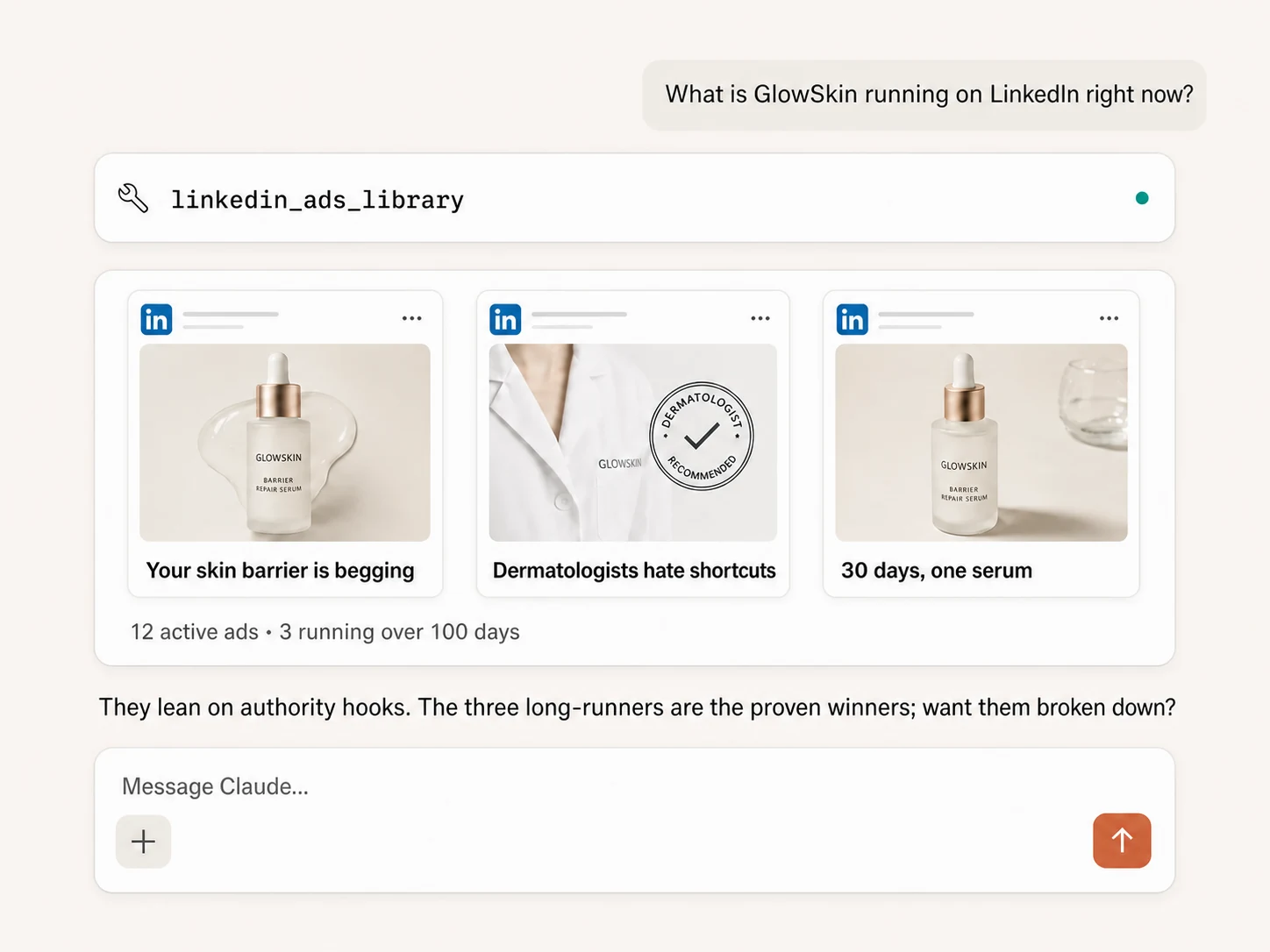
The LinkedIn Ads Library lets you see the ads competitors are running, but the useful work starts after the search: comparing hooks, offers, proof, formats, and calls to action without losing the source evidence. Connect the public library to Claude through Markifact and Claude can collect the ad records, normalize them into a consistent table, identify patterns, and turn those patterns into a creative brief. The scan is read-only, and the prompts below keep observed facts separate from AI interpretation.
What you can learn from the LinkedIn Ads Library
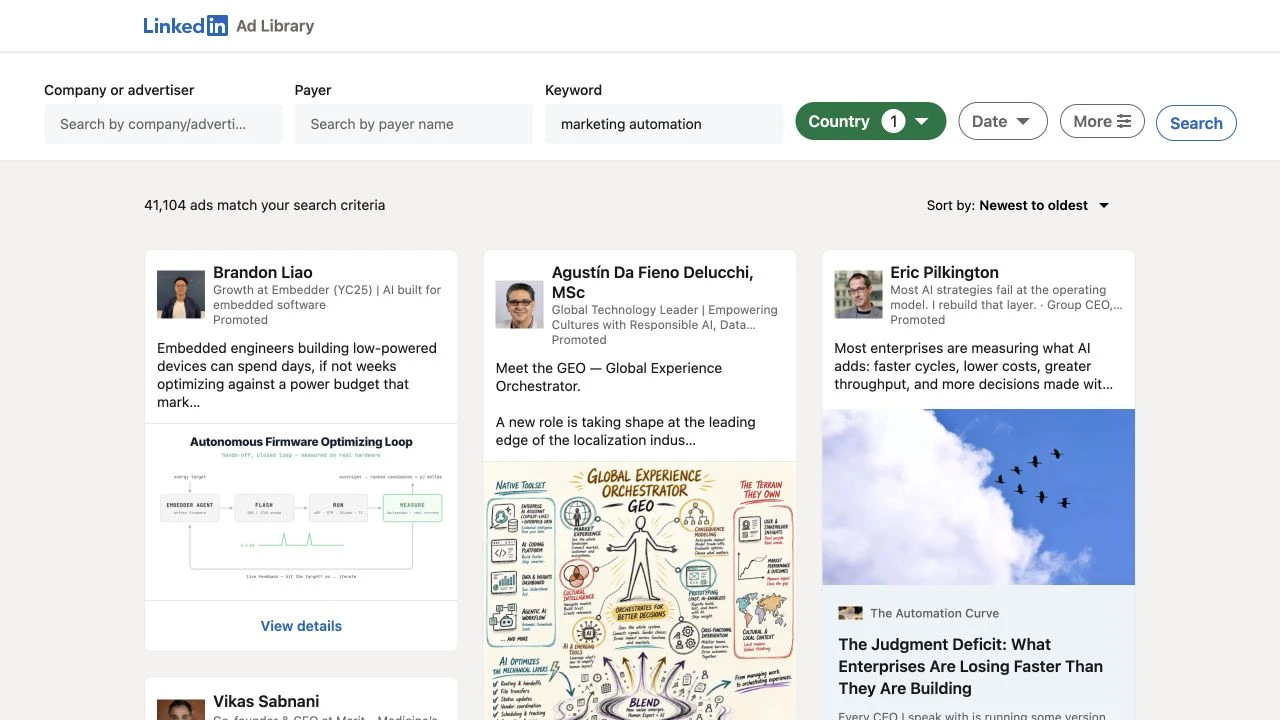
LinkedIn describes its Ad Library as a public, searchable database of ads run on LinkedIn. You can search by company or advertiser, payer, keyword, country, and date range. Results can include the ad preview, format, advertiser, payer, and restricted status.
LinkedIn says ads that appeared on or after June 1, 2023 can be searched and remain available for one year after their last impression. Certain ads targeted to the European Union may also show estimated impression ranges, country breakdowns, and targeting parameters. Those transparency fields are useful, but they are not the same as campaign performance data.
The library does not give you a competitor's ordinary CTR, leads, pipeline, CPA, revenue, or ROAS. An ad being visible, recent, repeated, or available for a long time does not prove it performed well.
Use the library to answer questions such as:
- Which problems do competitors lead with?
- Which benefits and proof points repeat across several ads?
- Do ads push a demo, guide, event, trial, or direct purchase?
- Which CTAs and formats dominate the sample?
- What audience cues appear in the language?
- Where is every competitor saying the same thing?
- Which credible angle is missing from the category?
That is competitor intelligence. It is not permission to copy creative, claims, or brand assets.
The Claude workflow
Markifact's LinkedIn Ads Library MCP exposes a read-only linkedin_ads_library operation to Claude. You can give it either:
- manual filters, such as advertiser, keyword, country, date range, and result limit; or
- a full LinkedIn Ads Library URL with the filters you already set in the browser.
The operation returns structured ad fields rather than forcing Claude to interpret dozens of browser tabs. In a live test, the returned records included advertiser name, ad type, headline, body text, image, CTA, LinkedIn detail link, and ad ID.
If Claude is not connected yet, start with the LinkedIn Ads to Claude setup guide. The broader LinkedIn Ads MCP covers Campaign Manager reporting and management; this article stays focused on public Ads Library research.
A critical matching rule
An advertiser-name search is not always an exact-company filter. It can return promoted employee posts, related promoters, or advertisers with similar names.
Every serious analysis should therefore:
- preserve the advertiser name returned by LinkedIn;
- label exact and non-exact matches;
- exclude non-exact matches from strict brand comparisons by default; and
- keep the LinkedIn detail URL and ad ID beside every observation.
This prevents a polished Claude summary from mixing unrelated ads into the competitor's strategy.
Before you prompt Claude
Write a small research brief first:
| Decision | Example |
|---|---|
| Research question | Which proof-led messages are B2B CRM competitors using? |
| Competitors | HubSpot, Salesforce, Pipedrive |
| Market | United States |
| Period | Last three months |
| Sample | Up to 25 ads per advertiser |
| Exclusions | Non-exact advertiser matches, job ads, irrelevant promoted posts |
| Output | Evidence table, pattern summary, differentiated creative brief |
Keep the country and date range consistent when comparing companies. A category keyword search is useful for discovery, but an advertiser-by-advertiser sample is better for a controlled comparison.
The prompts below are designed to be copied in sequence. Replace the bracketed values and keep each response in the same Claude conversation so the evidence table remains available.
15 copy-paste prompts for spying on competitor LinkedIn ads with Claude
1. Confirm the operation and research boundary
Use Markifact to find the read-only LinkedIn Ads Library operation.
Show me its current input fields before running it.

This is public competitor research only. Do not access or change any
LinkedIn Ads account, campaign, ad set, ad, budget, audience, or creative.
Do not invent fields that are not returned by the library.
This prompt makes Claude inspect the current operation instead of relying on a remembered schema.
2. Search one competitor by advertiser name
Run linkedin_ads_library in manual mode for advertiser [COMPETITOR].
Use country [COUNTRY_CODE], date range [DATE_RANGE], and limit [LIMIT].

Return the raw ad records first. Keep the advertiser name, ad ID,
ad type, headline, body text, CTA, image URL, and LinkedIn detail URL.
Do not analyze them yet.
Start with one competitor so you can inspect match quality before scaling the research.
3. Remove non-exact advertiser matches
Review the returned advertiser names for [COMPETITOR].

Classify each record as:
- exact company match
- promoted employee or representative of the company
- related company
- similar-name or unrelated advertiser
- uncertain

Keep every record in an audit table, but exclude non-exact and uncertain
matches from the main competitor analysis unless I approve them.
Explain each exclusion in one short sentence.
This is one of the most important prompts in the workflow.
4. Search by category keyword
Run linkedin_ads_library for the keyword [KEYWORD OR PHRASE].
Use country [COUNTRY_CODE], date range [DATE_RANGE], and limit [LIMIT].

Return a discovery table with advertiser, ad ID, ad type, opening hook,
offer, CTA, and detail URL. Group clearly related advertisers, but do not
merge records from different companies.
Keyword searches reveal adjacent competitors and category language that a company list can miss.
5. Reuse a filtered LinkedIn Ads Library URL
Use this complete LinkedIn Ads Library URL as the source:
[PASTE FILTERED LINKEDIN AD LIBRARY URL]

Run the library operation in URL mode. Restate the filters you can verify
from the URL, retrieve the ads, and flag any filter you cannot verify.
Do not silently replace my filters.
URL mode is useful when a strategist sets the filters manually and wants Claude to continue the analysis.
6. Build a normalized evidence table
Normalize the approved records into one table with these columns:
advertiser, ad ID, ad type, headline, opening hook, core promise,
proof point, offer, CTA, audience cue, image URL, and detail URL.

For each analytical column, quote or closely paraphrase the source text
and label the value "not shown" when the evidence is absent.
Do not infer performance.
Normalization makes cross-brand comparisons much more reliable.
7. Compare three competitors fairly
Repeat the same search settings for:
[COMPETITOR 1]
[COMPETITOR 2]
[COMPETITOR 3]

Use the same country, date range, and result limit for each.
Apply the exact-match rules already agreed in this conversation.

Then compare sample size, format mix, CTA mix, offer mix, and recurring
message themes. Show counts and percentages beside the source ad IDs.
Keep the filter settings identical so differences are not created by the sampling method.
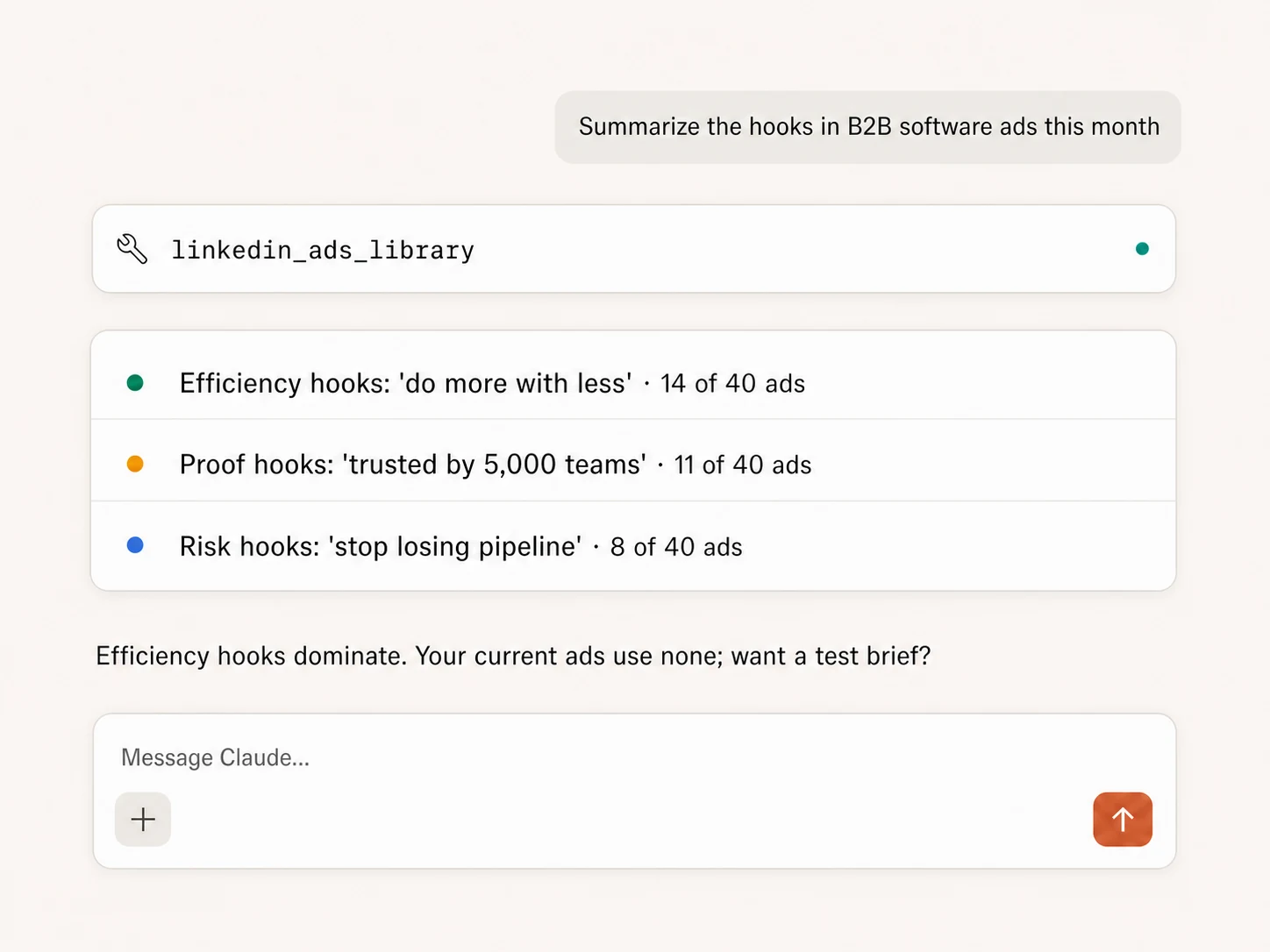
8. Classify the hooks
Classify every approved ad's opening hook into one primary category:
pain, outcome, speed, cost, risk, proof, authority, curiosity,
contrarian claim, product announcement, event, or other.

Return:
1. the count by category
2. two representative source examples per major category
3. the ad IDs behind each example
4. uncertain classifications in a separate section
The ad IDs let a reviewer check Claude's taxonomy against the source.
9. Analyze offers without confusing them with benefits
Separate the offer from the product benefit in every approved ad.

Offer examples include a demo, trial, guide, webinar, discount,
assessment, consultation, or downloadable resource.
A benefit is the outcome or value proposition.

Count each offer type by advertiser. Label "no explicit offer" when none
is shown. Do not turn a generic benefit into an invented offer.
This distinction reveals whether competitors are selling the product directly or using content and events to create demand.
10. Compare proof and claims
Extract every proof point and material claim from the approved ads.
Classify each as customer proof, numeric result, credential, security or
compliance claim, product capability, comparison, or unsupported assertion.

Preserve the source wording and ad ID.
Do not verify a claim unless a source is provided; instead label it
"claim made in ad" and suggest what evidence our team would need.
Never copy a competitor's claim into your own creative without substantiation.
11. Analyze CTAs and ad formats
Create two summaries from the approved records:

1. CTA count and share by advertiser
2. ad-format count and share by advertiser

Then explain which combinations repeat, such as image + demo or video +
webinar. Separate observed counts from hypotheses about why they are used.
Do not claim that the most common combination performs best.
Frequency reveals strategy emphasis, not winning performance.
12. Infer likely audience cues carefully
Identify explicit audience cues in the ad copy, such as job function,
seniority, industry, company size, problem, or workflow.

Create two columns:
- explicit cue from the ad
- cautious audience hypothesis

Label every hypothesis as an inference. Do not present inferred targeting
as LinkedIn campaign targeting unless the library explicitly shows it.
LinkedIn documents additional targeting transparency for certain EU ads, but ordinary ad copy is not a substitute for the advertiser's targeting settings.
13. Find message saturation and whitespace
Using only the approved evidence table, identify:
- messages used by most competitors
- messages unique to one advertiser
- proof types that are overused
- credible customer problems that no sampled ad addresses

For every whitespace opportunity, cite the ads or absence pattern behind
the conclusion. Separate evidence, interpretation, and proposed test.
Do not recommend copying a competitor's wording or design.
The strongest output is often a differentiated angle, not another version of the most common ad.
14. Turn the findings into a creative brief
Create a LinkedIn creative brief for [OUR PRODUCT] using the approved
competitor evidence.

Include:
- audience and problem
- category convention to match
- saturated angle to avoid
- differentiated proposition
- three substantiated proof options
- three hook territories
- recommended offer and CTA
- image or video concept for each hook
- claims that require legal or customer-evidence review

For each recommendation, cite the competitor pattern that motivated it.
Do not reuse competitor copy, visuals, trademarks, or unsupported claims.
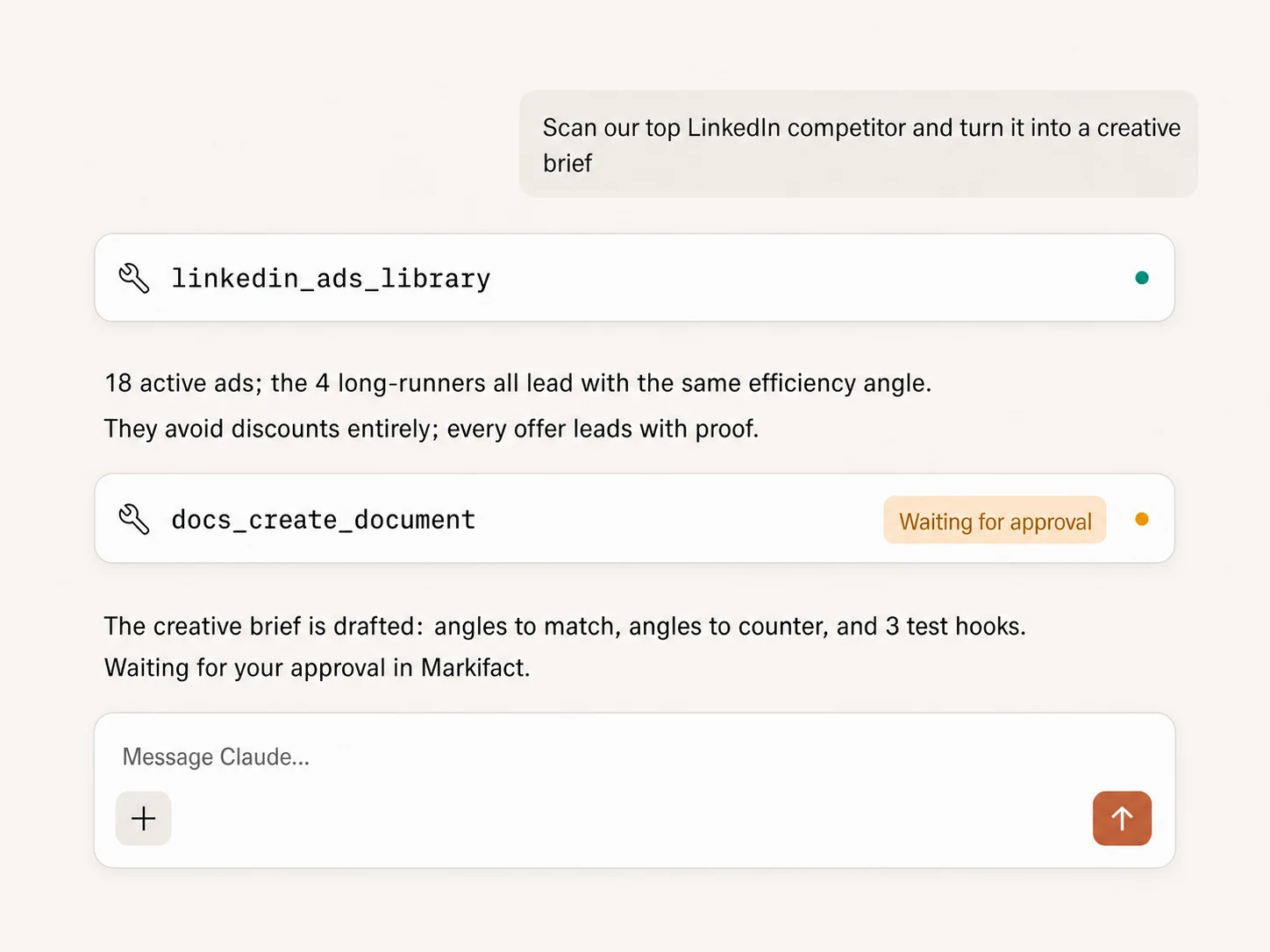
15. Prepare a test backlog and approval-gated deliverable
Turn the brief into a six-test backlog.

For each test include hypothesis, control, single changed variable,
creative requirement, CTA, landing page, success metric, and stop rule.
Prioritize the tests by evidence strength and production effort.

Then prepare a Google Doc outline containing:
1. research method
2. included and excluded ads
3. evidence tables
4. findings
5. creative brief
6. test backlog

Show me the proposed document title and outline first. Do not create or
update any document until I explicitly approve the write.
The library research itself is read-only. A downstream document write is a separate action and should wait for review.
How to read Claude's output
Keep three layers visibly separate:
| Layer | What belongs there |
|---|---|
| Evidence | Returned advertiser name, ad ID, copy, headline, CTA, format, image and detail URL |
| Interpretation | Hook category, audience hypothesis, offer classification and message theme |
| Recommendation | New proposition, creative concept, offer, CTA and test plan |
If Claude cannot point from a recommendation back to evidence, ask it to revise the work. If the evidence does not contain a field, the answer should say “not shown,” not fill the gap with a plausible guess.
Also audit the sample itself:
- Were all companies searched with the same filters?
- Were non-exact advertiser matches removed?
- Were duplicated or closely related variants handled consistently?
- Can every example be reopened through its detail URL?
- Are impression or targeting disclosures limited to ads where LinkedIn actually shows them?
- Are performance claims absent unless you provided first-party campaign data?
What not to do
Do not use the LinkedIn Ads Library to:
- copy a competitor's creative or trademarked assets;
- repeat claims your business cannot substantiate;
- treat ad availability as proof of profitability;
- infer a complete media plan from a small sample;
- present Claude's audience hypothesis as confirmed targeting;
- mix countries and periods while calling the comparison controlled; or
- ask Claude to publish a campaign just because it produced a plausible brief.
The useful outcome is a better hypothesis backlog: what to say, what evidence to add, what convention to challenge, and what variable to test next.
The practical takeaway
The LinkedIn Ads Library gives you public evidence. Claude gives you a fast way to structure and interrogate that evidence. Markifact connects the two through a read-only operation that preserves the source ad records.
Use a controlled sample, verify advertiser matches, keep ad IDs beside every conclusion, and separate what the ads show from what Claude thinks they mean. That turns “spying on competitors” from a swipe-file habit into a repeatable research workflow.
Frequently asked questions
Is the LinkedIn Ads Library public?
Yes. LinkedIn describes it as a public, searchable database of ads run on LinkedIn. You can search without accessing a competitor's Campaign Manager account.
Can Claude see a competitor's LinkedIn Ads performance?
Not from the public library alone. The library does not expose ordinary CTR, leads, pipeline, CPA, revenue, or ROAS. Claude can analyze public creative and transparency fields, but it should not invent performance.
Can I search the LinkedIn Ads Library by company?
Yes, but an advertiser-name query can return related promoters or similar names. Preserve the returned advertiser name and review exact matches before comparing companies.
Does Markifact change anything when it searches the library?
No. linkedin_ads_library is a read-only research operation. Creating a document or changing a LinkedIn Ads account is a separate operation and should be reviewed before approval.
How far back does the LinkedIn Ads Library go?
LinkedIn says ads that appeared on or after June 1, 2023 can be searched and remain in the library for one year after their last impression.